This article explains how to access Adyen sales reports.
All Adyen sales reports are visible in MyTrivec.
Accessing Adyen sales reports
- Navigate to https://mytrivec.com/login.
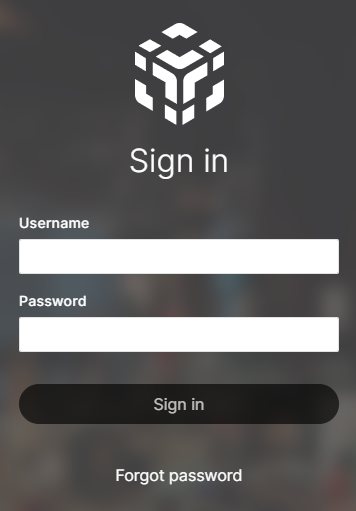
- Enter your email address as Username and your Password and select Sign in:
- If you are not registered on MyTrivec, follow the Creating an account at MyTrivec guide.
- On the left-side menu, select Trivec Pay and Payments:
- Select the Calendar symbol and select the date to filter sales reports by selected date:
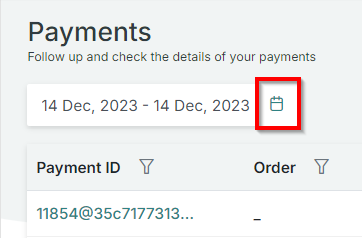
- Use the filtering fields to filter to transaction by time, amount or other info:
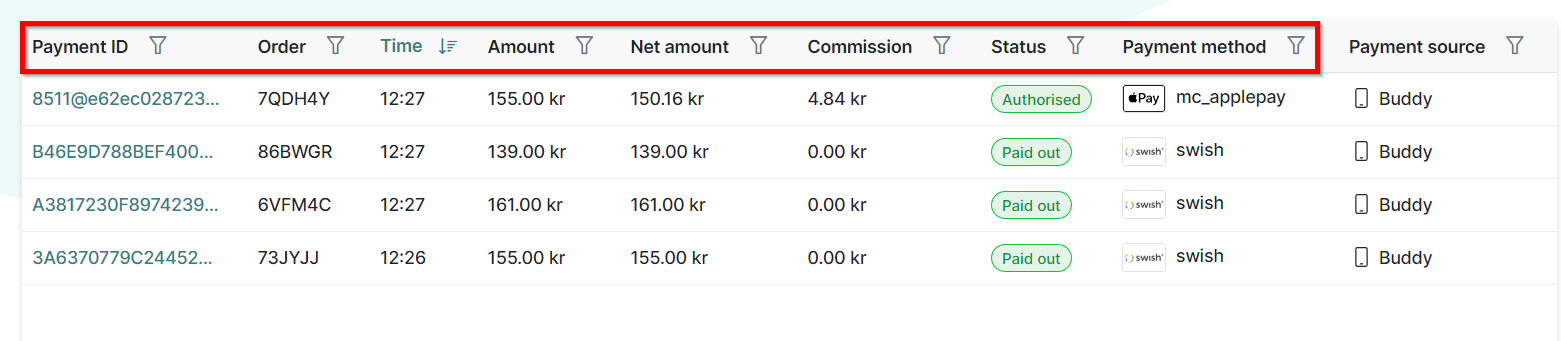
- Buddy and HandyPay transactions are filtered by Payment source:
- To export the report to Excel format, select To XLSX in the upper right corner:
- Select a transaction to display transaction info:
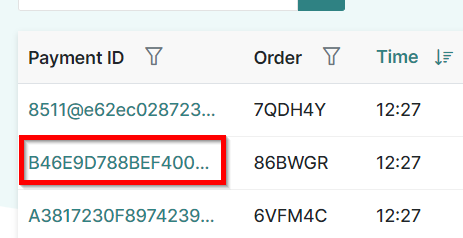
- Transaction info window will be displayed
What's next?
To perform a refund, check out Customer refunds with Adyen
Was this article helpful?
That’s Great!
Thank you for your feedback
Sorry! We couldn't be helpful
Thank you for your feedback
Feedback sent
We appreciate your effort and will try to fix the article