This guide explains how to register yourself on MyTrivec.
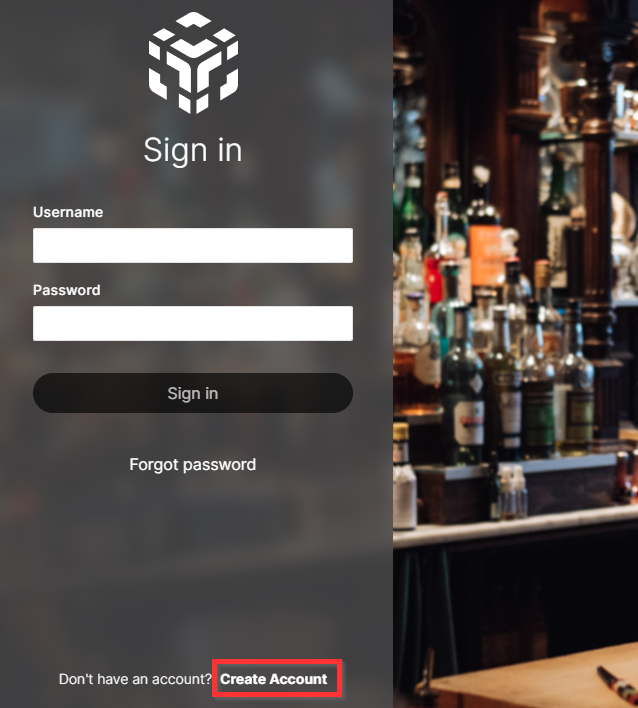
- Navigate to MyTrivec.
- Select Create account in the lower left corner:
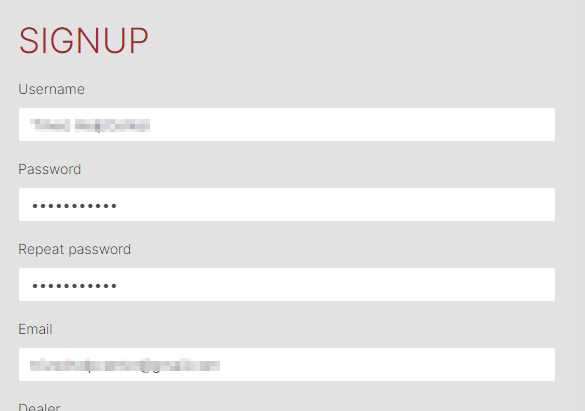
- Enter your Username, Password and Email:
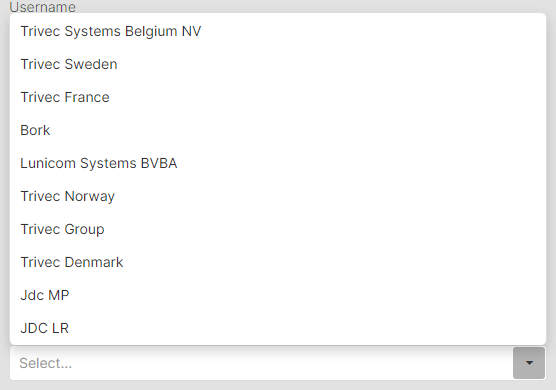
- Select Dealer and select your POS provider from the list:
- Select Create account.
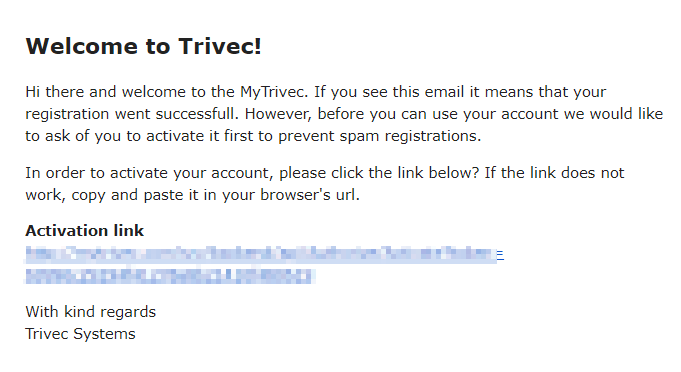
- An email will be sent to you with the activation link. Open the e-mail and select the activation link:
- After activating your account, please contact Trivec Support for your account to be assigned to your company.
Was this article helpful?
That’s Great!
Thank you for your feedback
Sorry! We couldn't be helpful
Thank you for your feedback
Feedback sent
We appreciate your effort and will try to fix the article