This guide explains how to update the software version on a Westpay terminal.
If you are unsure which terminal you have, check out the WestPay terminals article.
Navigate the System Settings menu
- Enter the System settings menu on the device. For help on how to do that, check out Accessing the System settings menu on Westpay terminal.
|
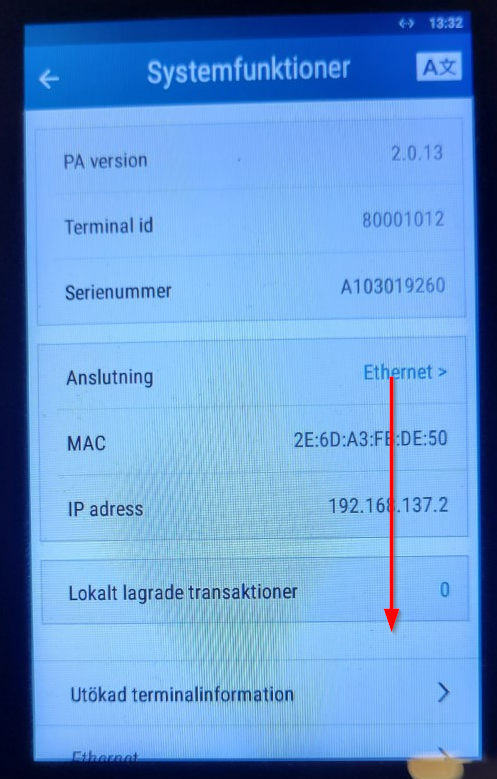 |
|
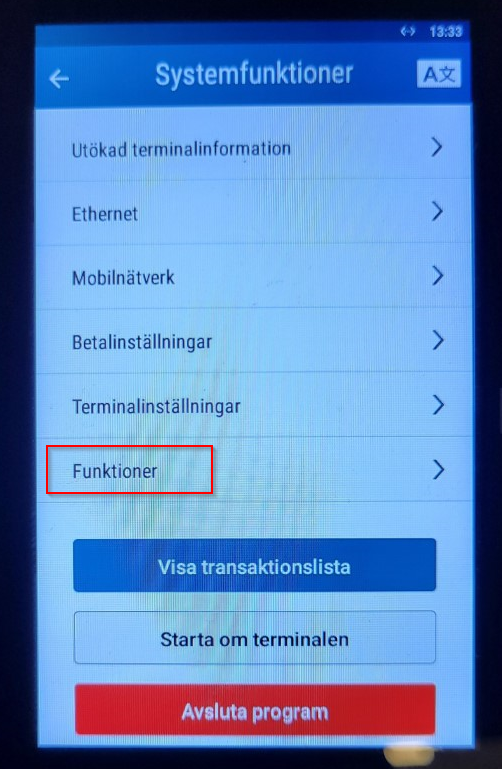 |
| Select Starta ApplicationUpdater: | 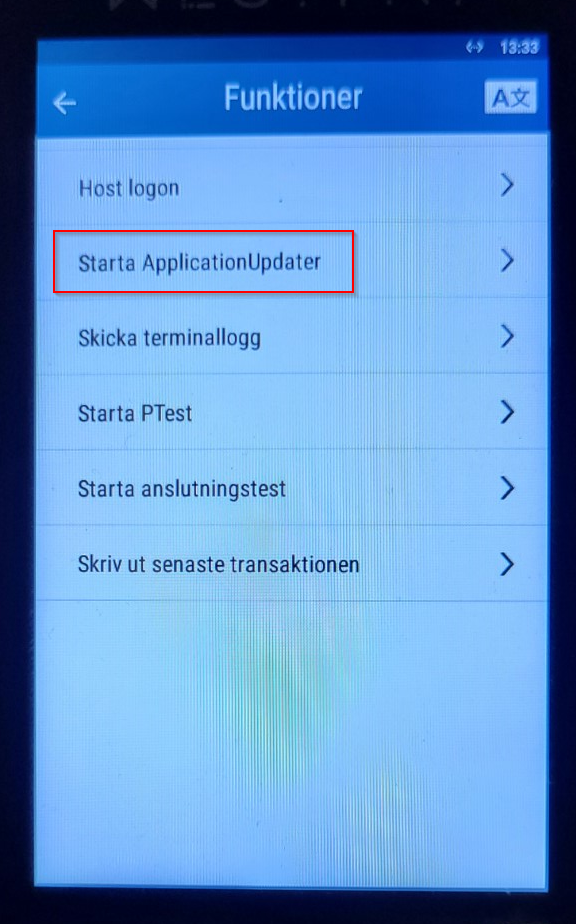 |
| Enter the daily code, provided by the Trivec (or Westpay) support: | 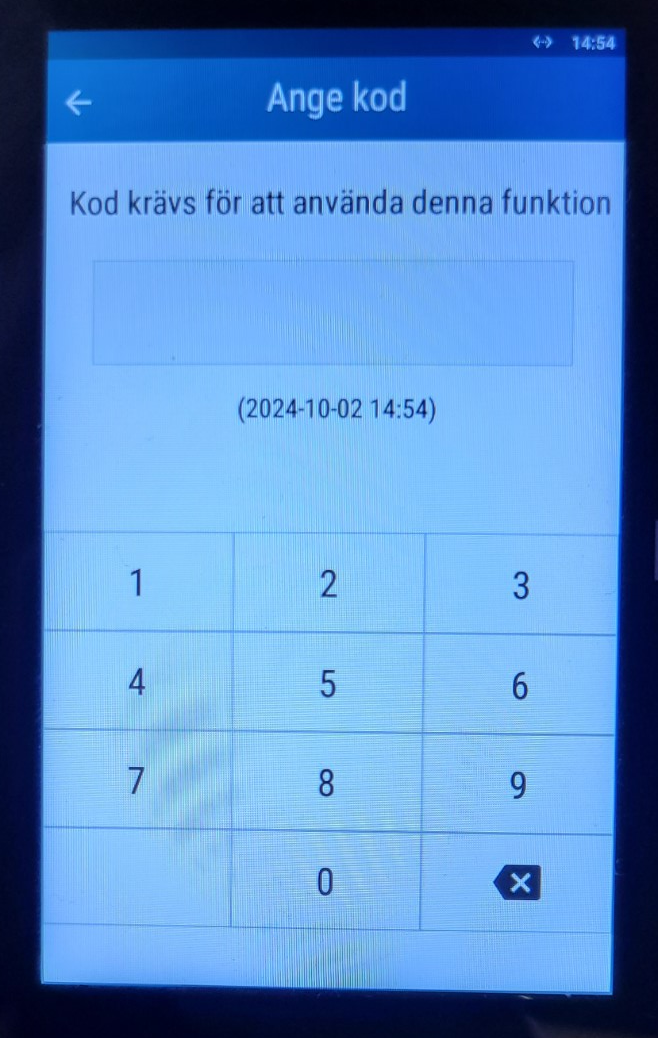 |
| If the device hangs att this point, the device is unable to reach the Westpay servers and firewall rules need to be configured, please contact Trivec Support: | 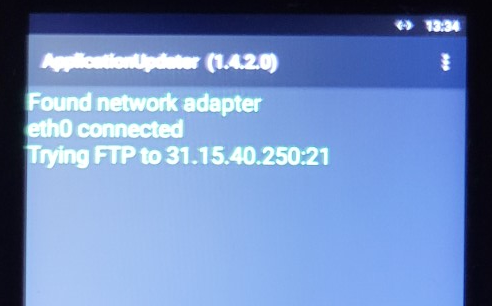 |
| If the following screen appears, the update is in process. Wait until the process is complete, it will take a couple of minutes. | 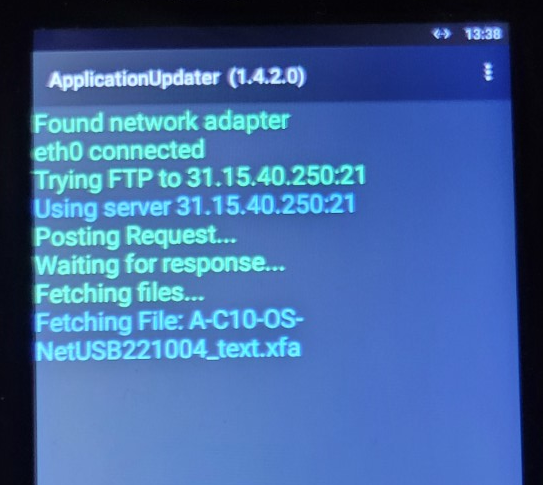 |
Was this article helpful?
That’s Great!
Thank you for your feedback
Sorry! We couldn't be helpful
Thank you for your feedback
Feedback sent
We appreciate your effort and will try to fix the article