This article demonstrates a basic scenario of a single Bar Display Screen (BDS) device.
Info
This workflow scenario could be used in a bar where there is just one PrepGroup configured, Bar.
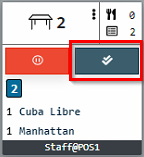
- PrepTicket in this scenario looks like this:
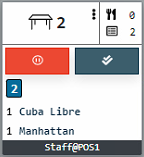
- Following info is displayed:
- Table number
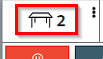
-
- Number of covers (if used, for more info, check out Working with Covers)

-
- Number of products

-
- Order number

-
- Products
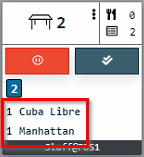
-
- User and POS device name
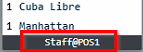
- Complete ticket button:
Workflow
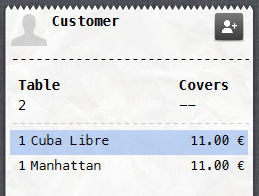
- The following is ordered in Domino on POS device:
- 1 Cuba Libre
- 1 Manhattan
- PrepTicket appears on the screen:
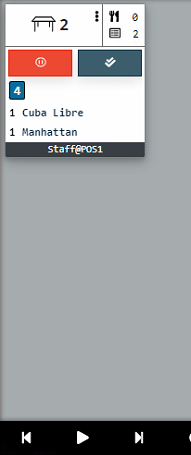
- Staff prepares the order and selects the Complete (doubletick) button on the screen:
- PrepTicket moves to History.
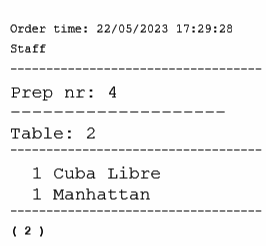
- (Optional) If Print is enabled, ticket is printed on a paper printer:
- To review History, user selects the History text in the lower right part of the screen:
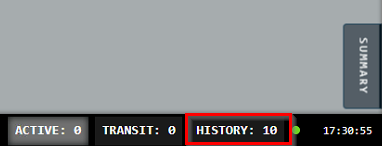
- In History view, all closed tickets are displayed:
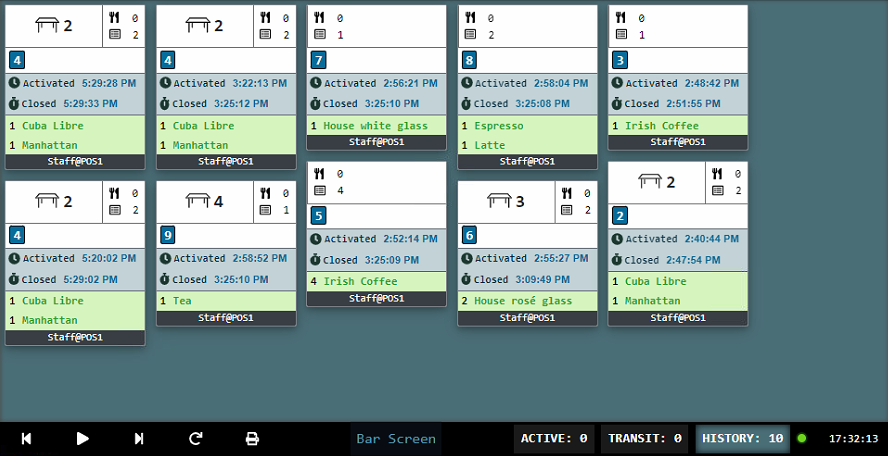
- To get an overview of all active orders, user selects the Summary symbol on the lower right part of the screen:
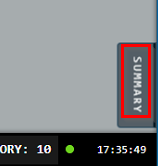
- Summary displays a products summarized into categories:
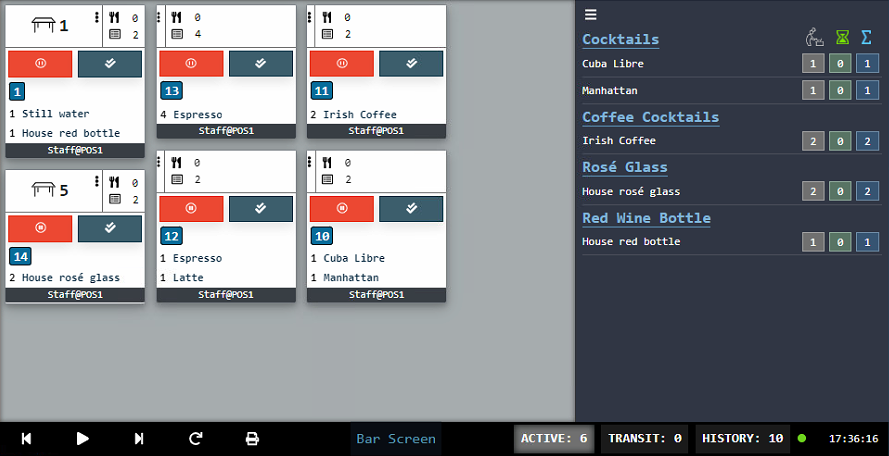
Was this article helpful?
That’s Great!
Thank you for your feedback
Sorry! We couldn't be helpful
Thank you for your feedback
Feedback sent
We appreciate your effort and will try to fix the article