This article explains how Send&Print and Send&Bill functionality is used on a Handy device.
About Send&Print and Send&Bill
This feature lets staff, after selecting a table and adding products, perform one of two actions with a single tap:
a) Print a pro-forma receipt,
or
b) Bill the table.
It simplifies the workflow by removing the need to reselect the table after sending the order—whether to print the pro-forma or finalize the bill.
Using Send&Print
- Select a table and select the products to be added to the table:
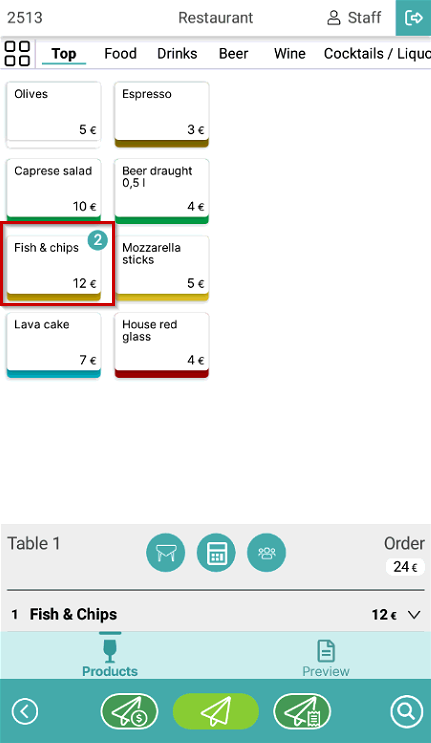
- Select the Send&Print symbol to send the order and print the pro-forma ticket:
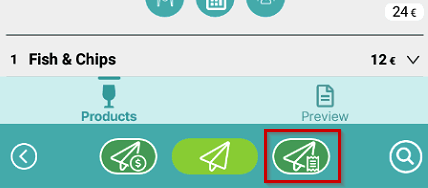
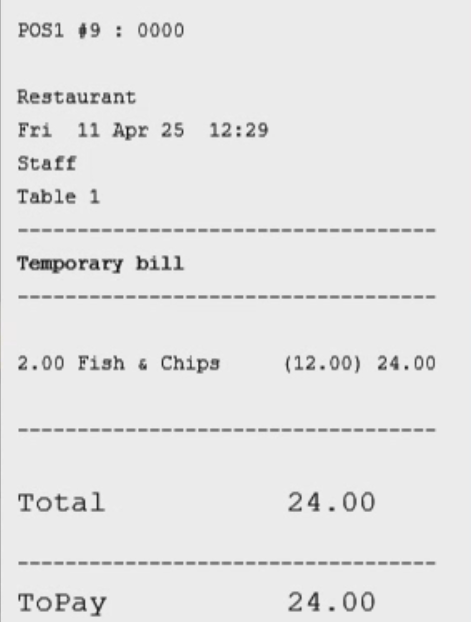
- Order is sent and the pro-forma receipt is printed:
Using Send&Bill
- Select a table and select the products to be added to the table:
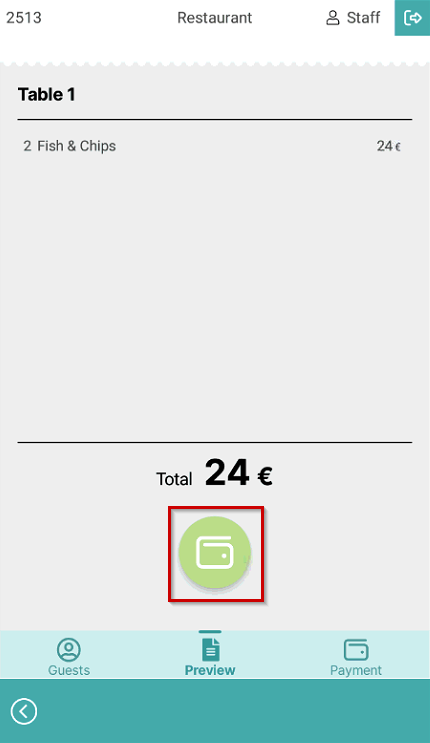
- Select the Send&Bill symbol to send the order and open the payment page:
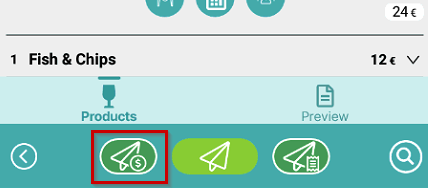
- Order is sent and order review page is displayed, where you can select the Payment symbol to finalize the payment:
Was this article helpful?
That’s Great!
Thank you for your feedback
Sorry! We couldn't be helpful
Thank you for your feedback
Feedback sent
We appreciate your effort and will try to fix the article