This guide explains define covers for tables.
Covers represent a number of guests on a table, meaning one guest equals equals one cover.
Defining covers for tables
- Select a table to place the order on (for info on how to select a table to place orders, check out Placing an order).
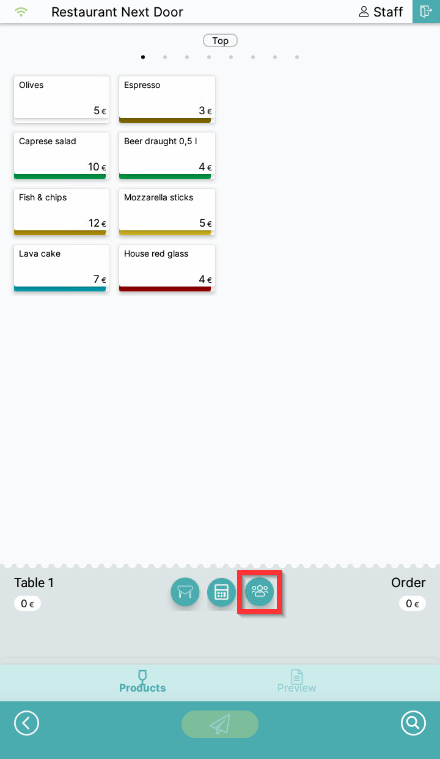
- Select the Covers symbol:
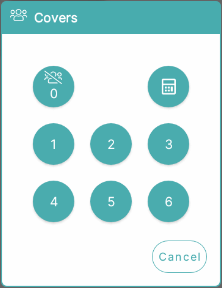
- Select or enter the number of covers on a table:
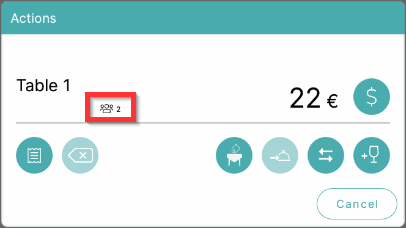
- Number of covers is now visible on the table info screen:
Was this article helpful?
That’s Great!
Thank you for your feedback
Sorry! We couldn't be helpful
Thank you for your feedback
Feedback sent
We appreciate your effort and will try to fix the article