This article explains how to use the ODP-333 thermal printer.
Getting started
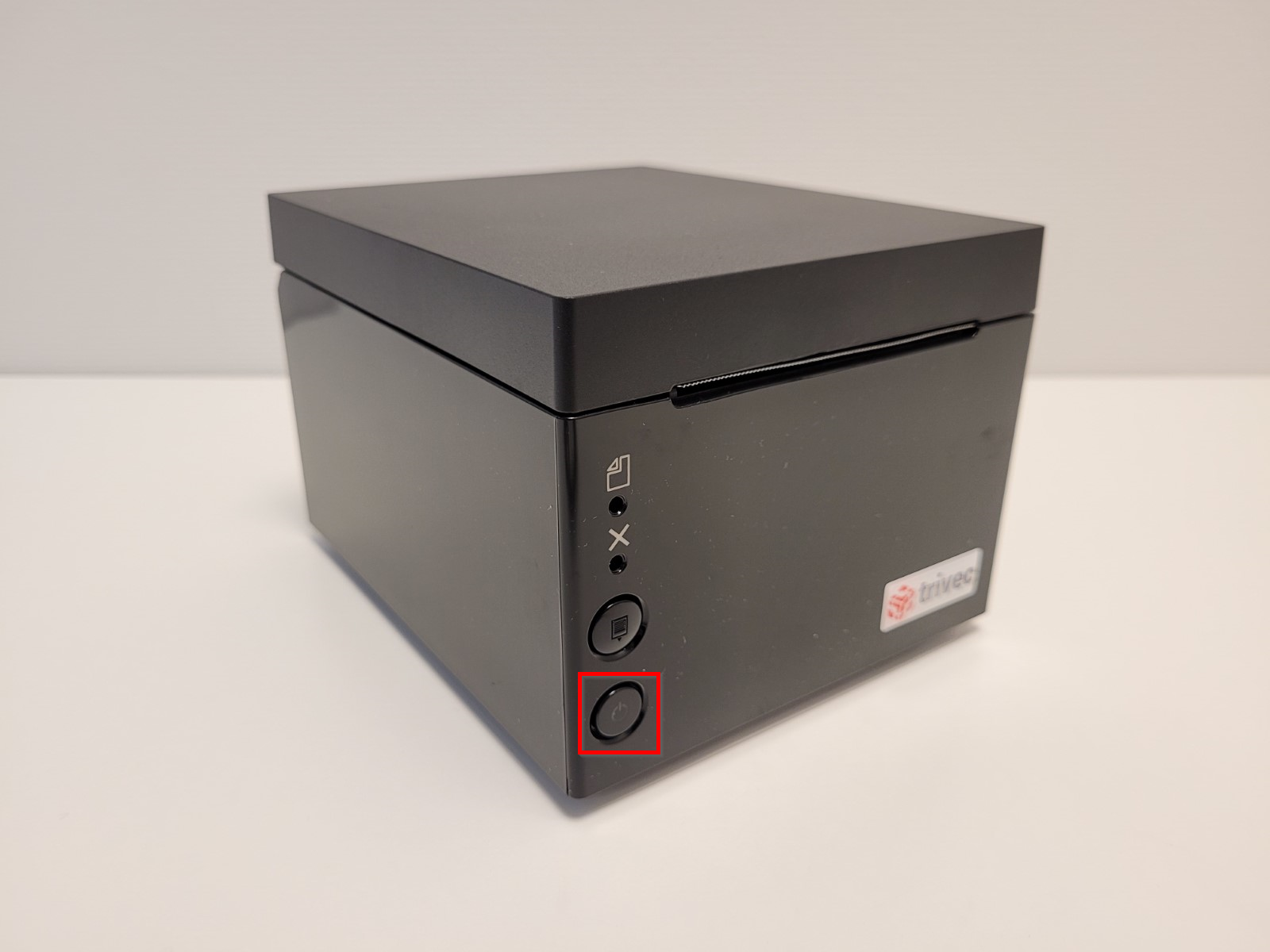
Turning the printer on/off
- To turn the printer on/off, press the power switch:
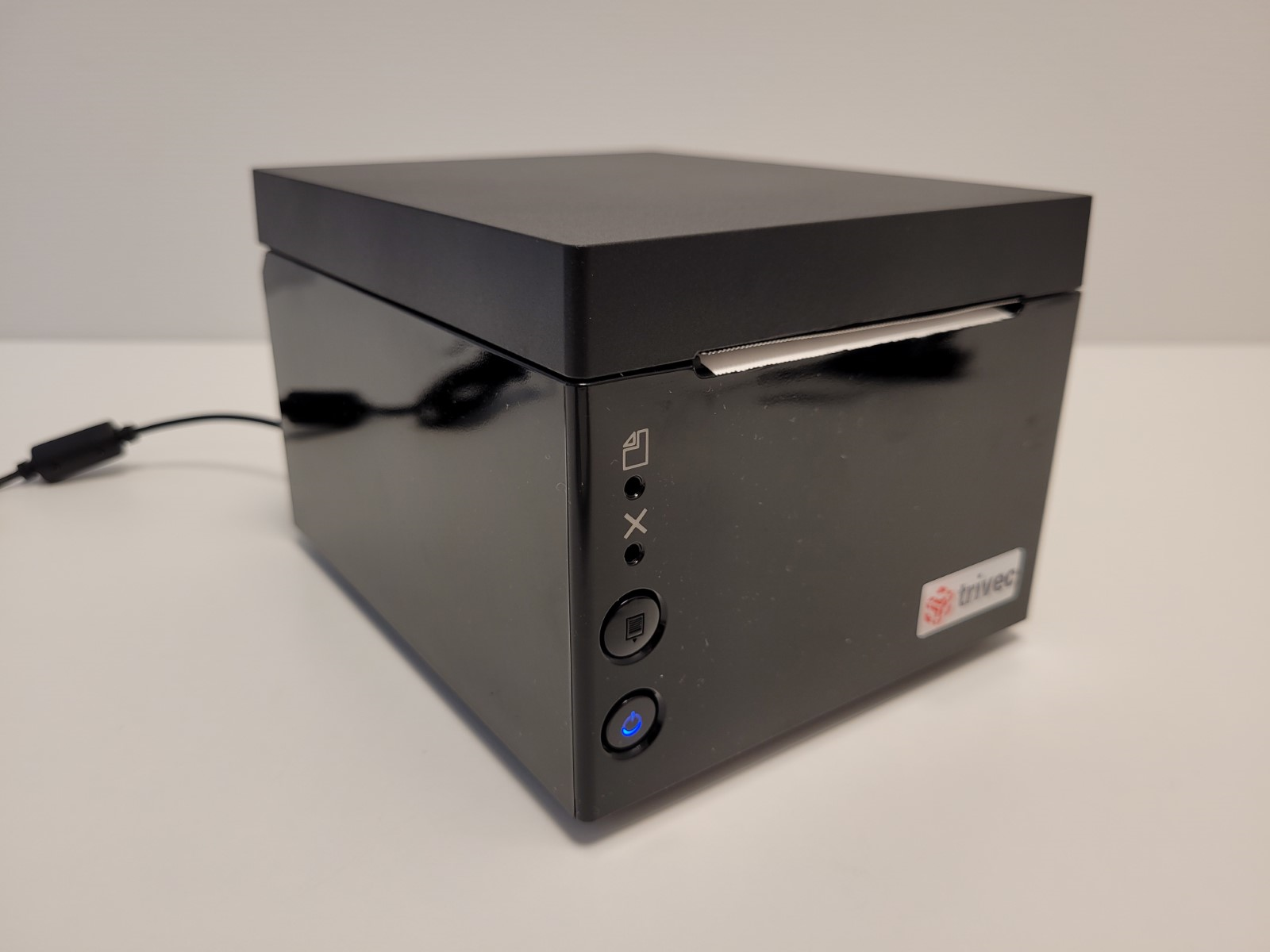
- When the printer is on, the power button blue LED will be on as well:
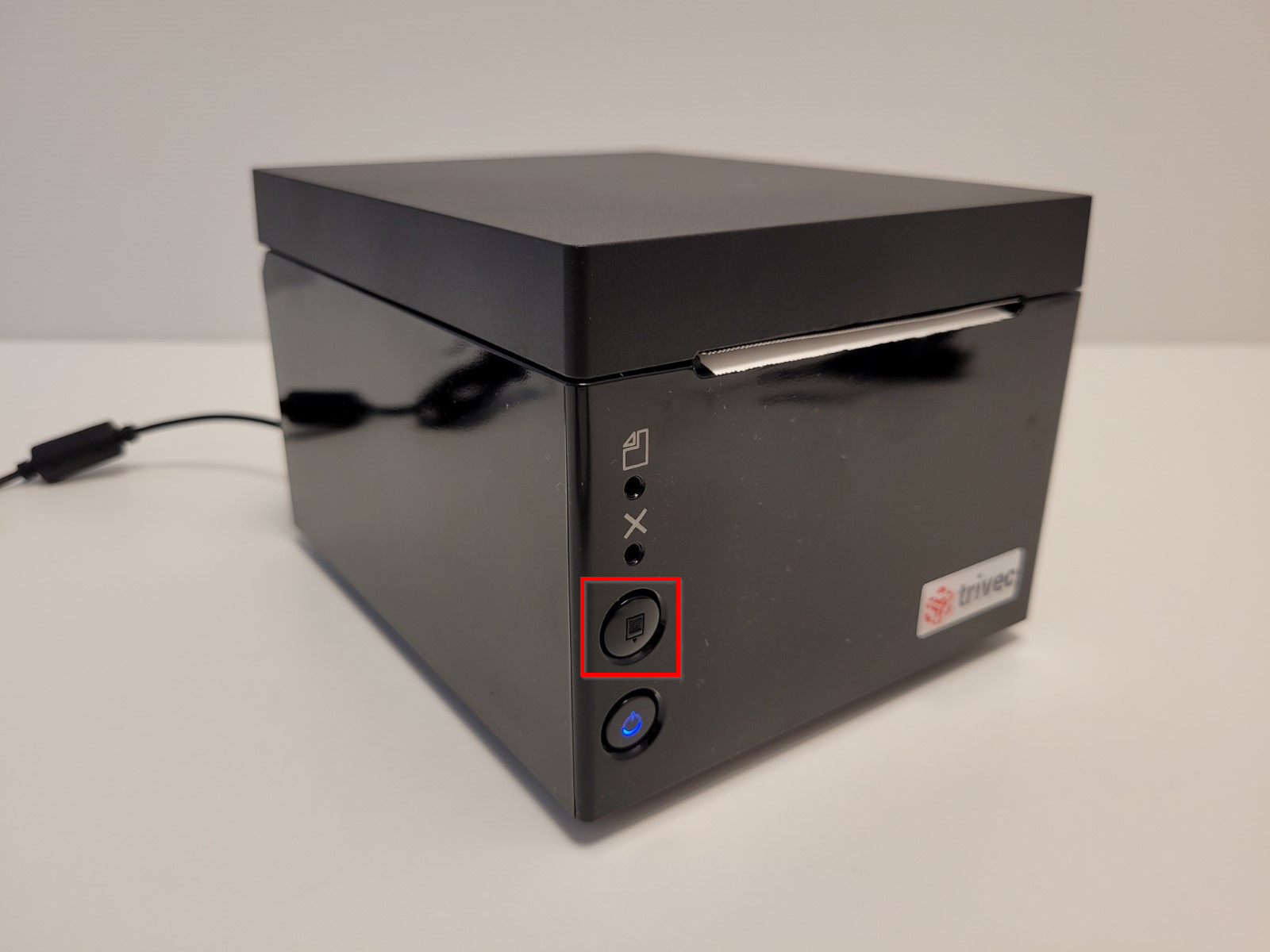
Feeding the paper
- To feed the paper, press and hold the Feed button:
Paper type
ODP-333 uses a thermal printer paper. Paper width is 80 mm. NOTE: Paper type is not the same as the one used for impact (kitchen) printers, such as BTP-M300.
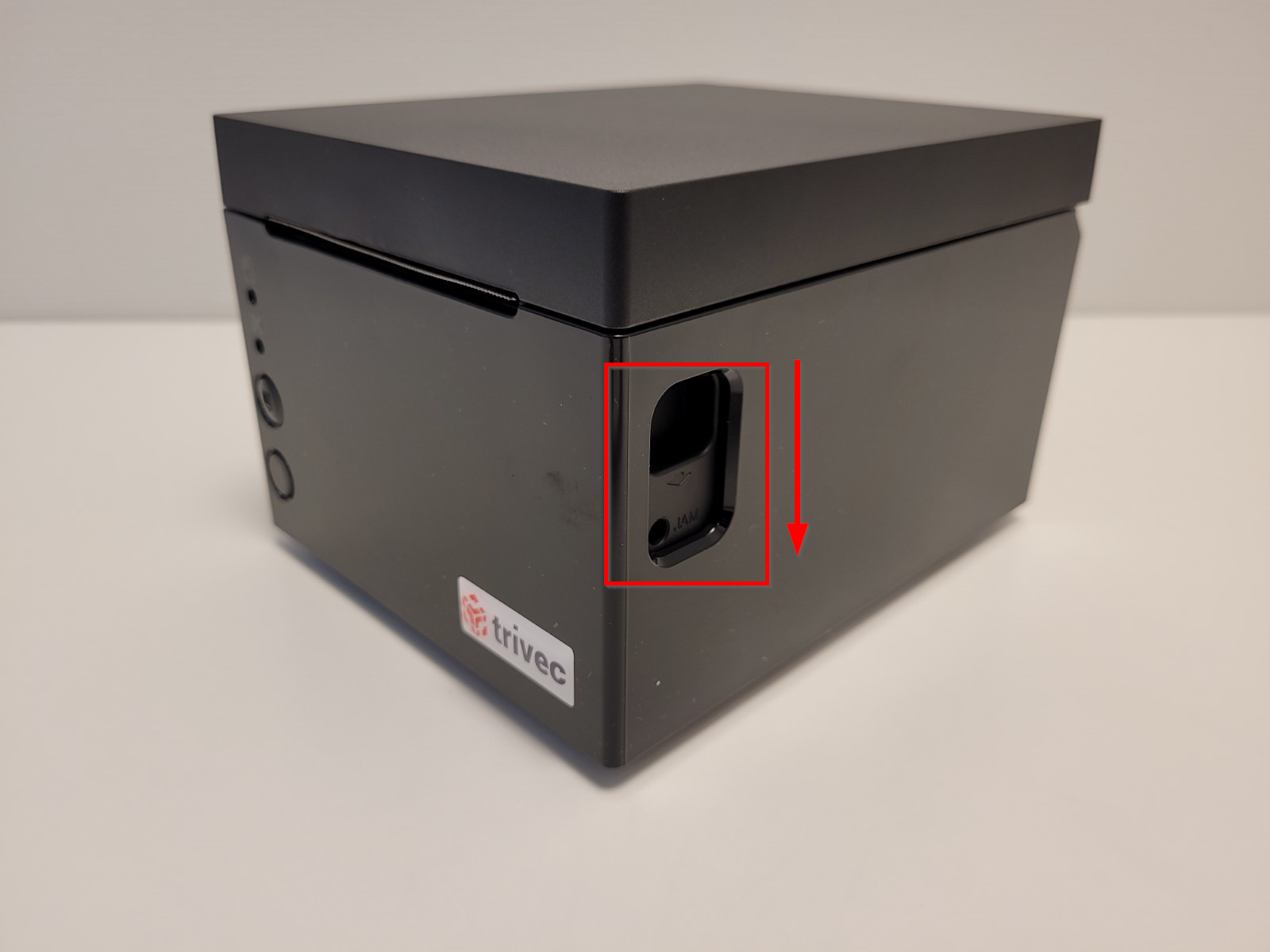
Replacing the paper
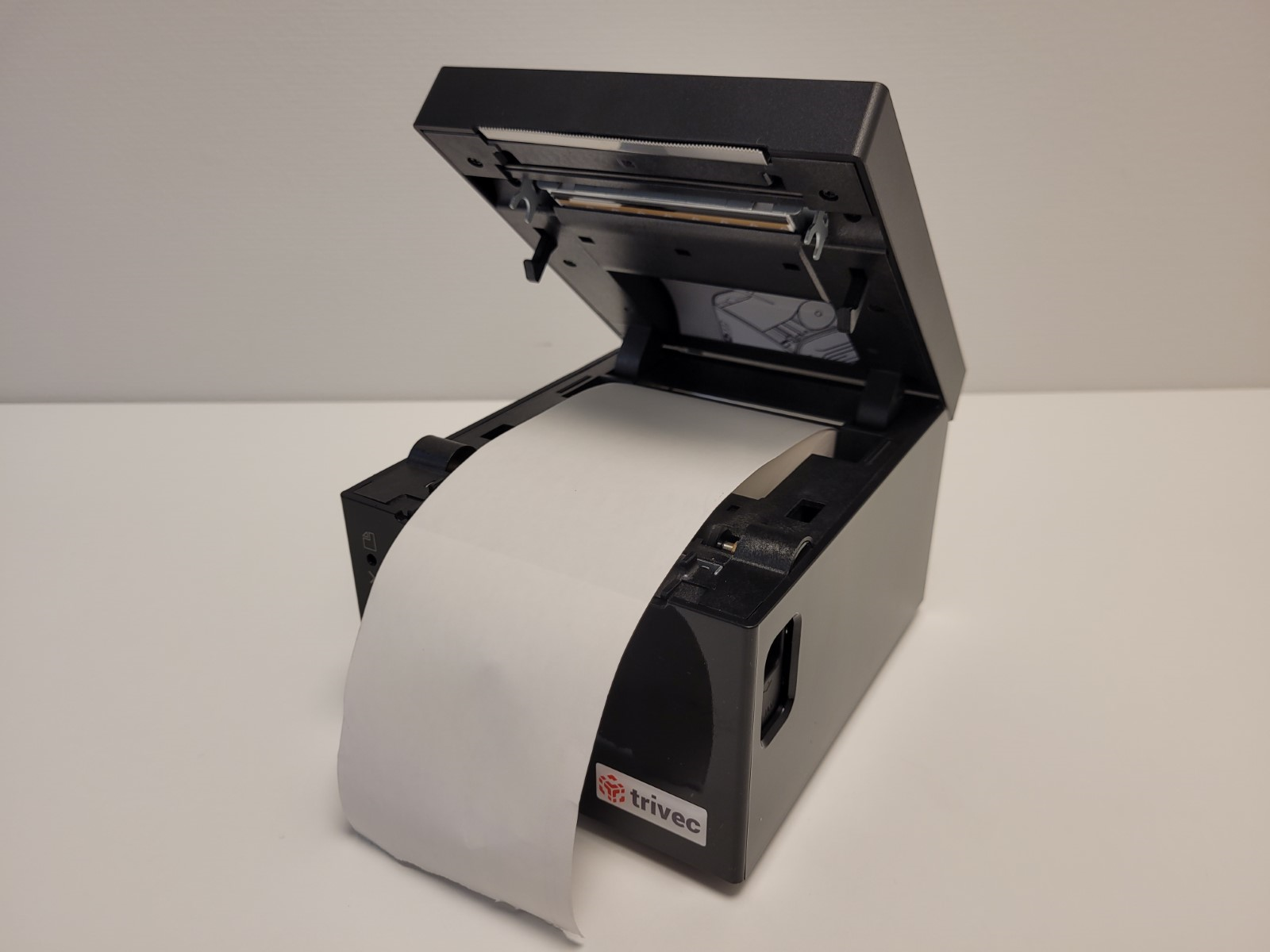
- To replace the paper, open the printer lid by pressing down the knob that releases the lid:
- Insert the paper roll, making sure it's oriented correctly:
Managing ODP-333
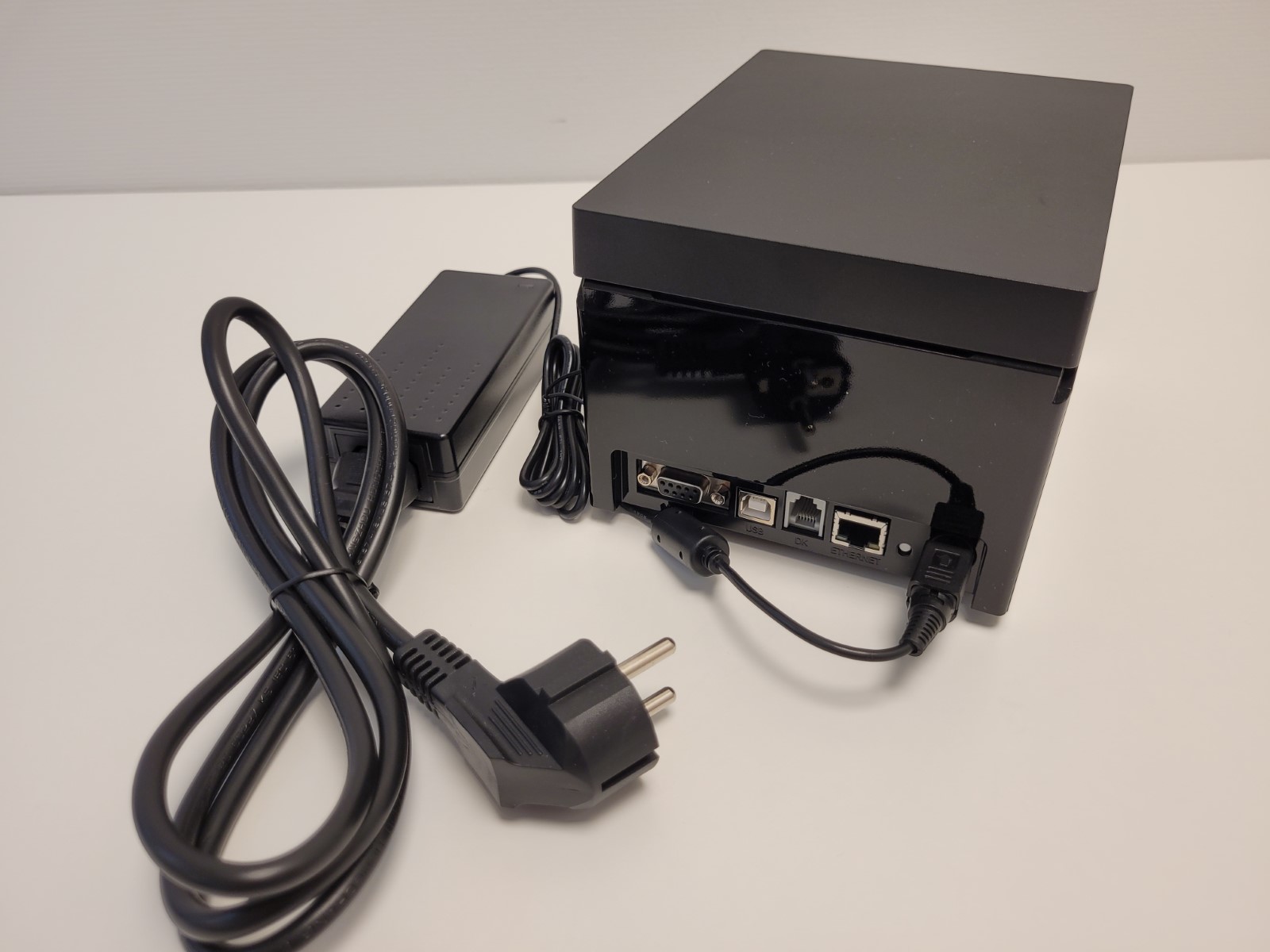
Types of cables
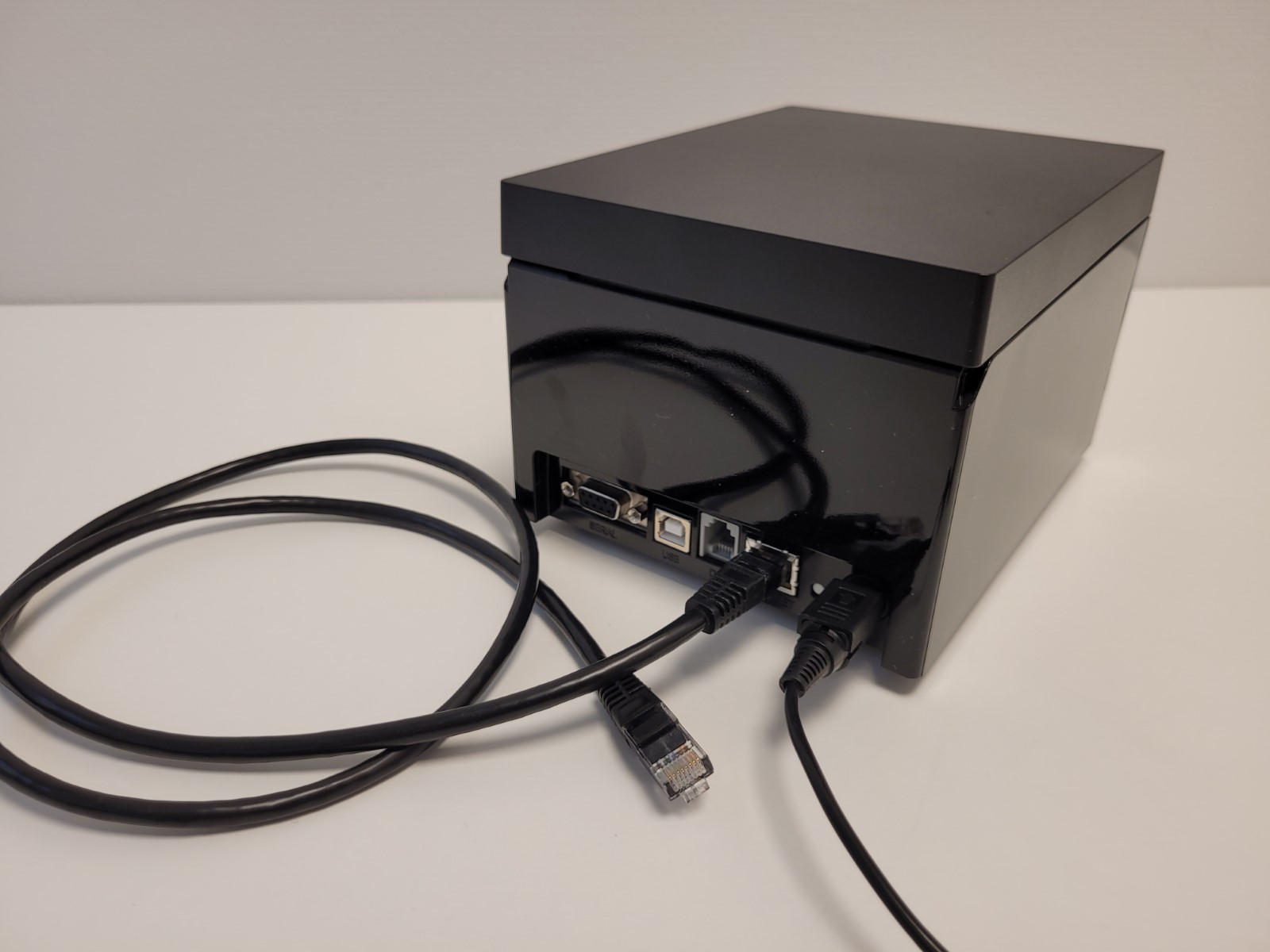
- Ethernet cable:
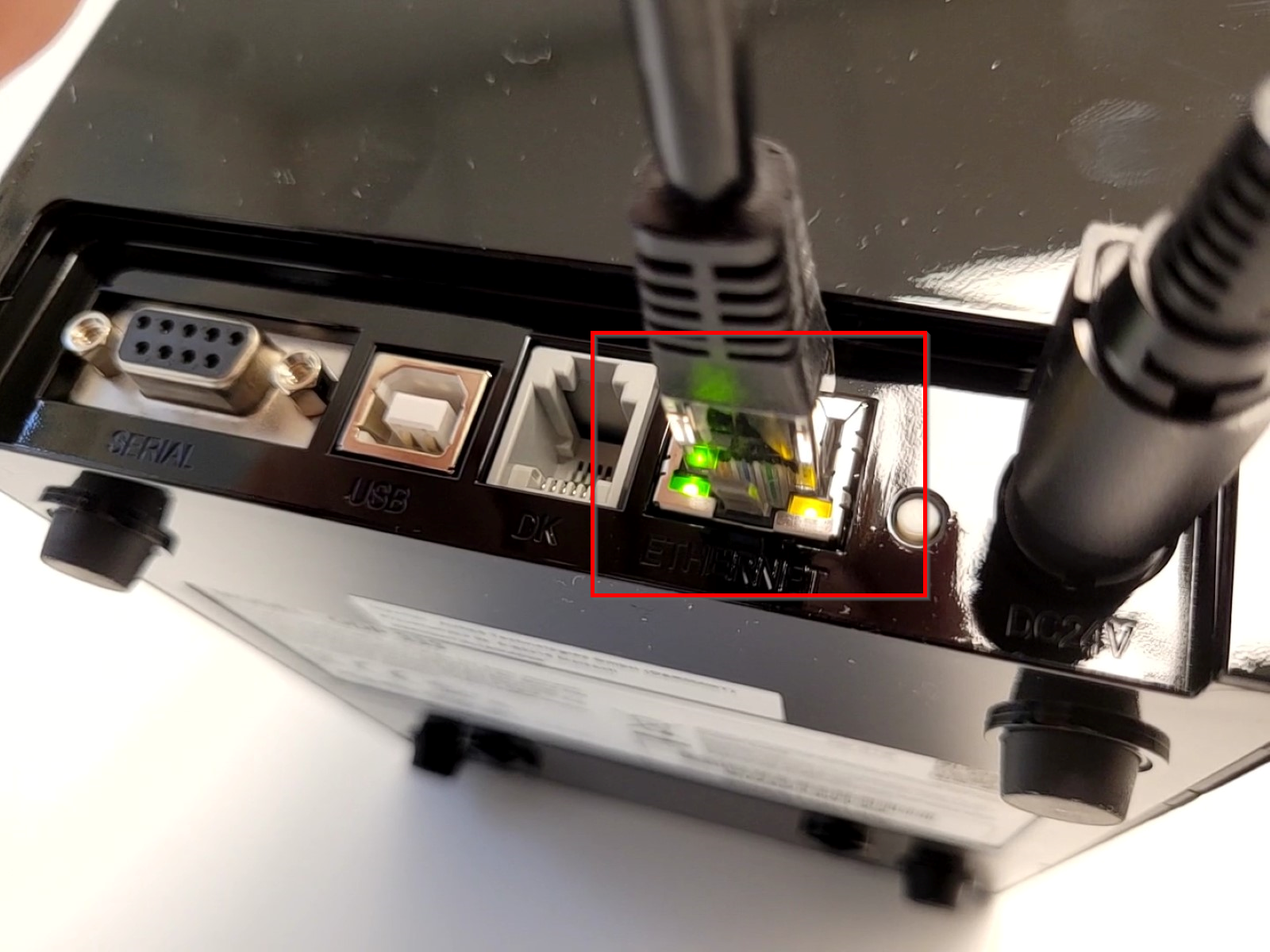
- When connected to network, the green and yellow LEDs on the Ethernet interface will be on/blinking:
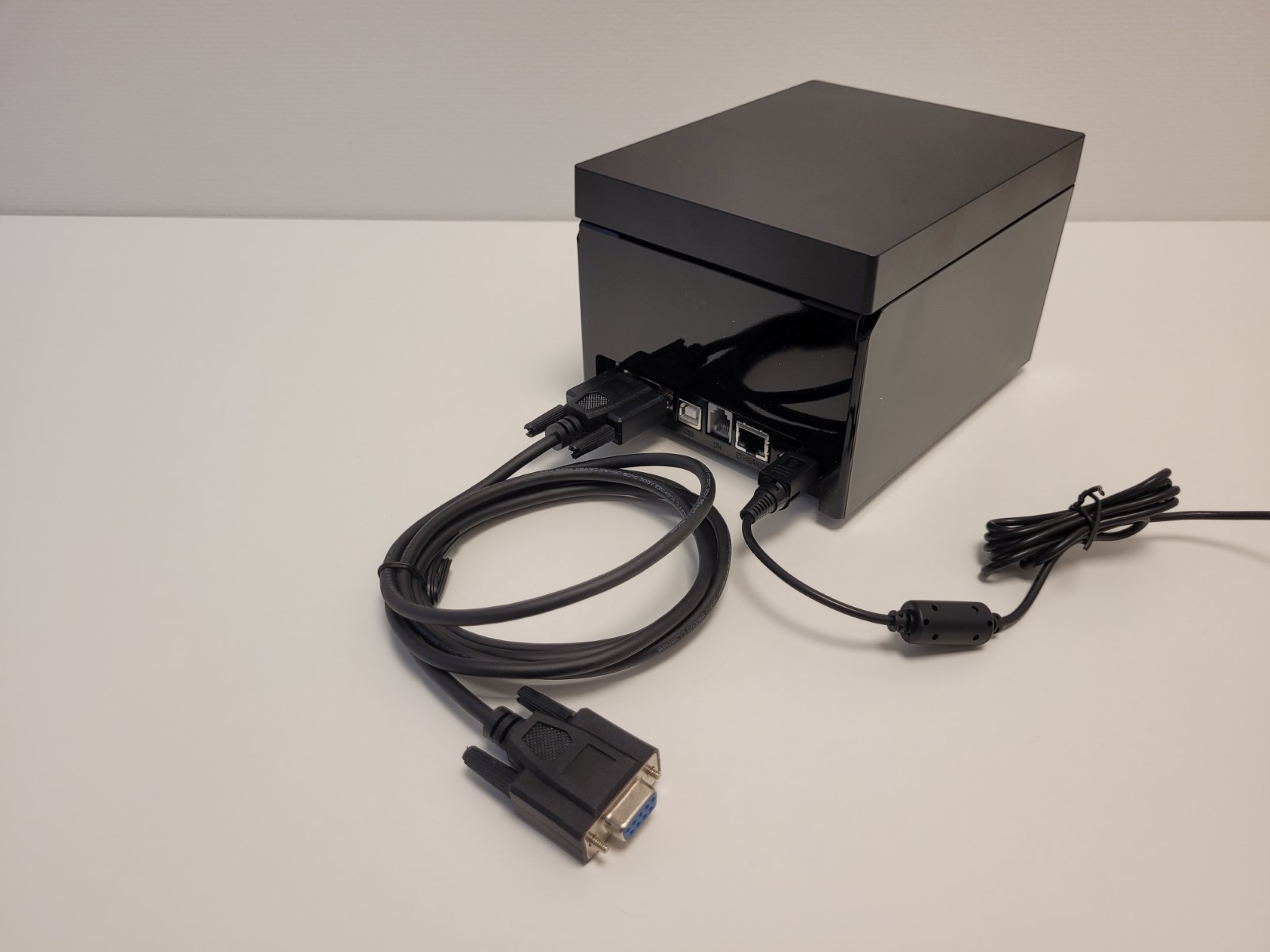
- Serial (COM, RS232) cable:
- USB cable:
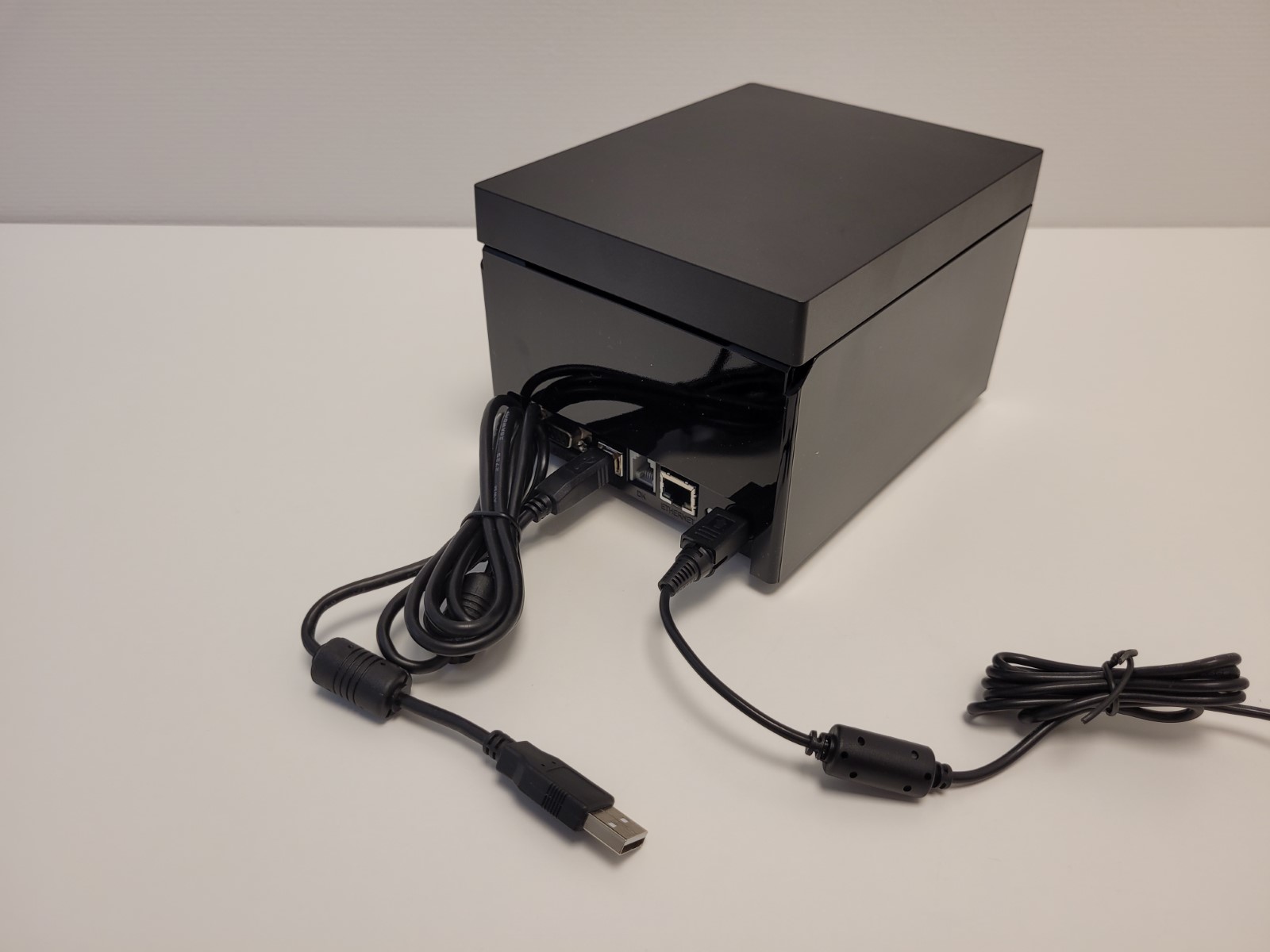
- Power Supply Unit (PSU):
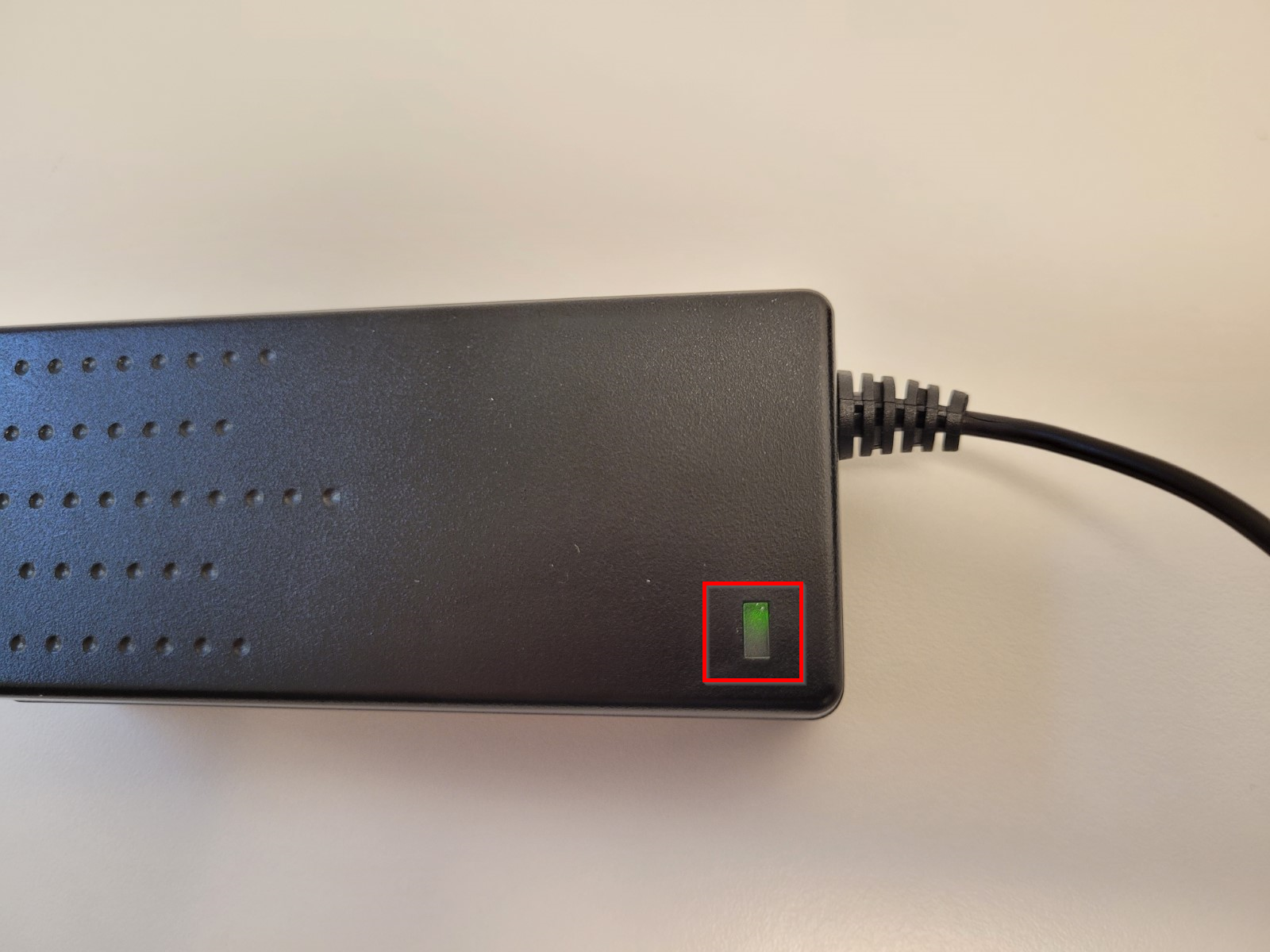
- PSU has a green LED that is on when PSU is connected to power and operational:
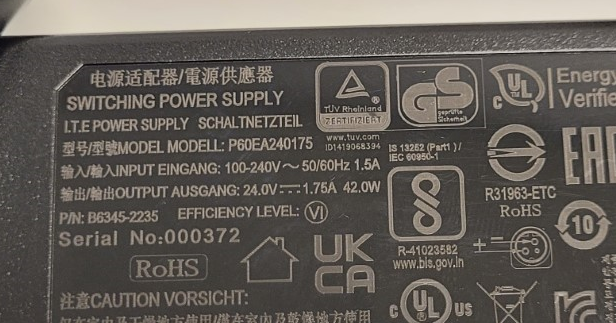
- PSU info:
Printing a test page
Printing a test page is a test to make sure the printer is mechanically operational and can print at all. In case test print works, next step to troubleshoot is connectivity.
- Turn the printer off by pressing the Power button.
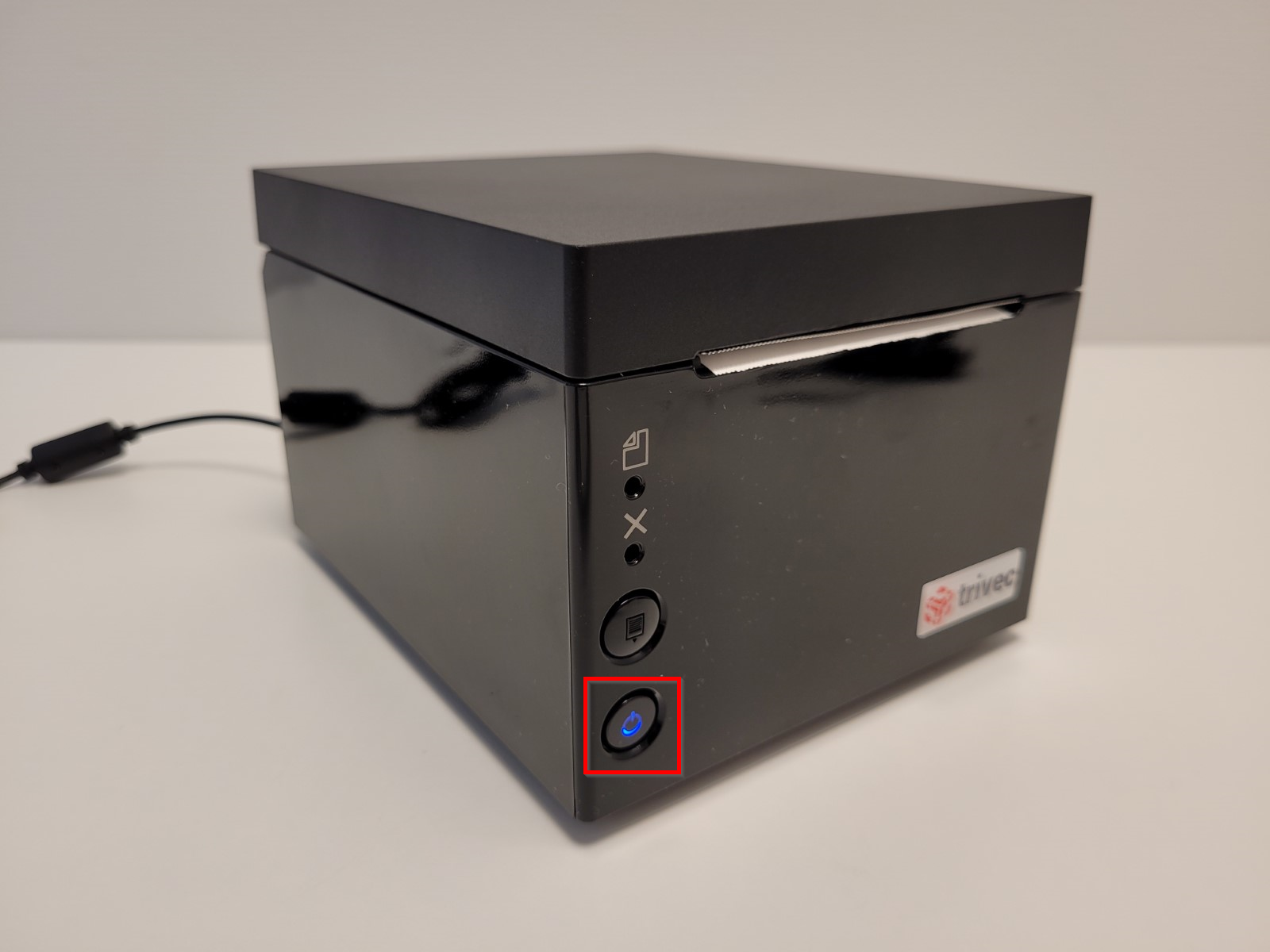
- Hold the Feed button (the upper one) and at the same time turn the printer on by pressing the Power button.
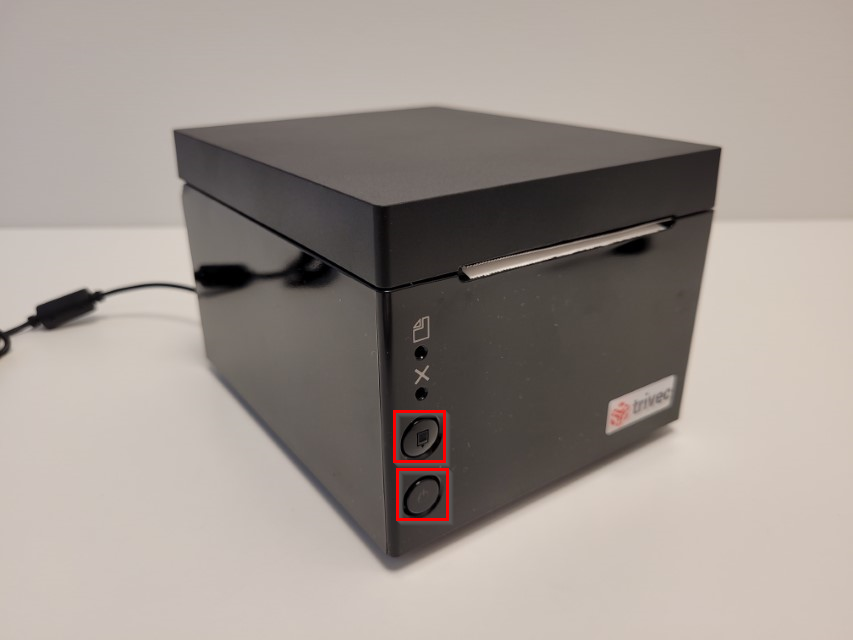
- Release the Feed button when the test page starts printing.
Was this article helpful?
That’s Great!
Thank you for your feedback
Sorry! We couldn't be helpful
Thank you for your feedback
Feedback sent
We appreciate your effort and will try to fix the article