This guide explains how to log into Handy.
Logging in
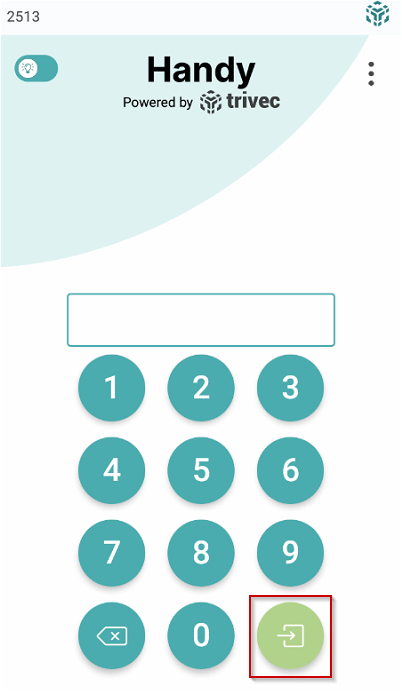
- To log in, enter your login key and select the green Login symbol:
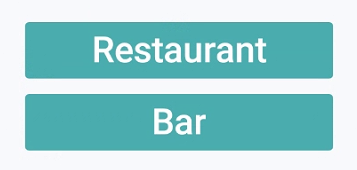
- If several centers are configured, on the next screen select the center you want to use:
What's next?
To make an order without a table, check out Direct sales - Working without a table.
To place an order on a table, check out Placing an order.
Was this article helpful?
That’s Great!
Thank you for your feedback
Sorry! We couldn't be helpful
Thank you for your feedback
Feedback sent
We appreciate your effort and will try to fix the article