Resetting the device
To reset the device, hold the power button until the screen turns off:
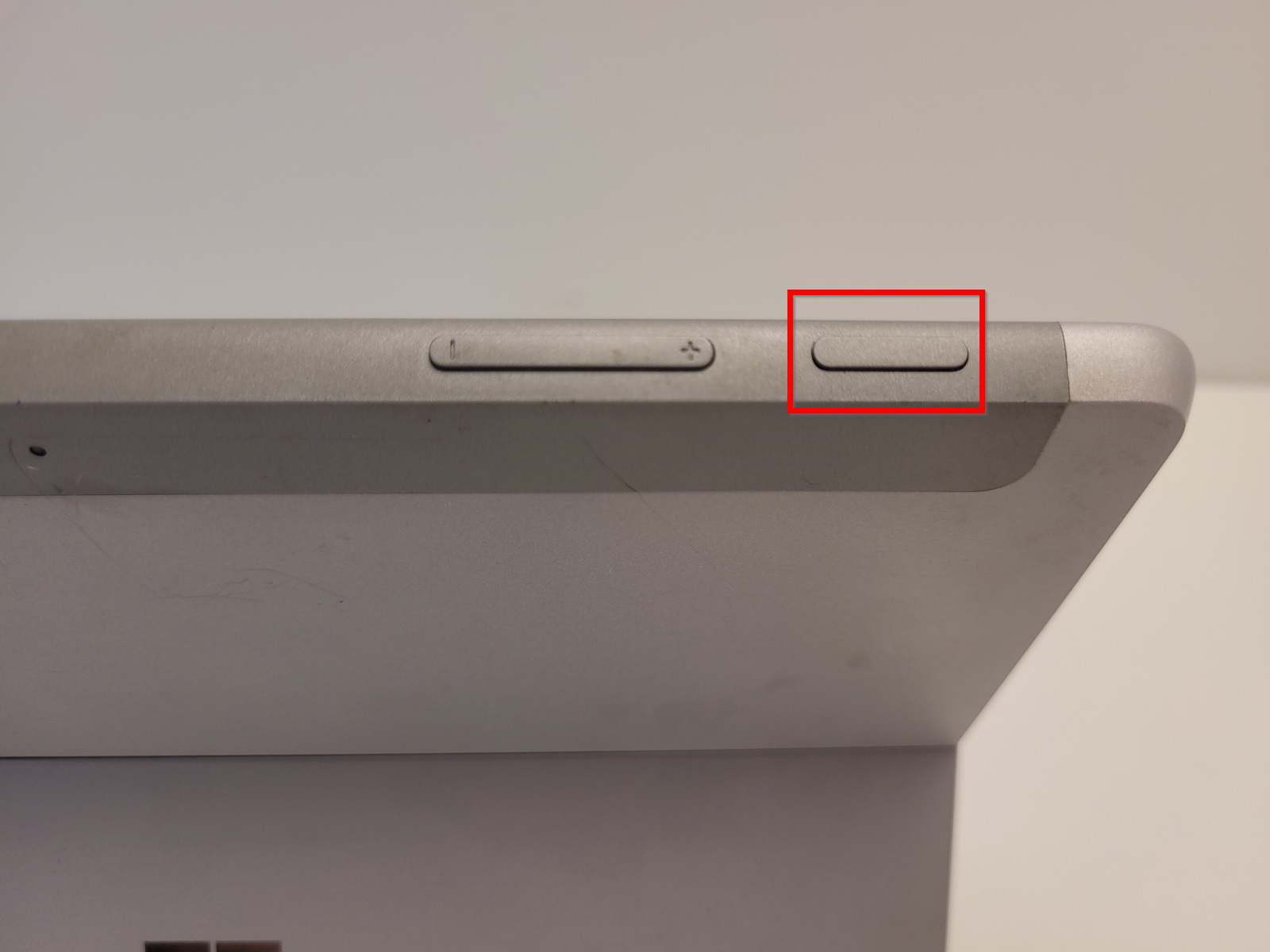
Wait for a few seconds and then hold the power button again until the screen turns on.
Enabling DHCP
If device has lost connectivity to local network, it is a good idea to try to enable DHCP on device. For info on how, check out Enabling DHCP on VPOS.
No bootable device
In case device displays a "No bootable device" message, contact Trivec Support.
Was this article helpful?
That’s Great!
Thank you for your feedback
Sorry! We couldn't be helpful
Thank you for your feedback
Feedback sent
We appreciate your effort and will try to fix the article