This article explains how the onboarding process looks like and what is your role in it.
Onboarding process
- Register with Leat by contacting their Sales - check out Leat Loyalty.
- Contact your Trivec sales representative and order the Leat integration.
- Configure the Rewards and Guest identifiers and/or Giftcards or Vouchers in Leat - Check out Leat Help Center.
- Create your Client ID/Client secret in Leat portal.
- Trivec prepares your MyTrivec and Domino environment.
- Link your MyTrivec site with your Leat account. - Check out Activating Leat in MyTrivec.
- If using Leat Loyalty, Trivec assists you with Importing and configuring rewards into Domino.
- Start using Leat.
Activating Leat in MyTrivec
After Trivec has prepared the MyTrivec environment for Leat, you need to link your MyTrivec site to your company's Leat account:
- Navigate to https://mytrivec.com/login
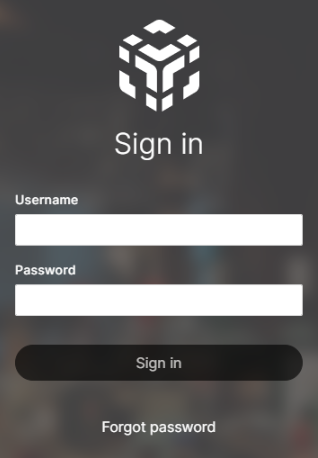
- Enter your email address as Username and your Password.
- If you are not registered on MyTrivec, follow the Registering at MyTrivec guide.
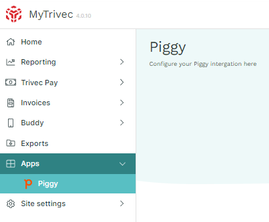
- Navigate to Apps and Piggy tabs:
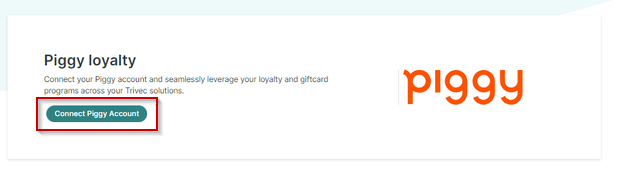
- Select Connect Piggy Account.:
- Follow the instructions on the screen to enter your Client ID and Client Secret information:
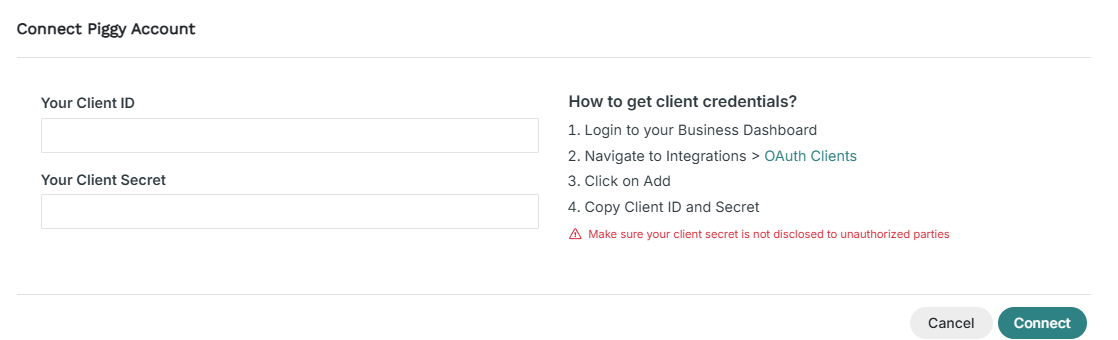
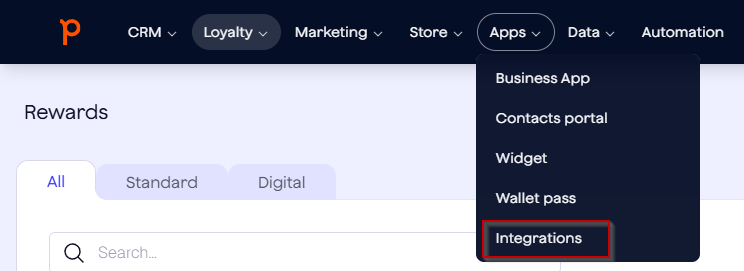
- To create your ClientID and Client secret, log on to Leat Business Dashboard and select Apps and Integrations in the menu:
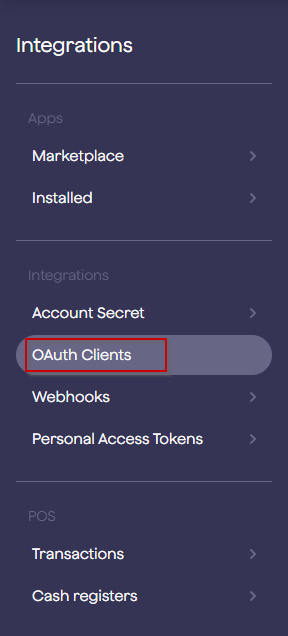
- Select OAuth Clients:
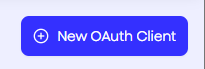
- Select New Oauth Client in the upper right corner of the screen:
- This will create a new row at the top of the OAuth Clients table. Click on it to configure it:

- The window that opens will display the Client ID and Secret:
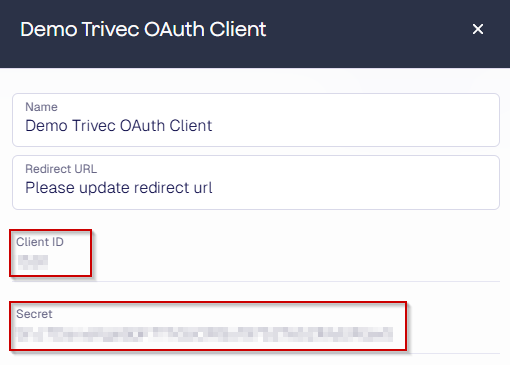
- Copy-paste the Client ID form Leat website to Your Client ID on MyTrivec and do the same with Secret -> Your Client Secret:
NOTE: This information is confidential; do not share it with unauthorized parties. - After entering the information, select Change Shop:

- Select the configured shop from the drop-down list and select Change Shop:
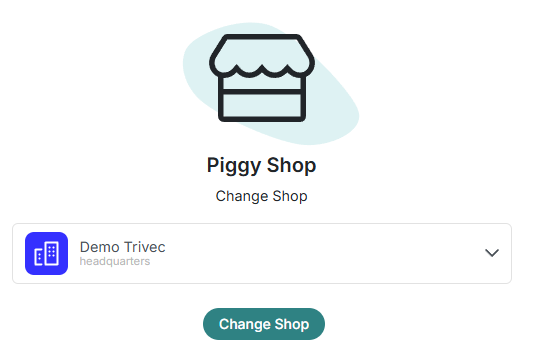
- Select Status to enable (or disable) the integration:
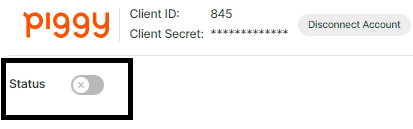
- Selecting the Disconnect Account will disconnect your MyTrivec account from Leat:

After activating Leat in MyTrivec, you can start creating rewards on your Leat portal. For help with that, contact Leat support.
Was this article helpful?
That’s Great!
Thank you for your feedback
Sorry! We couldn't be helpful
Thank you for your feedback
Feedback sent
We appreciate your effort and will try to fix the article