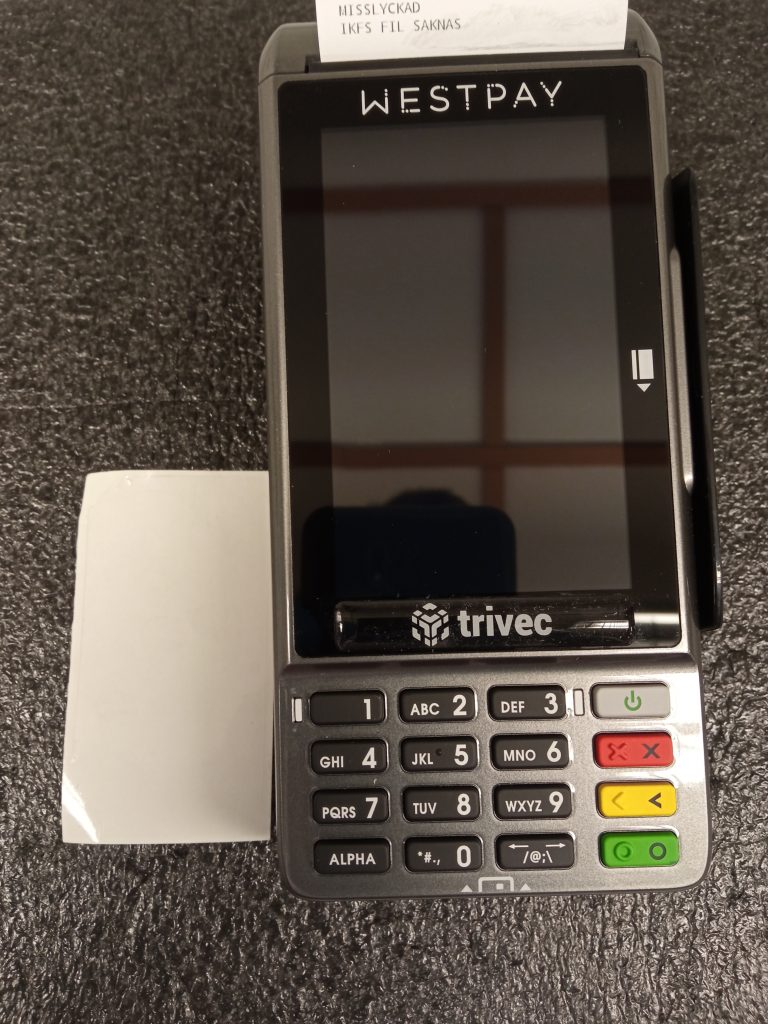
Westpay – Apply button cover / protection

Modified on Thu, 4 Jun at 8:53 PM

This guide will show you how to apply the silicon protective cover on the keypad for both C100+ and C10. Note: The plastic cover will not adhere as well if you try to place it twice.

What you need

  • Card terminal either C100+ or C10.
  • Plastic protection for keypad.
  • Some way of cleaning the keypad.

mceclip0.jpg

Step by step

  • Clean the surface of the keypad.
  • Remove the plastic cover from the paper.
  • Apply the sticky surface to the keypad. Make sure that the holes are aligned with the two white dots on the keypad. Those are there so you can attach the pin cover as well.
  • Firmly press the plastic from the inside out.

Was this article helpful?

That’s Great!

Thank you for your feedback

Sorry! We couldn't be helpful

Thank you for your feedback

Let us know how can we improve this article!

Select at least one of the reasons
CAPTCHA verification is required.

Feedback sent

We appreciate your effort and will try to fix the article