Steps
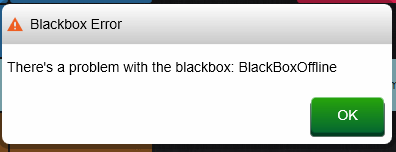
Blackbox offline, unreachable, or lights flashing:
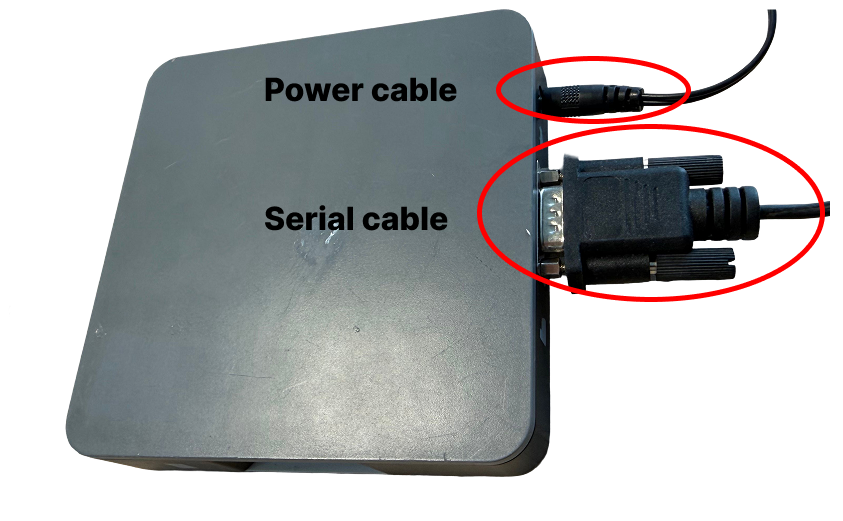
- Unplug the Blackbox's power cable from the outlet.
- Wait 10 to 15 minutes.
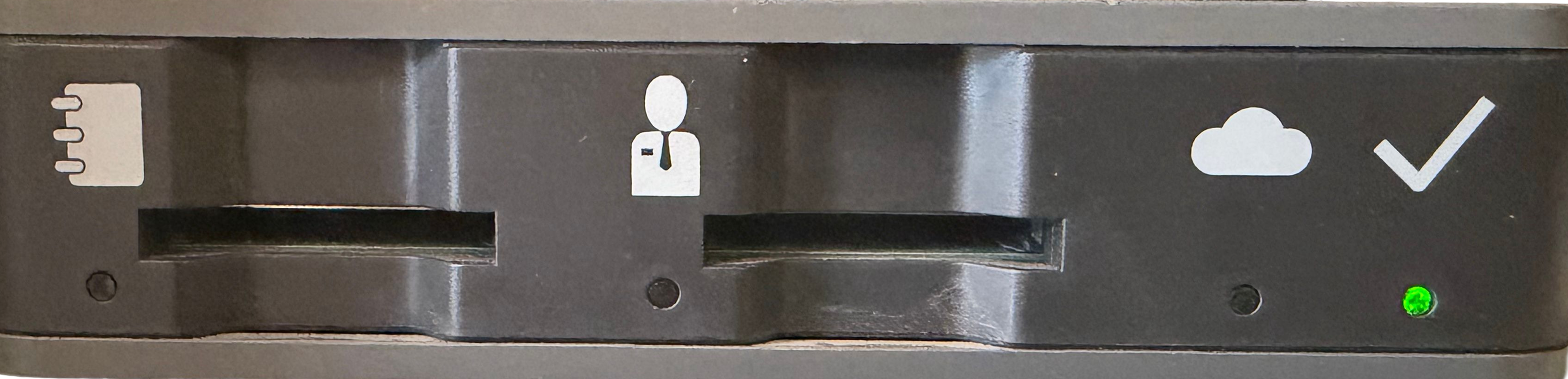
- Plug the power cable back in and wait until the Blackbox has fully started up and shows .
"Sign Ticket Failed" error message:
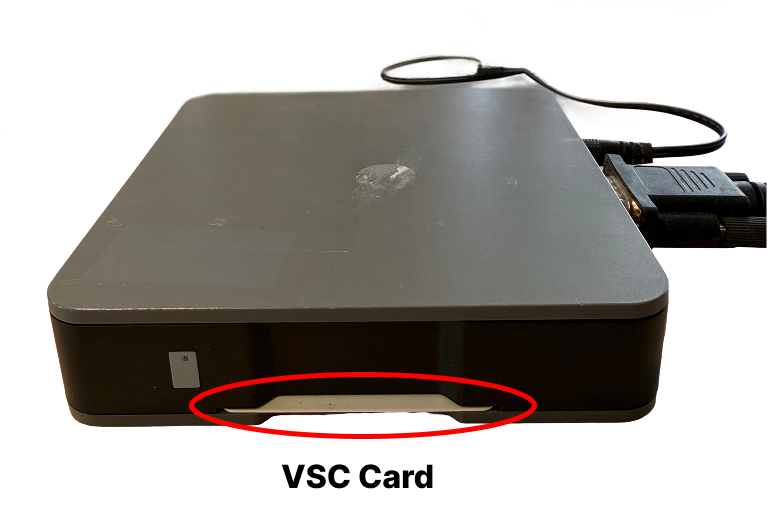
- Carefully remove the VSC card (the small card inside the Blackbox).
- Gently clean the contact points with a dry, soft cloth.
- Reinsert the card correctly.
- Try printing a ticket again.
Ticket printer linked to the Blackbox isn't working:
- Check that the ticket printer is switched on.
- Check that there's enough paper in the printer.
- Try printing a test ticket.
Check after completing these steps
- The Blackbox is reachable again and shows no error message.
- Tickets are signed and printed correctly.
Not resolved
- Is the Blackbox still offline, does the error keep coming back?
- Call the standby service.
Was this article helpful?
That’s Great!
Thank you for your feedback
Sorry! We couldn't be helpful
Thank you for your feedback
Feedback sent
We appreciate your effort and will try to fix the article