This guide explains how to configure your business information in Buddy.
To be able to complete this guide, your MyTrivec username has to be registered as Site Owner. To request a change in site ownership, contact Trivec Support.
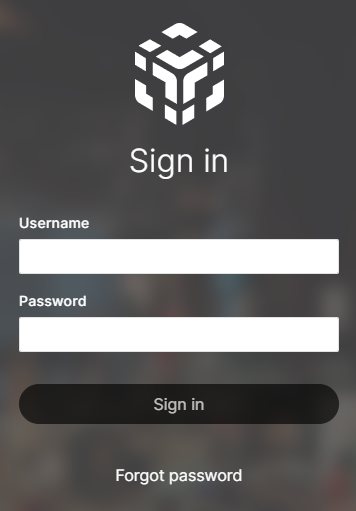
- Navigate to https://mytrivec.com/login.
- Enter your email address as Username and your Password:
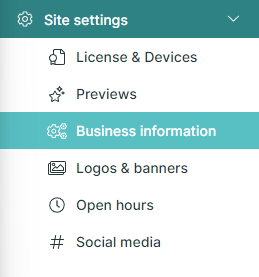
- In the left-side menu, select Site settings and Business information:
- Select Edit:

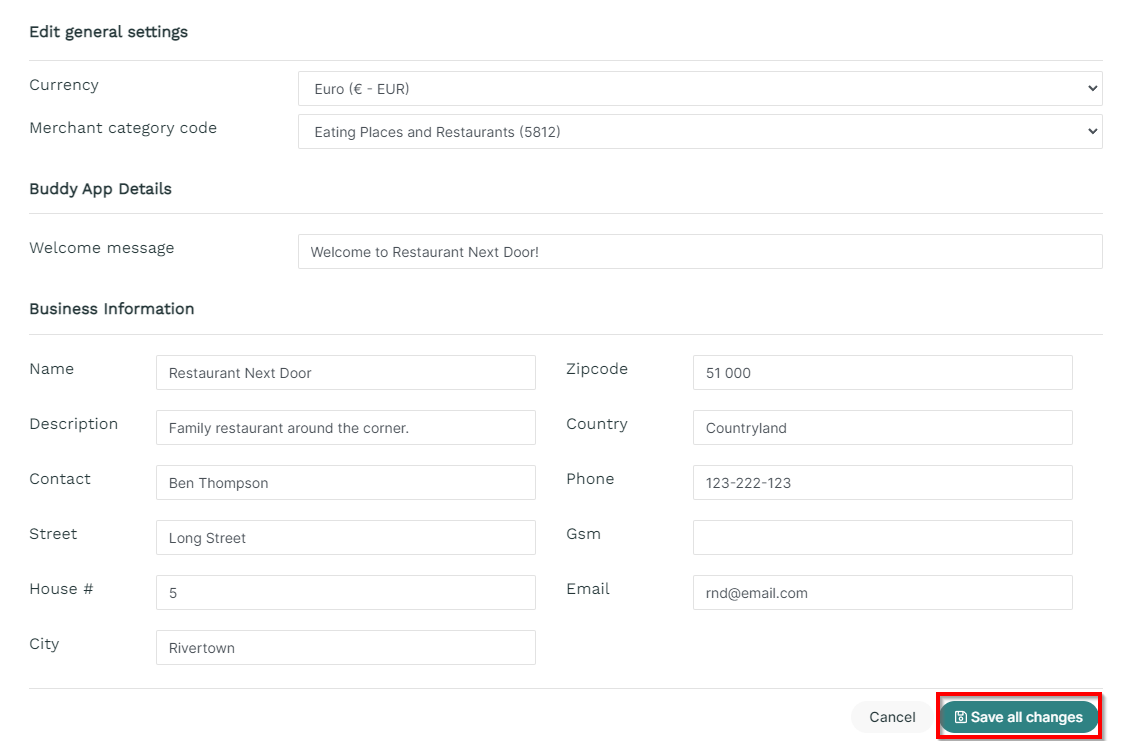
- Configure the Business information and confirm with Save all changes:
Was this article helpful?
That’s Great!
Thank you for your feedback
Sorry! We couldn't be helpful
Thank you for your feedback
Feedback sent
We appreciate your effort and will try to fix the article