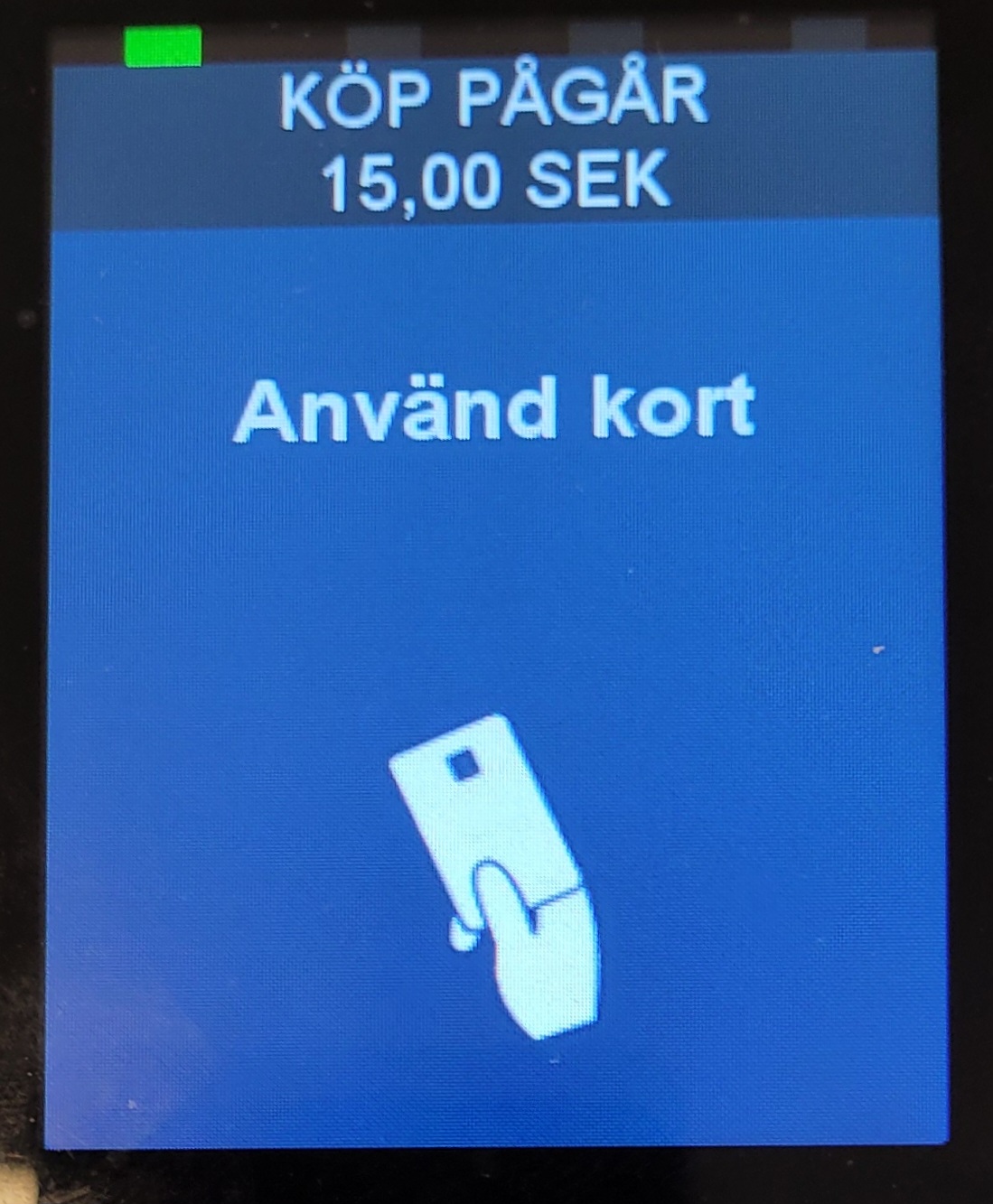
This article explains how iWL250 is used.
Direct payment (Baxi)
Baxi: is used when sending a transaction to the terminal from Domino or Handy.
- In Domino or Handy, enter the payment menu (For info on navigating to payment menu, check out Payment for Handy and Payment for Domino),
- Select the payment method associated with the card terminal (Card1, Card2 / Kort1 , Kort2).
- Follow the instructions on the device:
Tableside payment (Pay@Table)
Pay@Table mode is used when fetching a table to complete a payment.
Working with tables
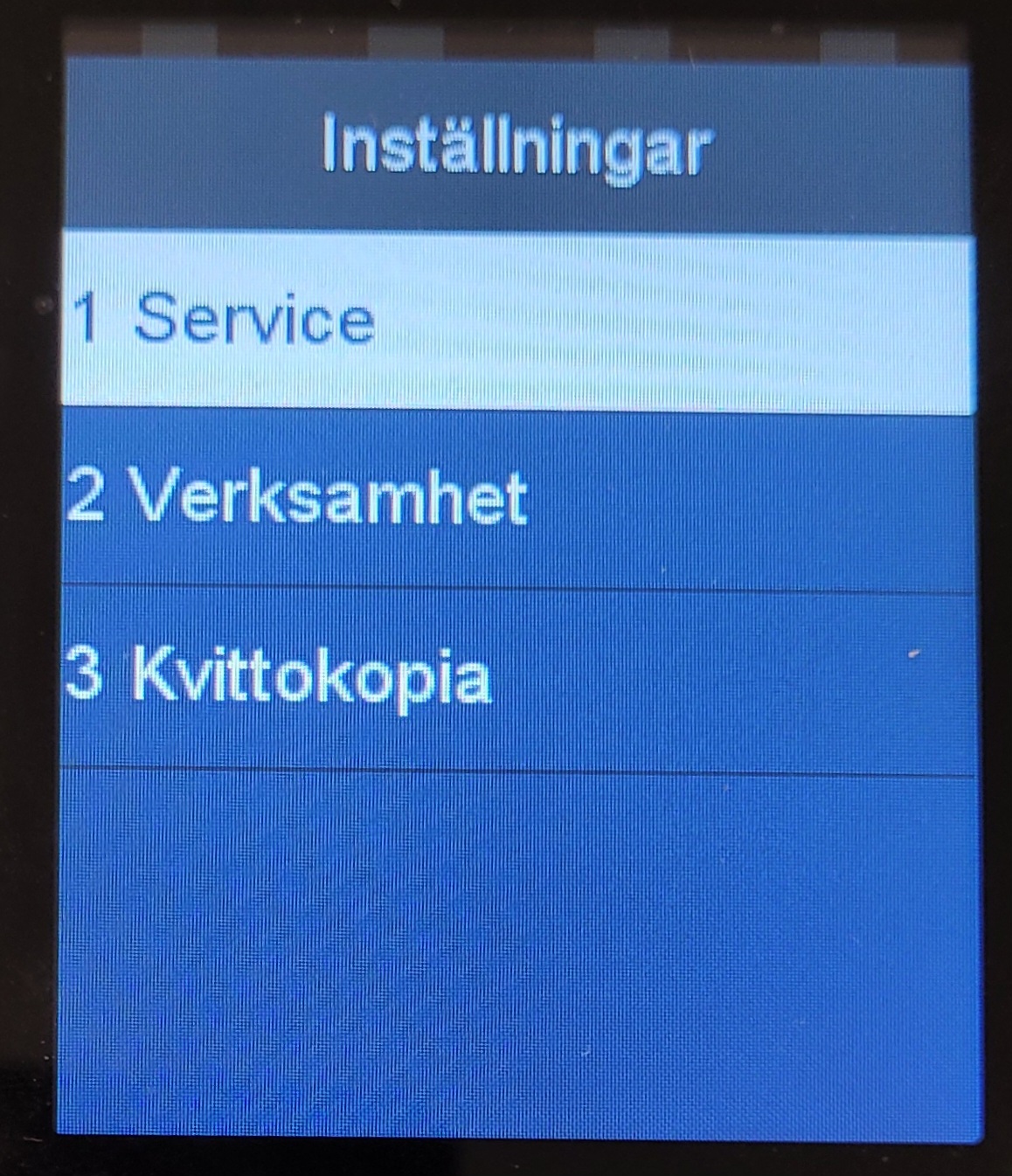
- If the following is displayed on the screen, select Service:
|
 |
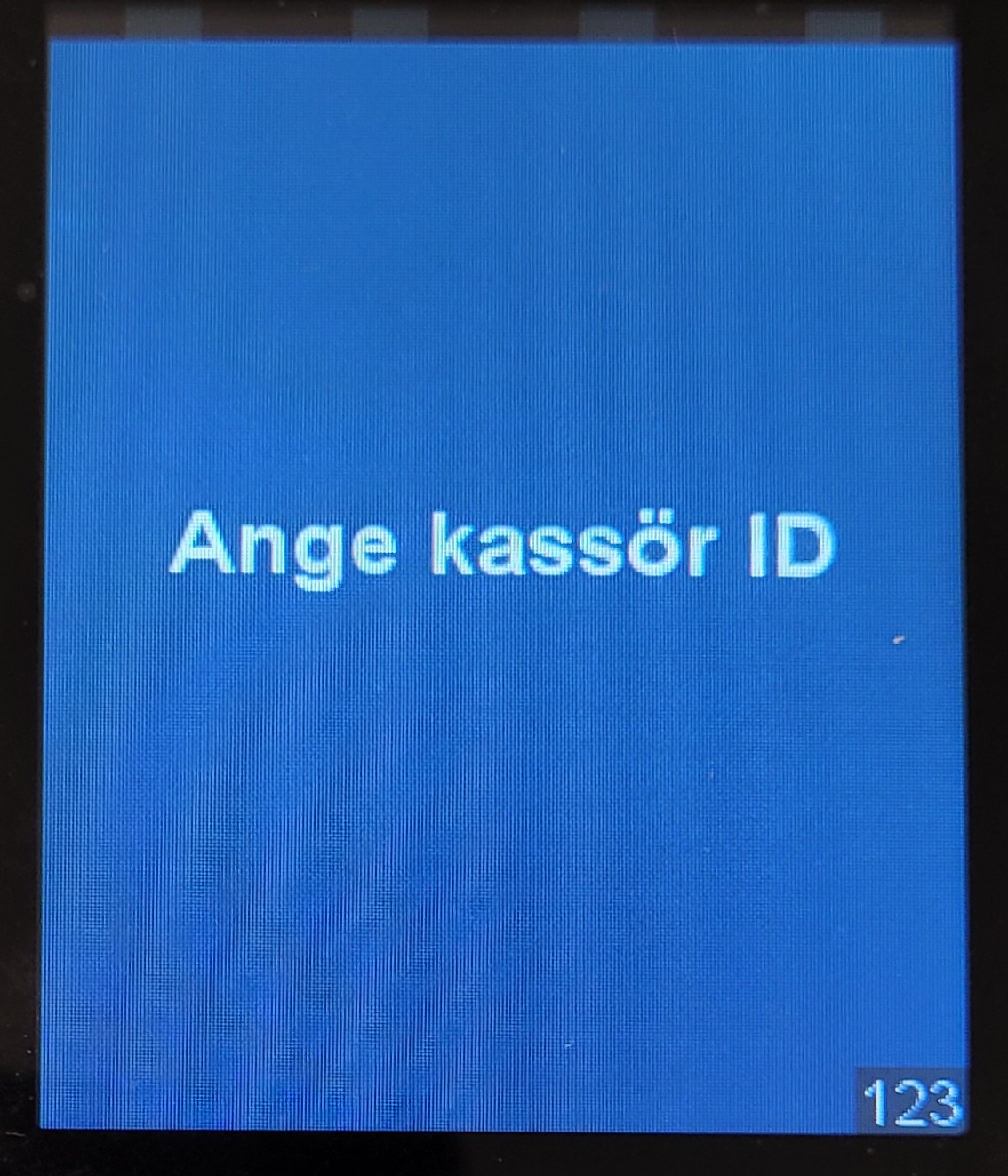
- Log in on the Nets device by entering your Domino/Handy login key:
|
 |
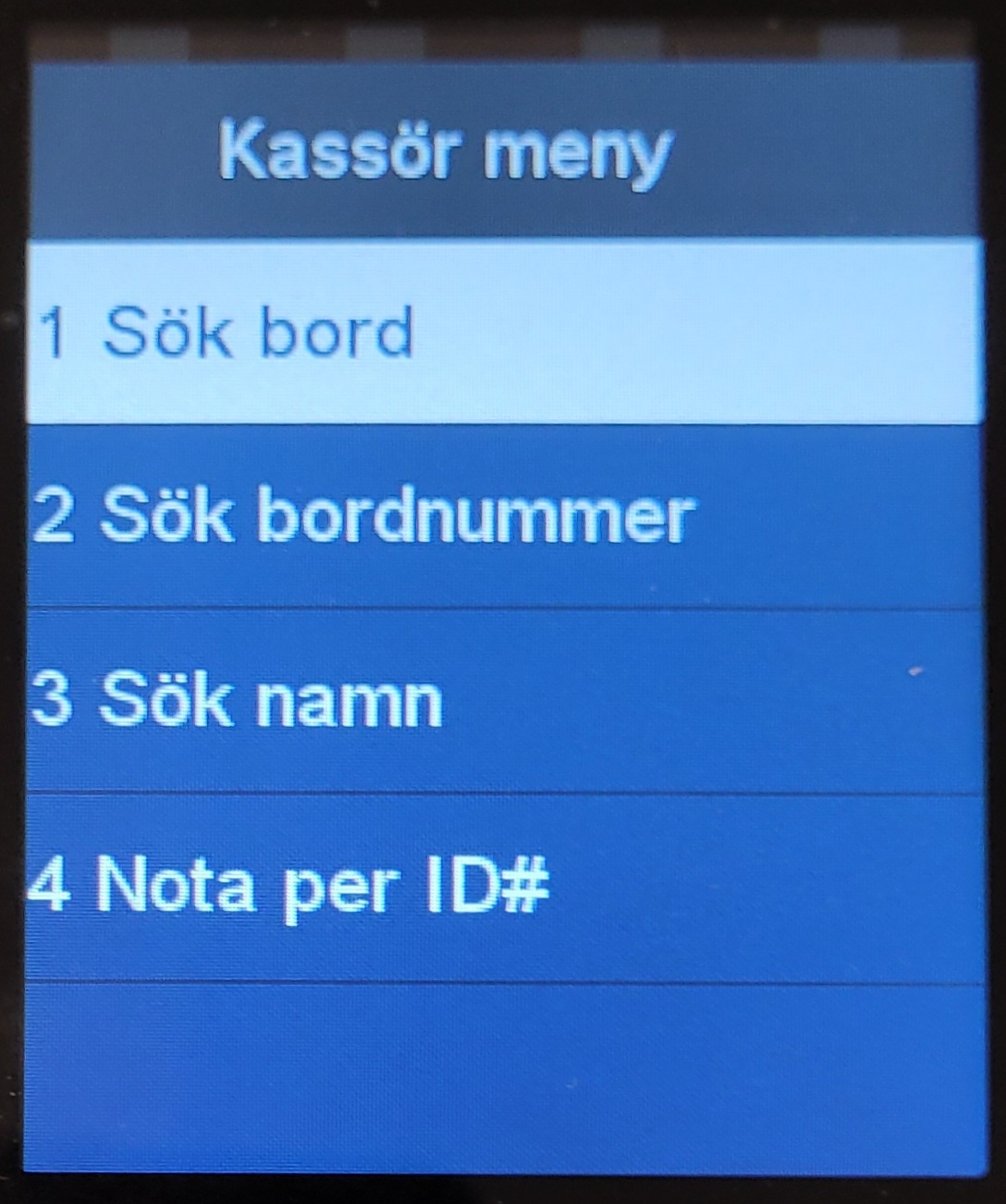
- To display all tables with orders, select Checks by table (Sök bord):
|
 |
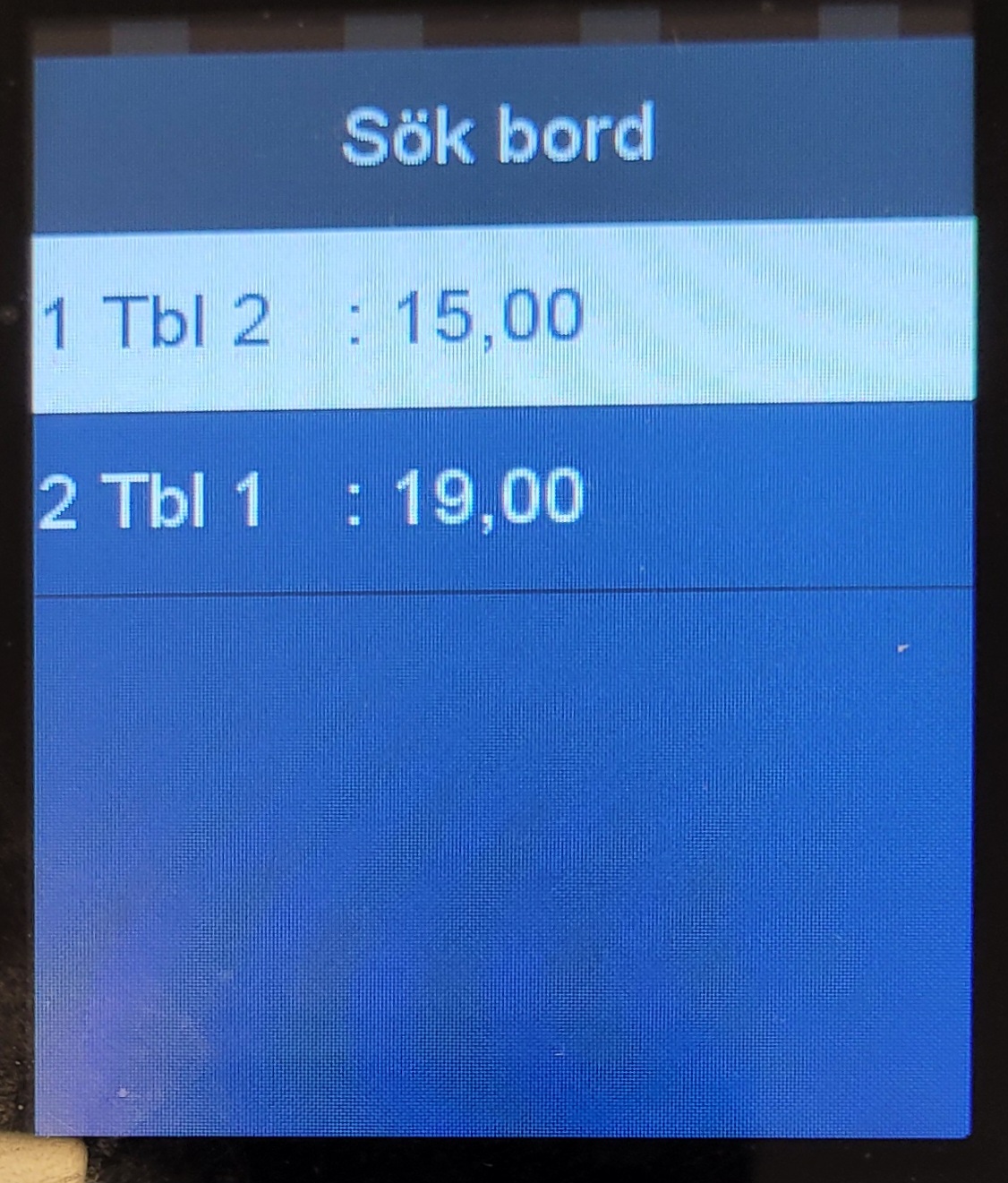
- List of existing tables (with orders) will display. Select a table:
|
 |
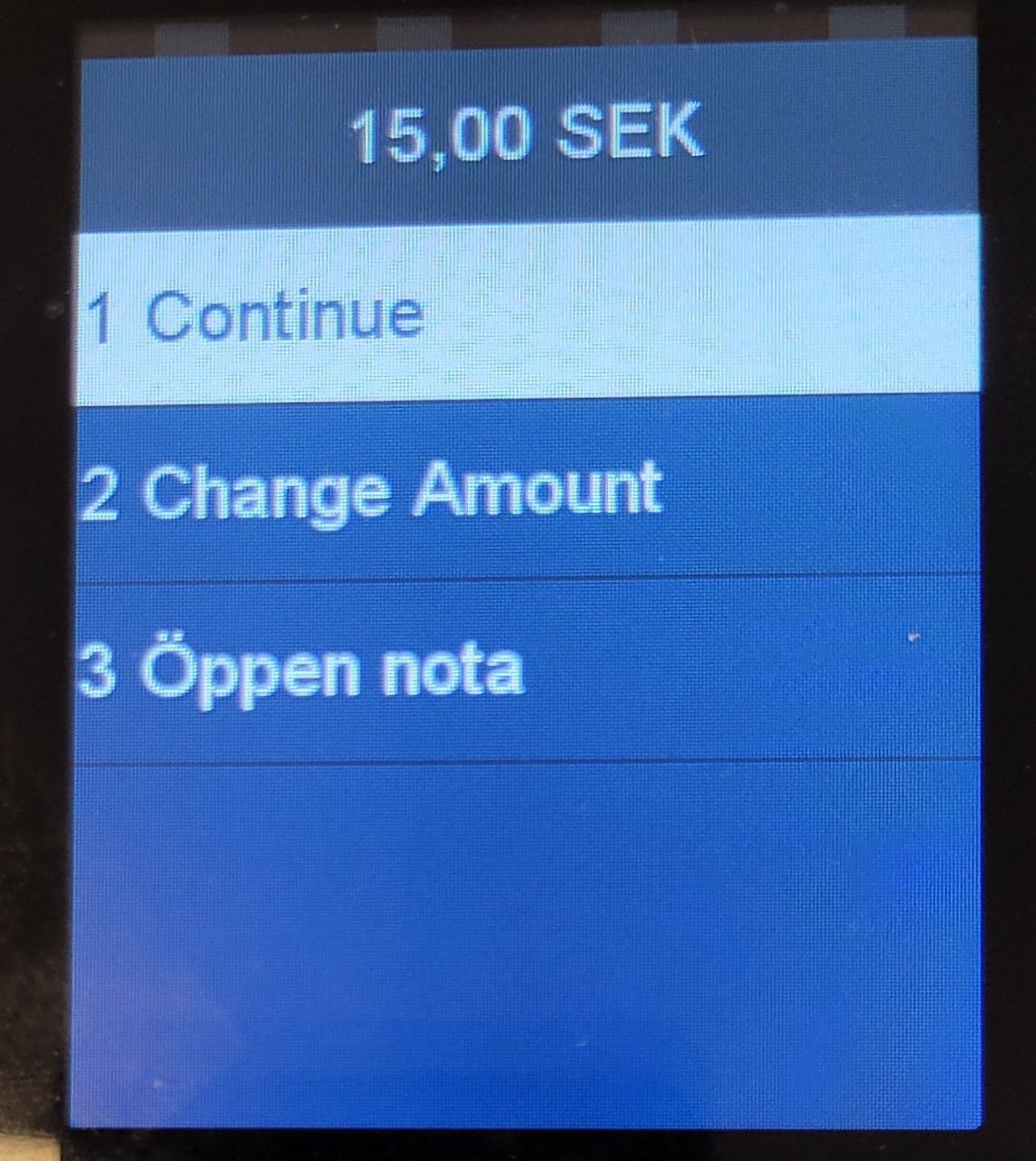
- To continue to payment, select Continue, for partial payment select Change Amount and for pro-forma receipt select Öppen nota:
|
 |
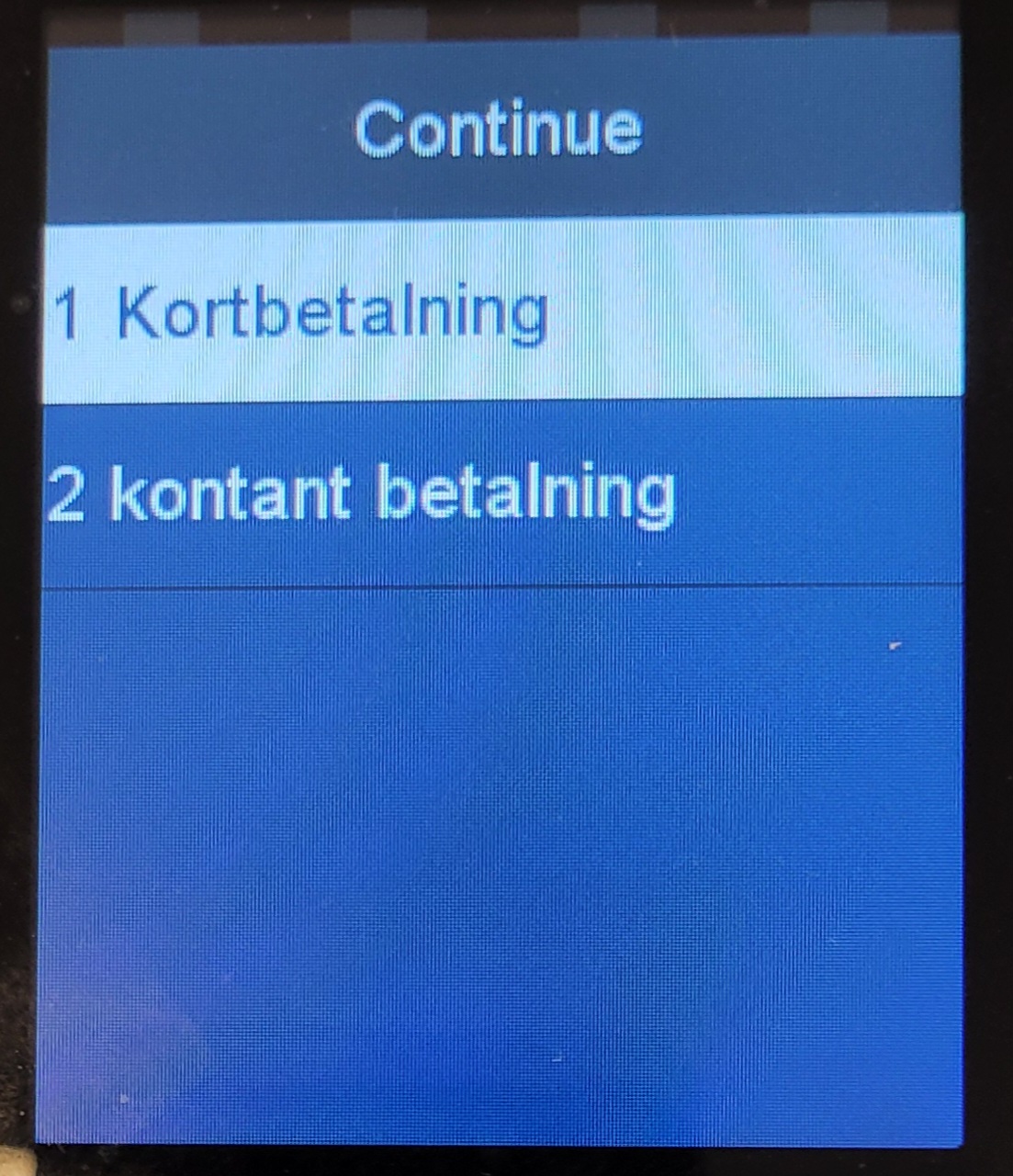
- For card payments select Kortbetalning, for cash select Kontant betalning:
|
 |
- If Tip is enabled, you will be prompted to enter total amount.
|
|
Searching for a table
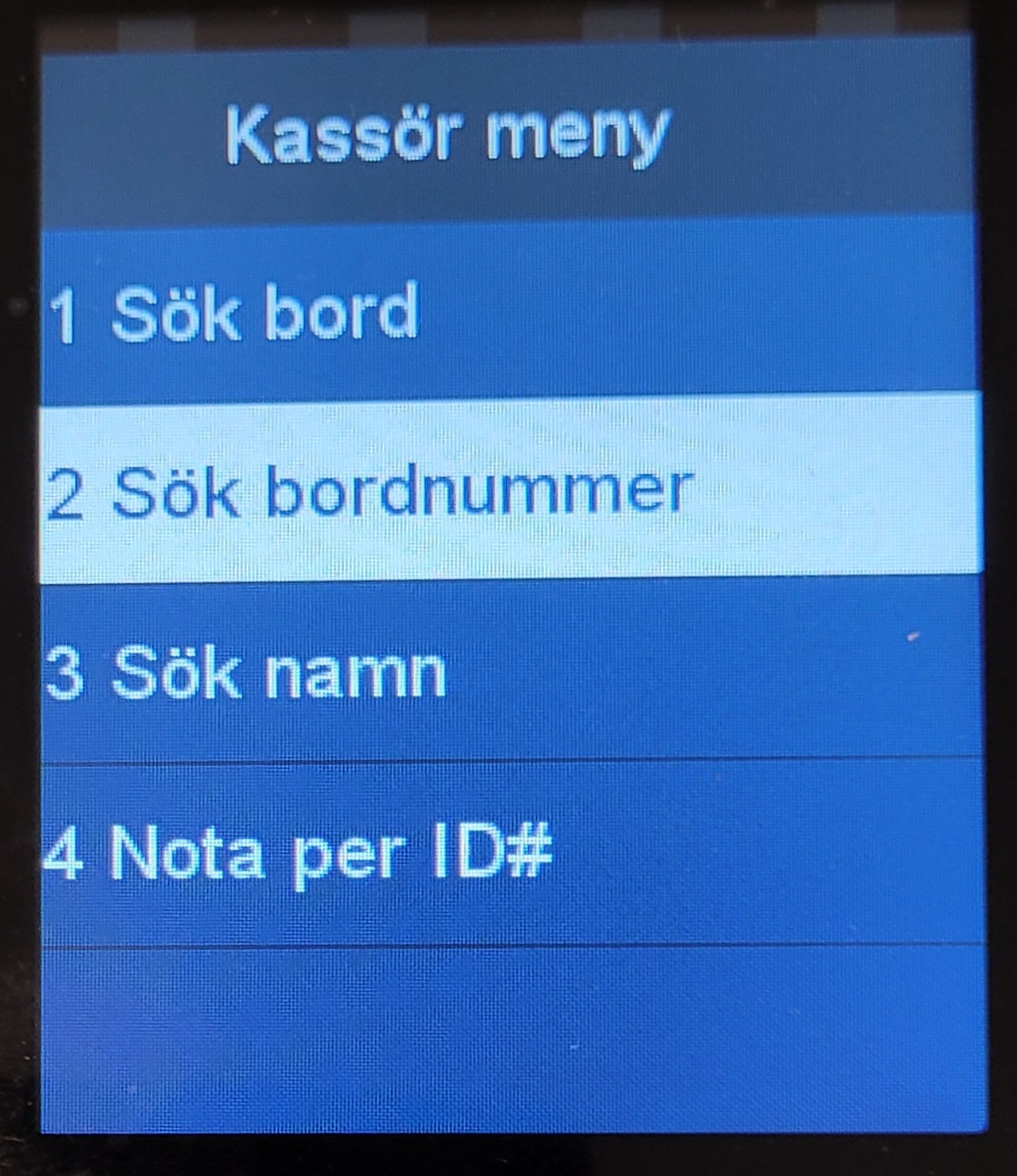
- In the Cashier menu, select Check by table#:
|
 |
- Enter a table number to search for.
|
|
- Matching tables are displayed:
|
|
Searching for bartabs
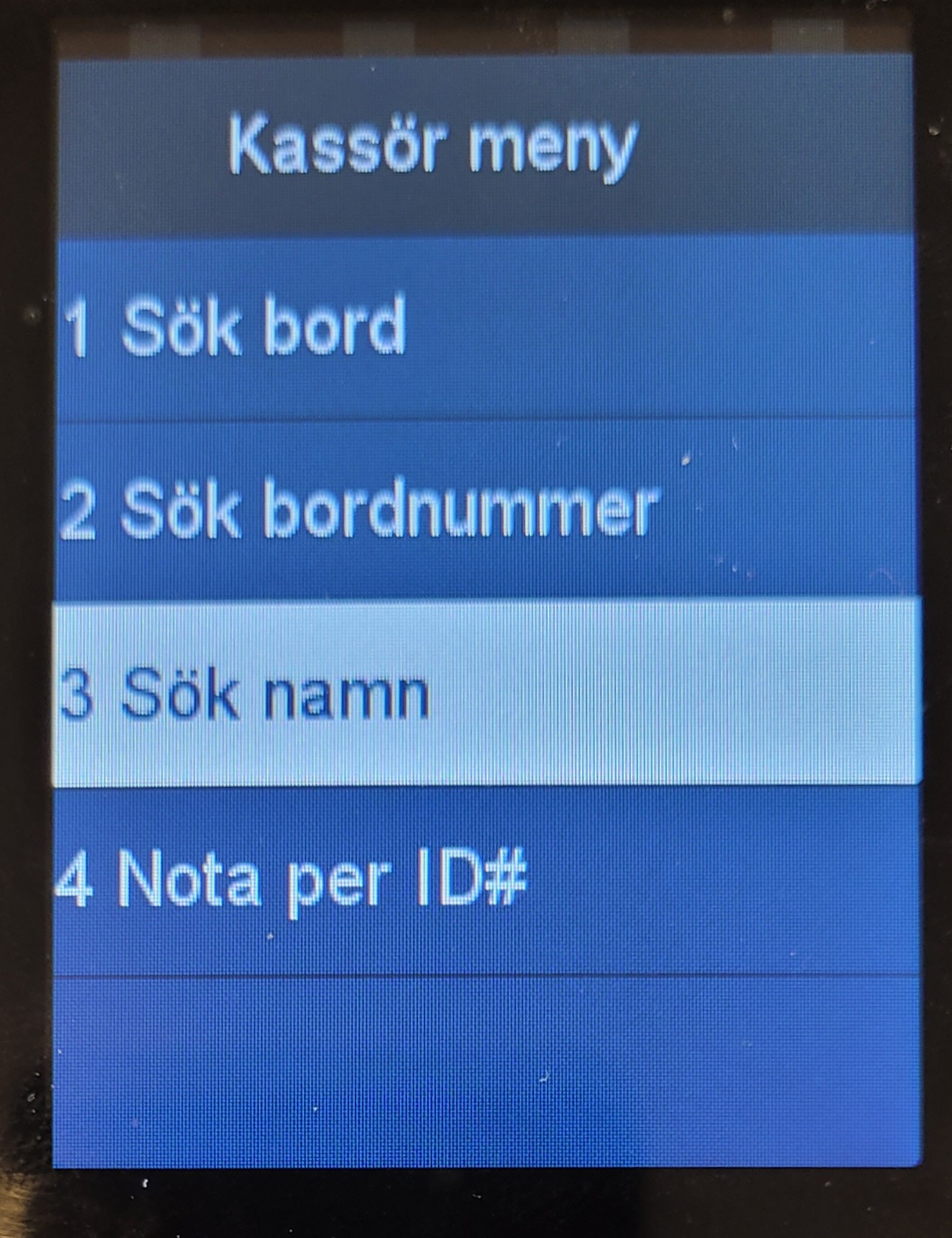
- To display bartabs, select Check by names (Sök namn):
|
 |
Searching for queue orders
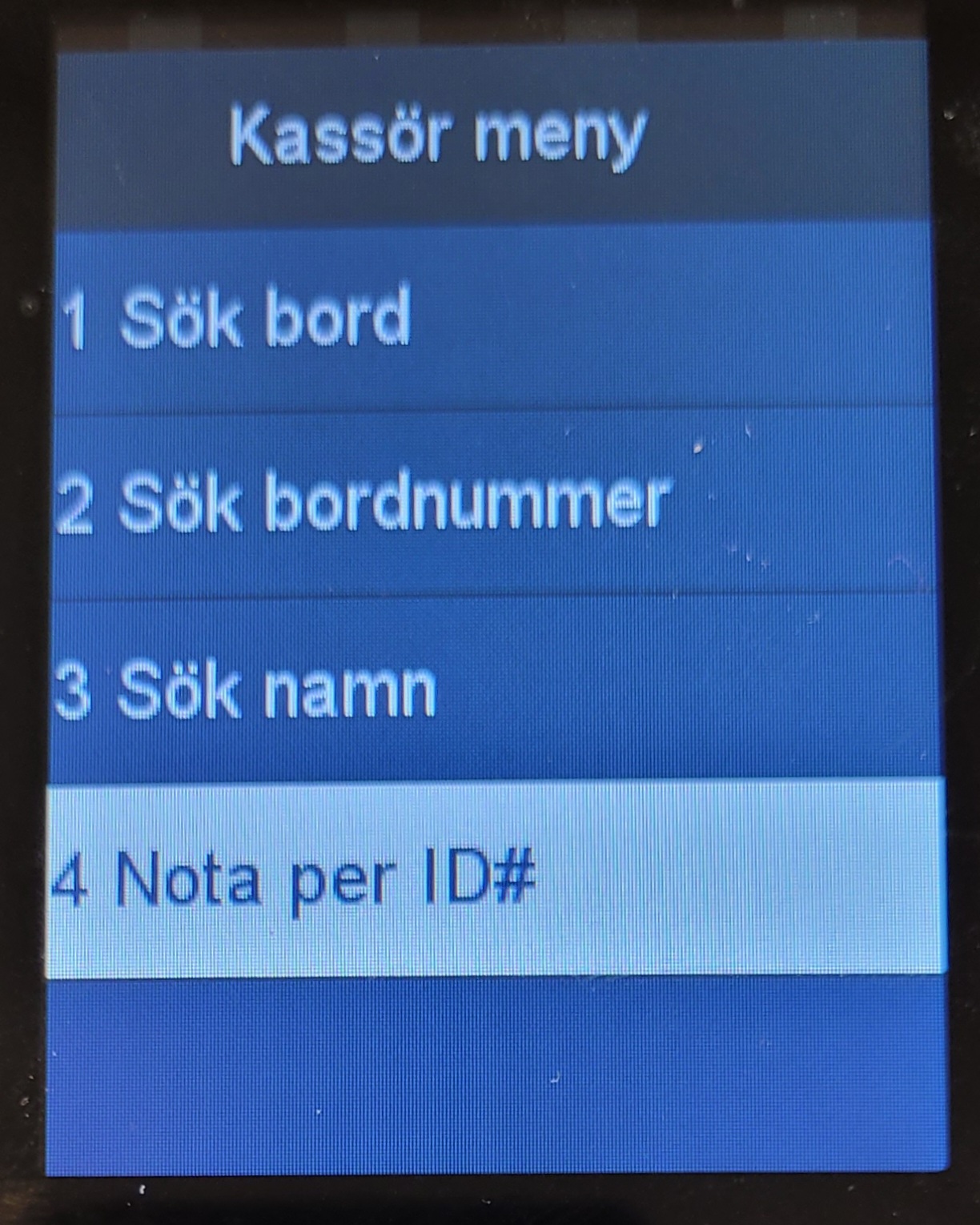
- To search for a queue order, select Check by ID# (Nota per ID#):
|
 |
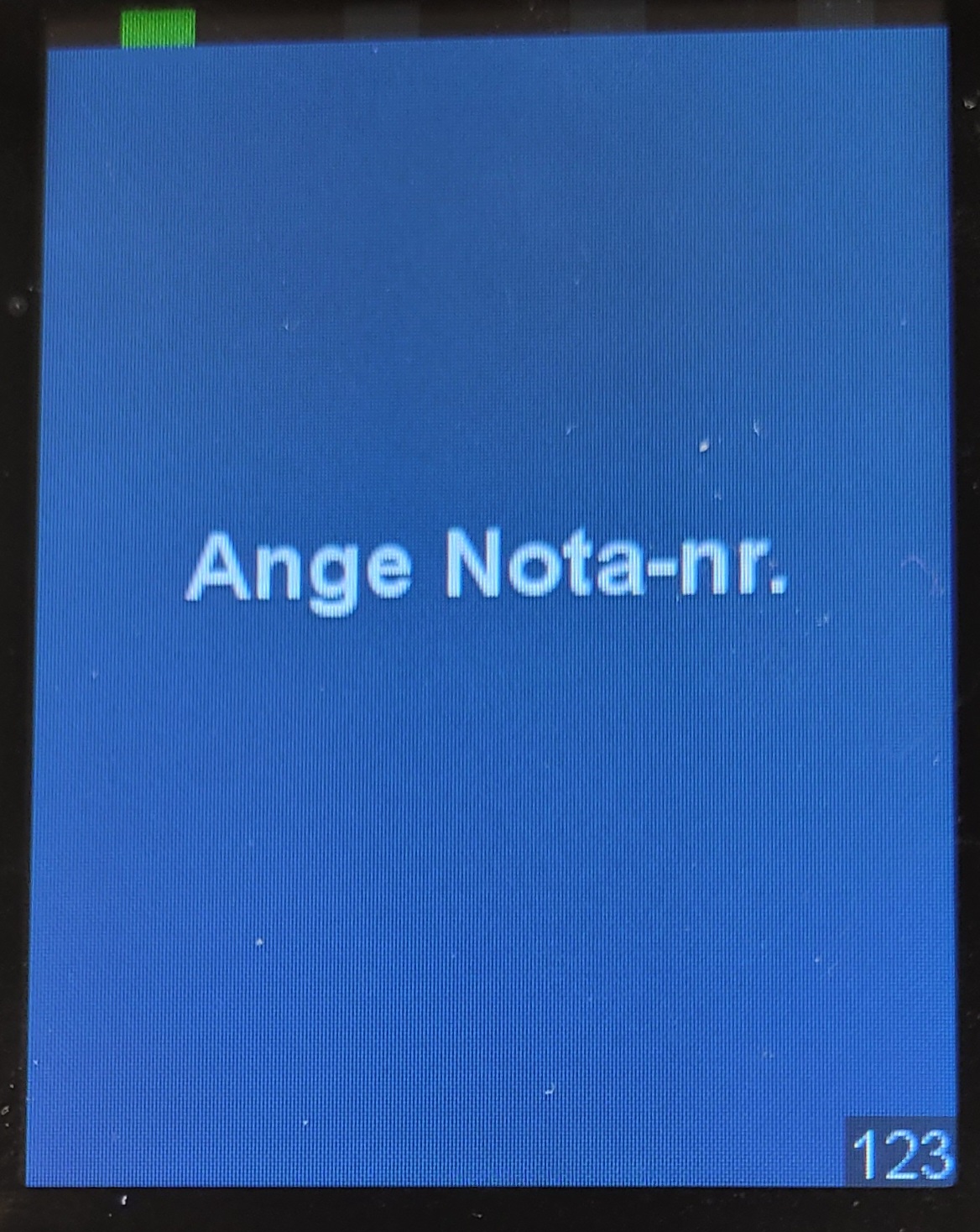
- Enter Check Nr (order number):
|
 |