This guide explains how to add images to products.
Prerequisite
Advanced setting
ProductImage bool set to True in Backoffice / Init / Config / System.

Image size
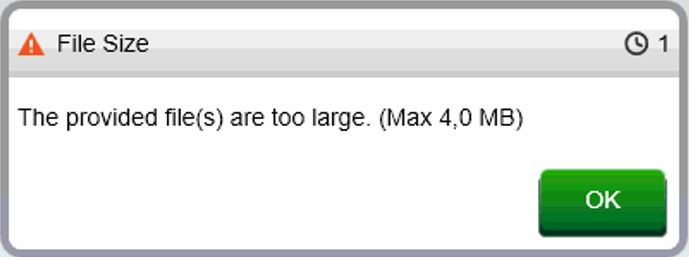
The image size needs to be smaller than 4MB, otherwise Domino will display a warning:
Adding image to product
- Log into Domino with a user that has restaurant manager or higher permissions.
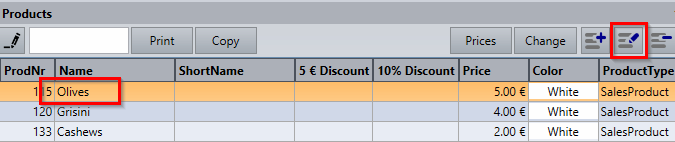
- Go to Backoffice / Sales / Products.
- Select a product and select the Edit symbol:
- Select the Image tab and Add symbol:
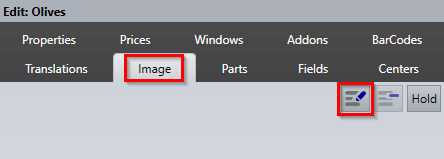
- Browse to the image file and select OK.
- Image has now been added to the product:
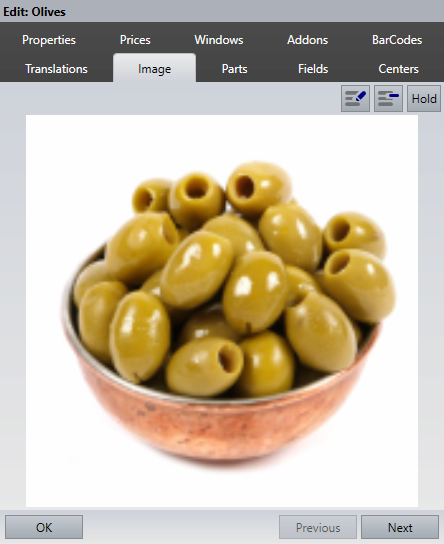
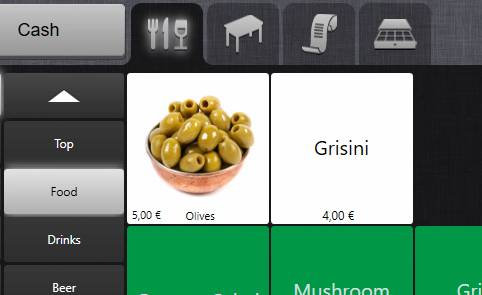
- Product image is now visible in Sales mode:
Was this article helpful?
That’s Great!
Thank you for your feedback
Sorry! We couldn't be helpful
Thank you for your feedback
Feedback sent
We appreciate your effort and will try to fix the article