This guide explains how to apply discounts that are associated with accounts.
- Log into Domino (Getting started: Logging into Domino).
- Add products to the order list (Orders: Direct sales - working without a table):
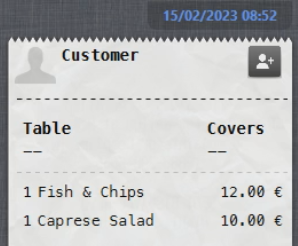
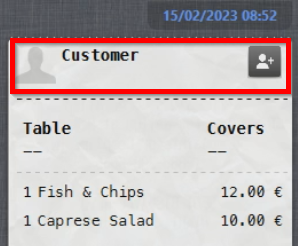
- Select the Customer field above the order lines to search for the customer:
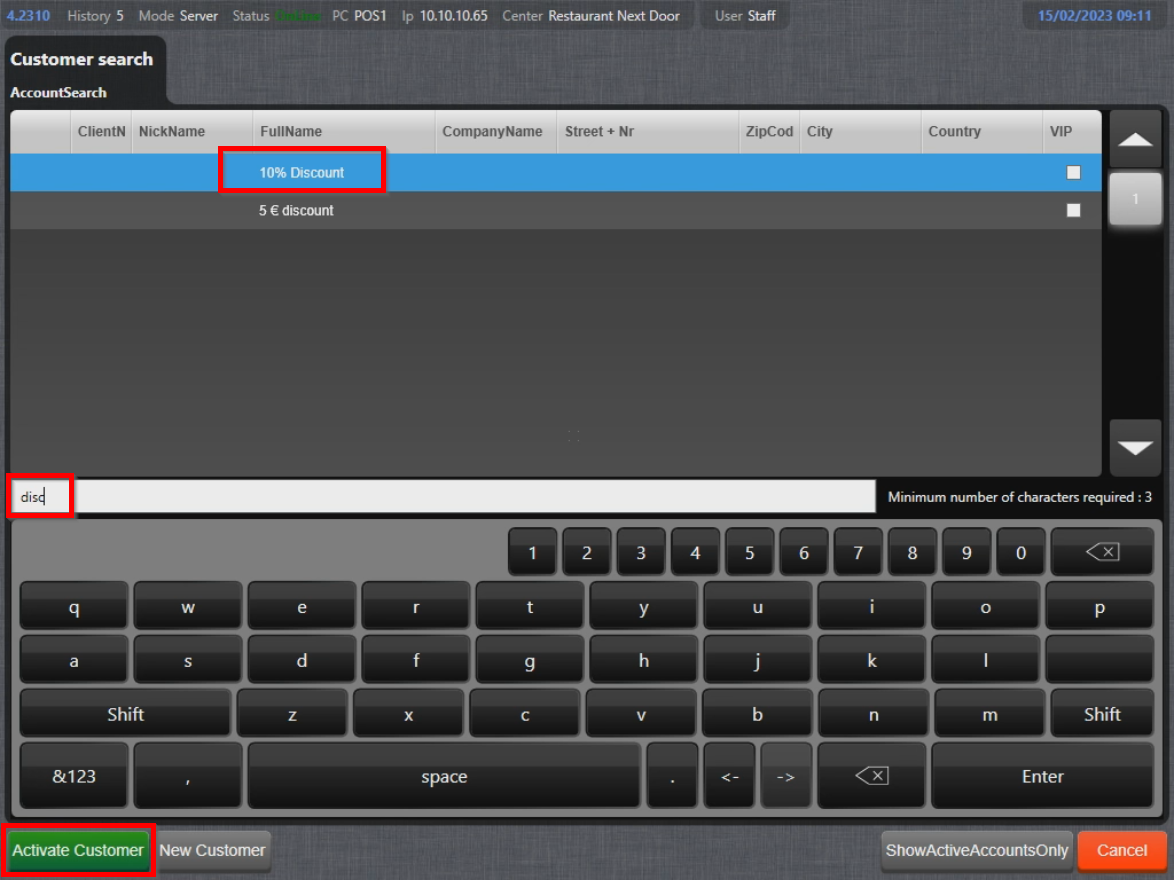
- In the customer search menu, type something that's in the account name, e.g. "disc", select the account and select Activate Customer:
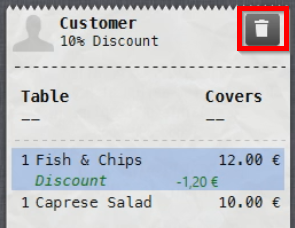
- Account has been assigned to the order and the discount is applied:
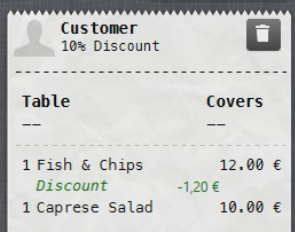
- To remove account from order, select the Trash bin symbol:
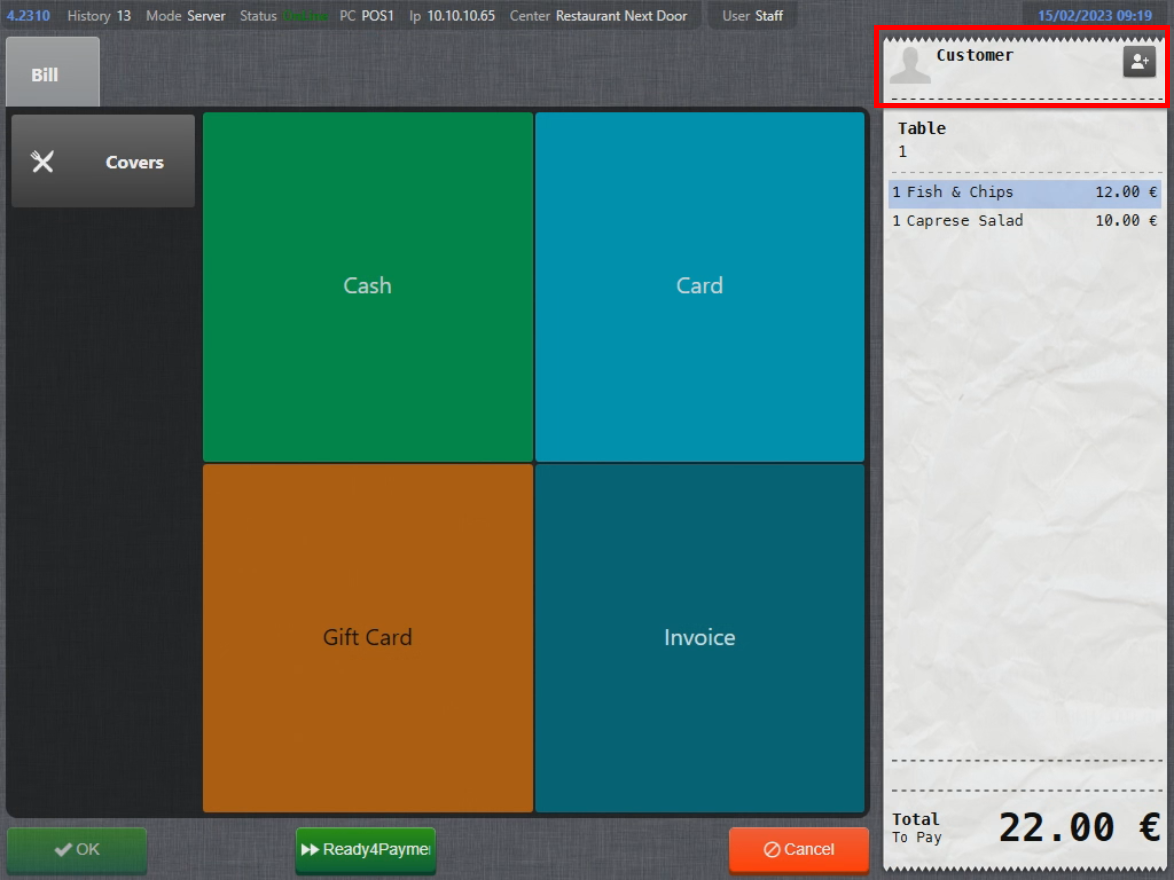
- Same solution can be used even in the Payment menu:
Was this article helpful?
That’s Great!
Thank you for your feedback
Sorry! We couldn't be helpful
Thank you for your feedback
Feedback sent
We appreciate your effort and will try to fix the article