This guide explains how to perform an order correction on a table (remove products from table).
For the correction function to work:
- You need two or more products on a table, and
- You need to be logged in as a user with permission to do corrections, otherwise, the Correction icon will be missing.
Order correction
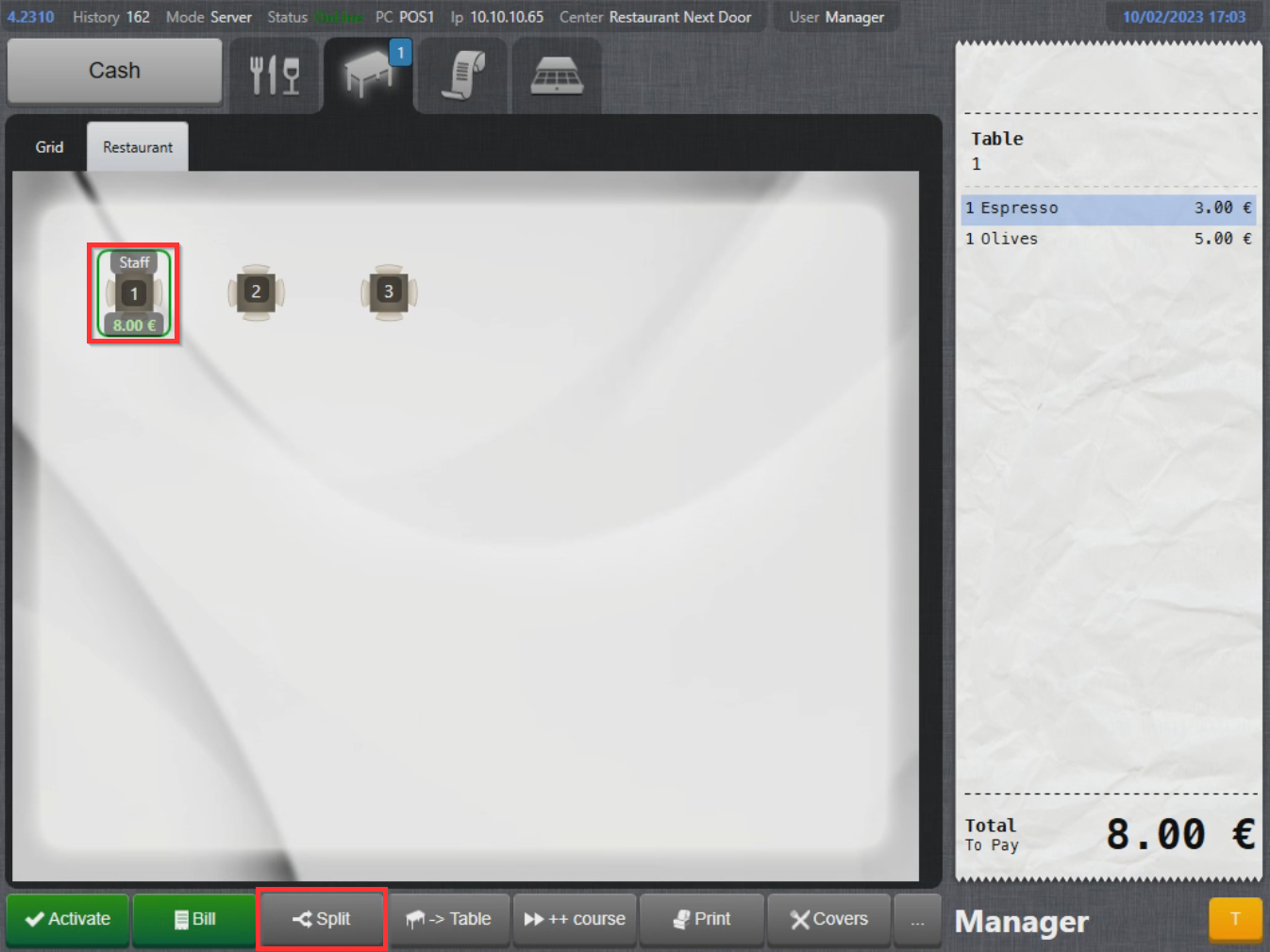
- Select a table (for info on how to select a table, check out Placing an order).
- With the table selected, select Split on the lower part of the screen:
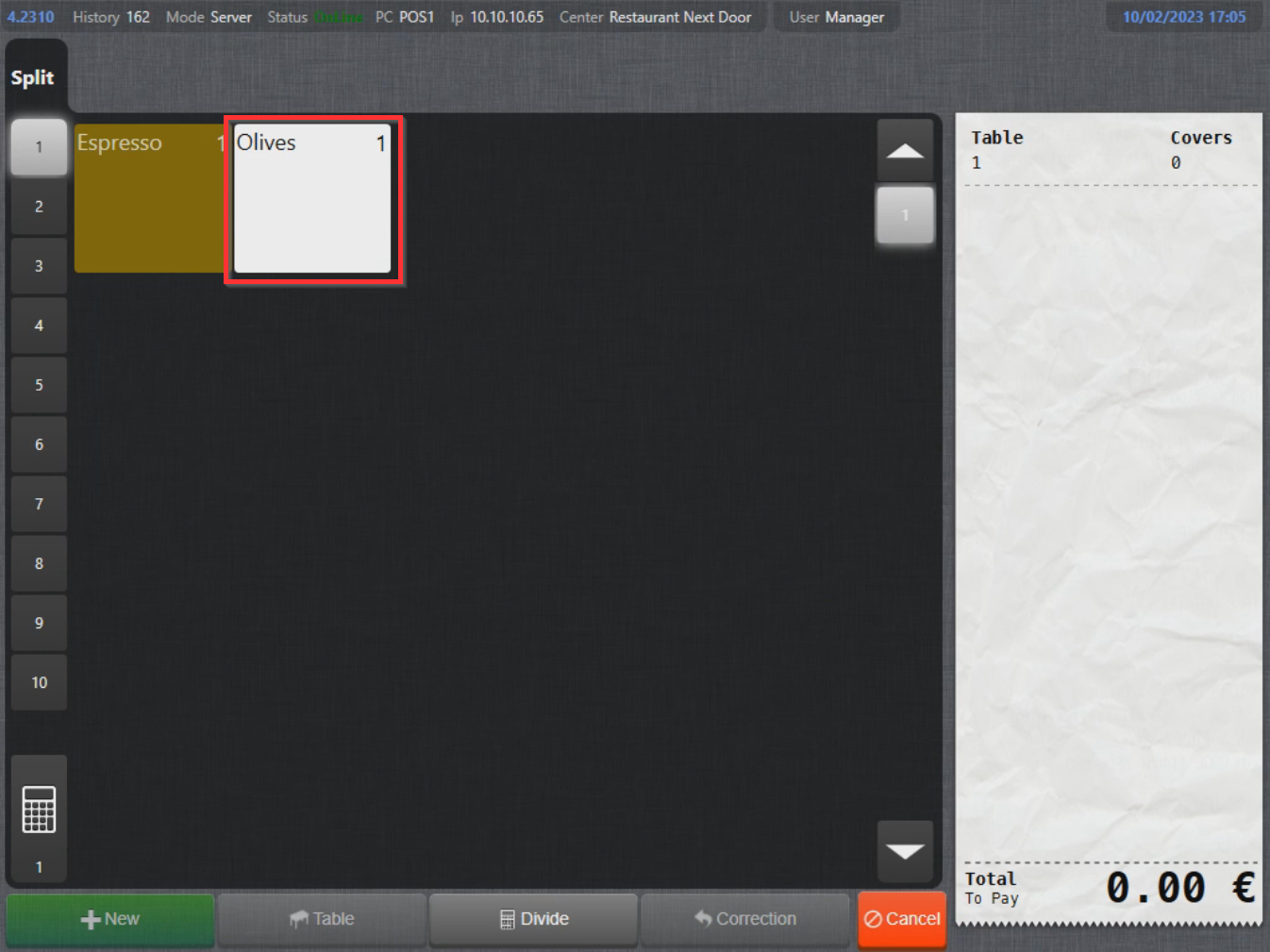
- Select the products to remove:
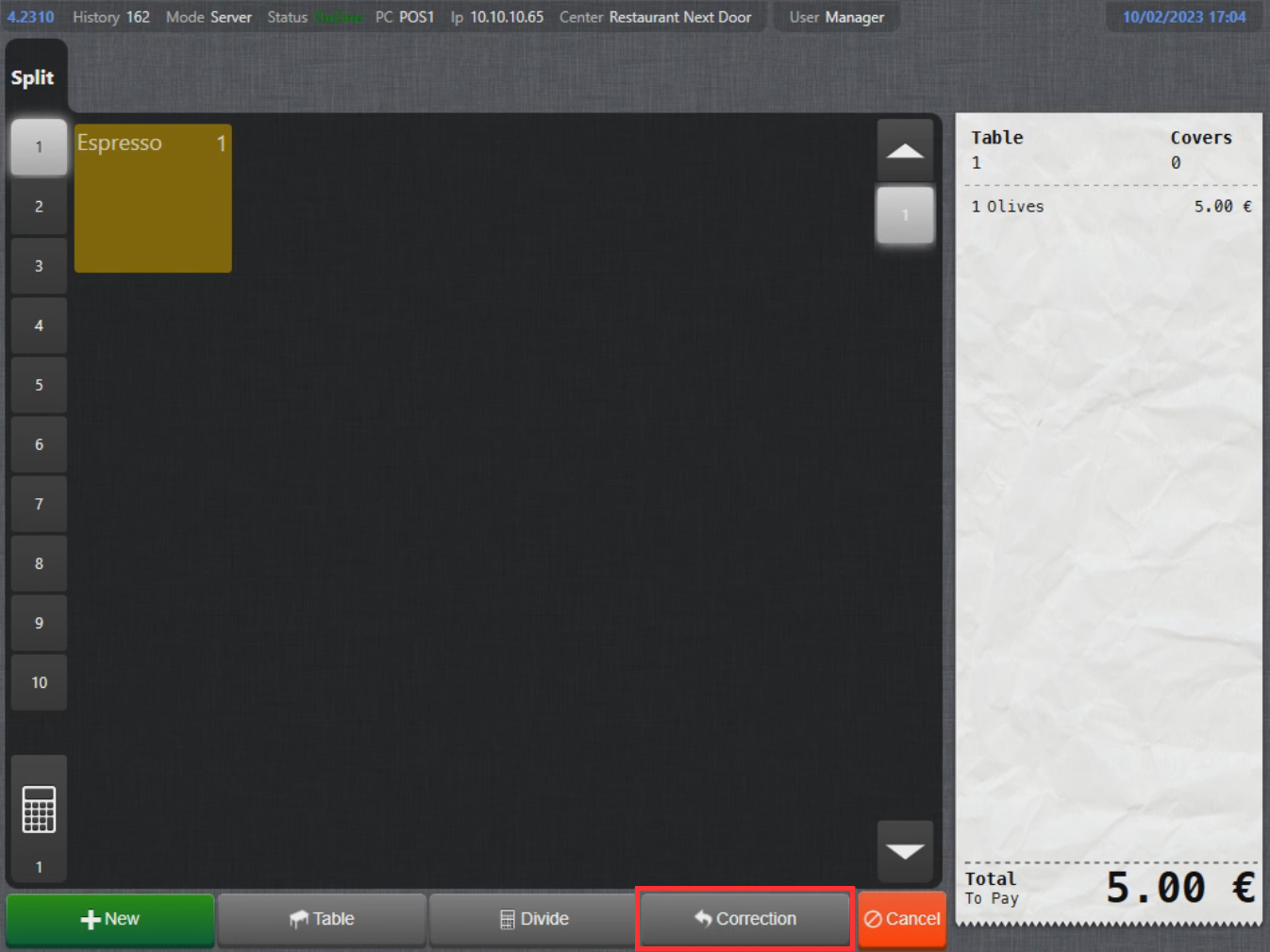
- With the products selected, select Correction:
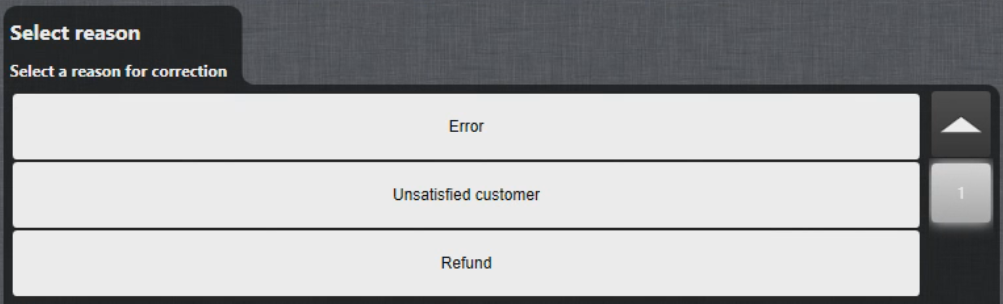
- Select a correction reason:
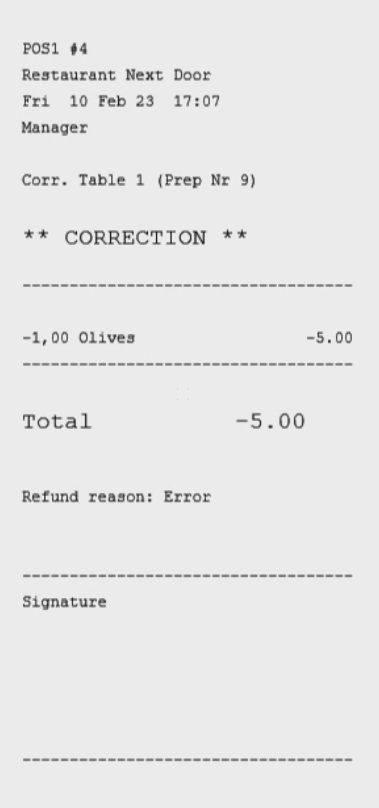
- A correction bill is printed and the product is removed:
What's next?
To complete a payment, check out Payment.
Was this article helpful?
That’s Great!
Thank you for your feedback
Sorry! We couldn't be helpful
Thank you for your feedback
Feedback sent
We appreciate your effort and will try to fix the article