This guide explains how to remove products from the order list.
Removing all products
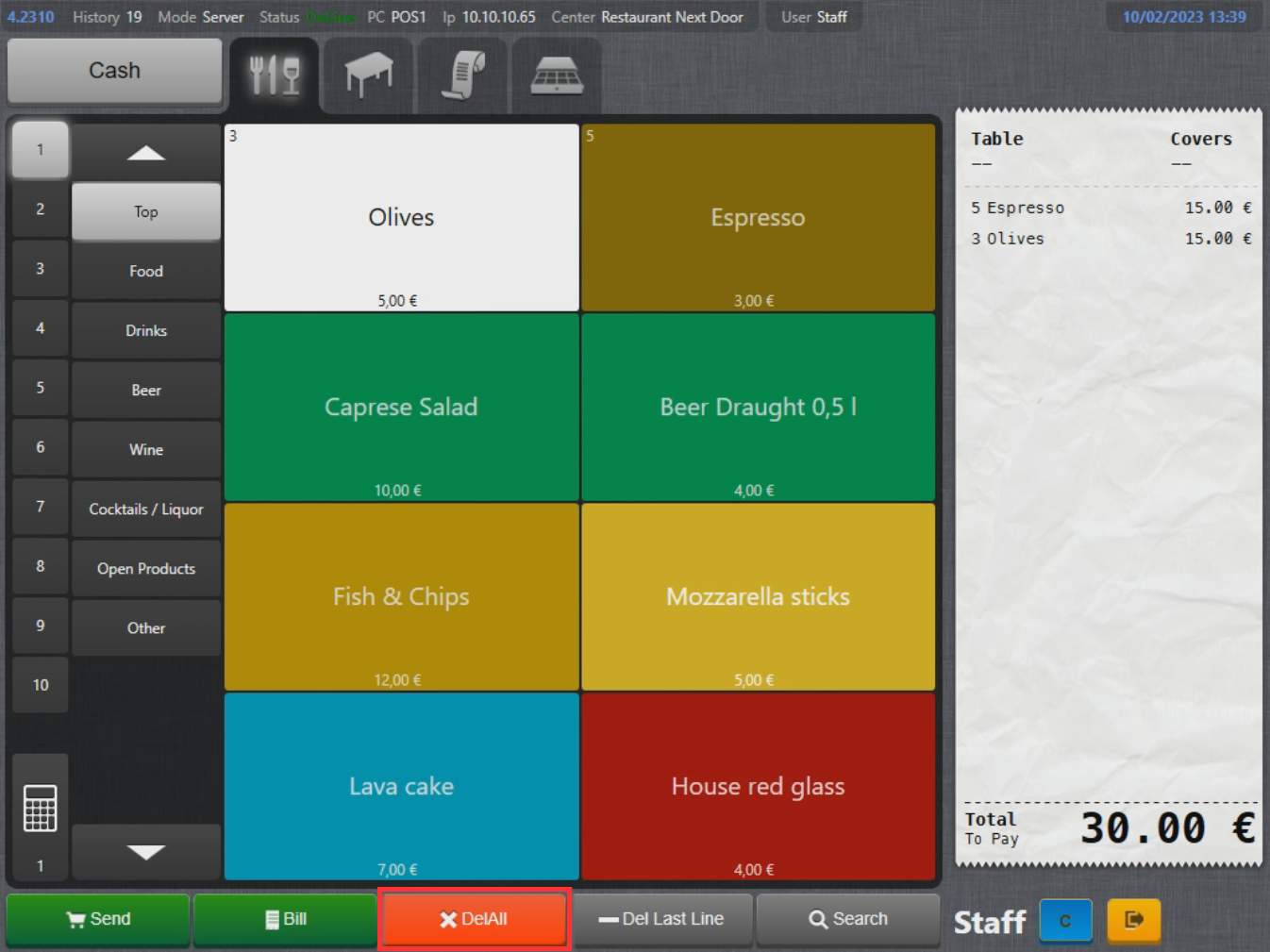
- To remove all products from the product list, select DelAll in the bottom of the screen:
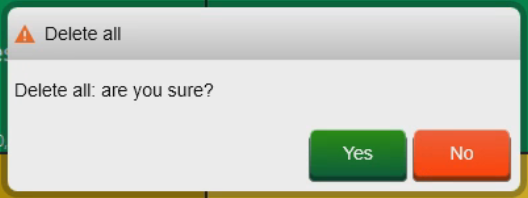
- Select Yes to confirm deleting all products:
Removing last product
Removing last product only removes 1 last piece of product form the order list.
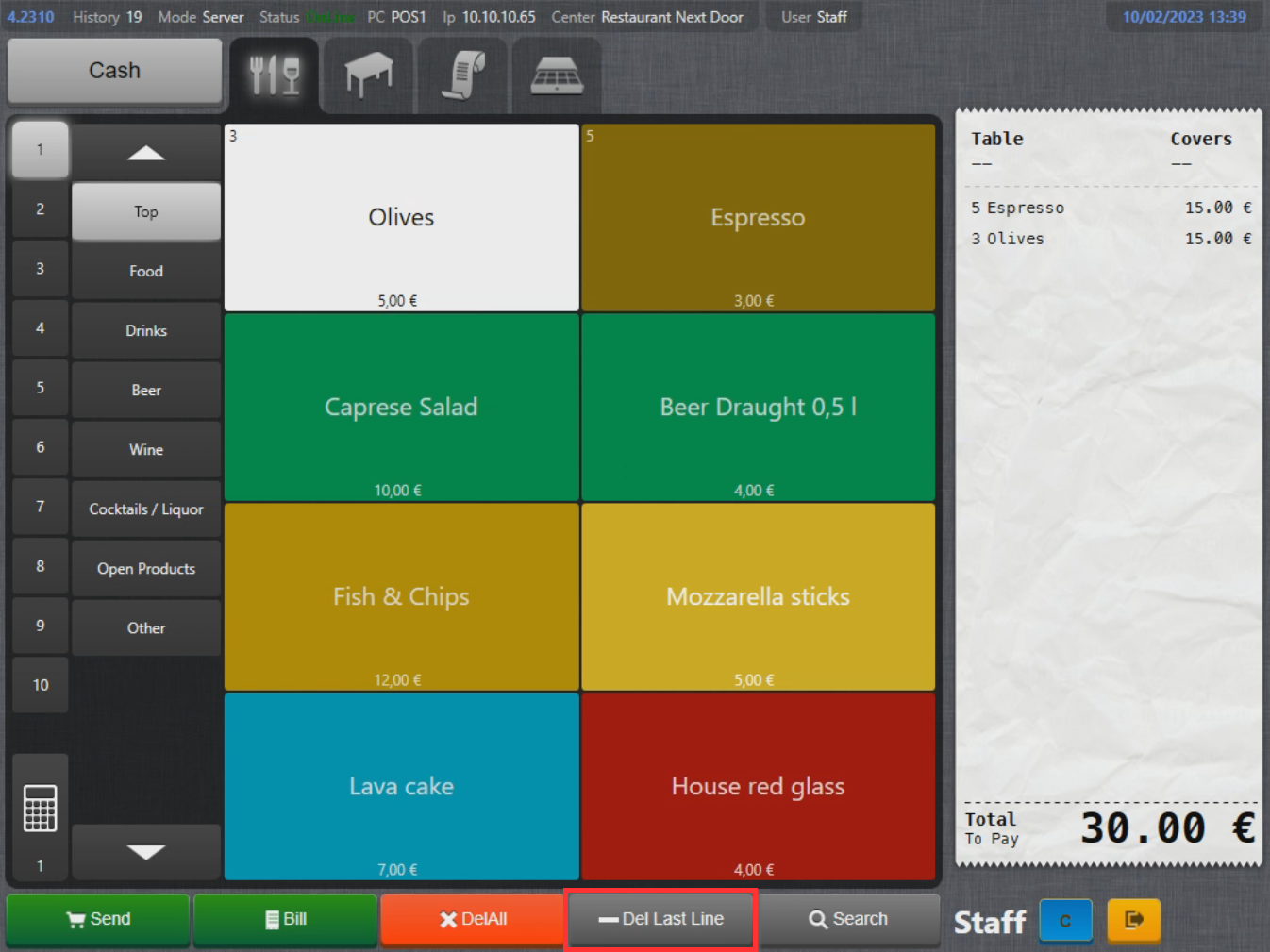
- To remove the last product from the product list, select Del Last Line in the bottom of the screen:
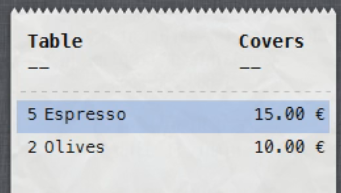
- Last product is now removed (note that other products from the same grouped product are still there):
Removing a single product from the order list
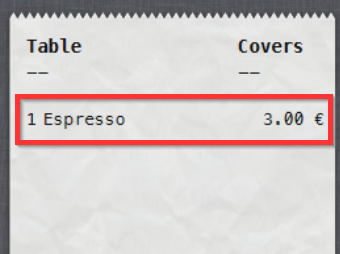
- To remove a single product from the product list, select the product on the order list:
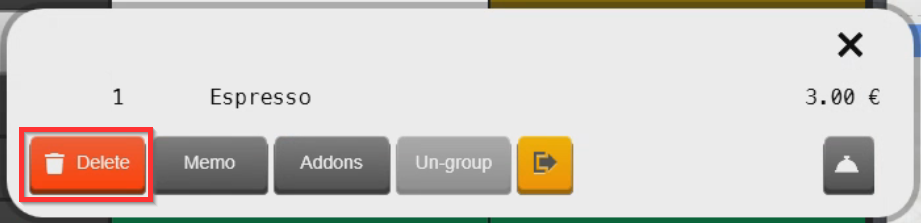
- To remove the product from the order list, select Delete:
What's next?
To place an order on a table, check out Placing an order.
Was this article helpful?
That’s Great!
Thank you for your feedback
Sorry! We couldn't be helpful
Thank you for your feedback
Feedback sent
We appreciate your effort and will try to fix the article