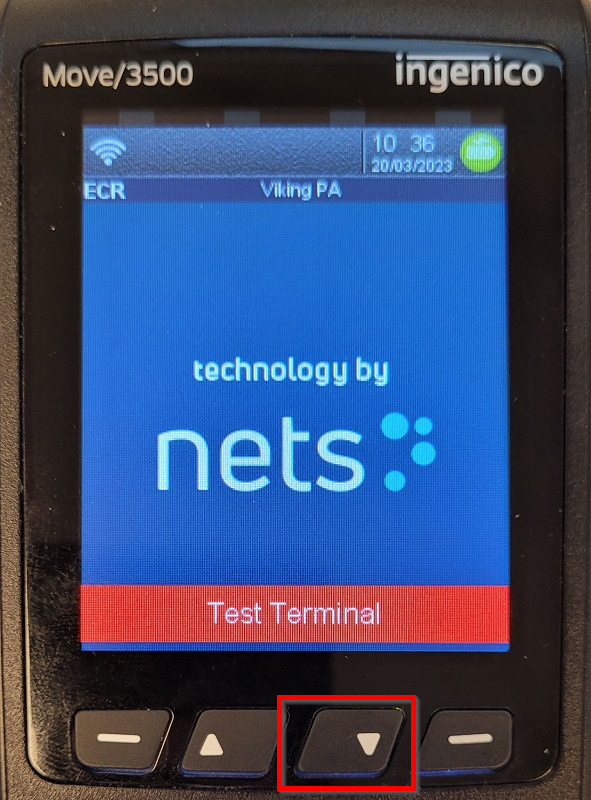
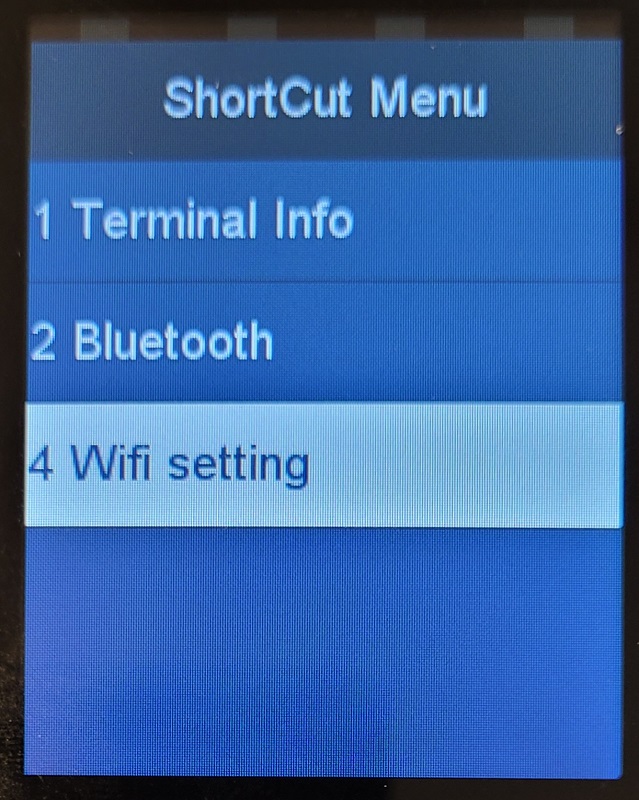
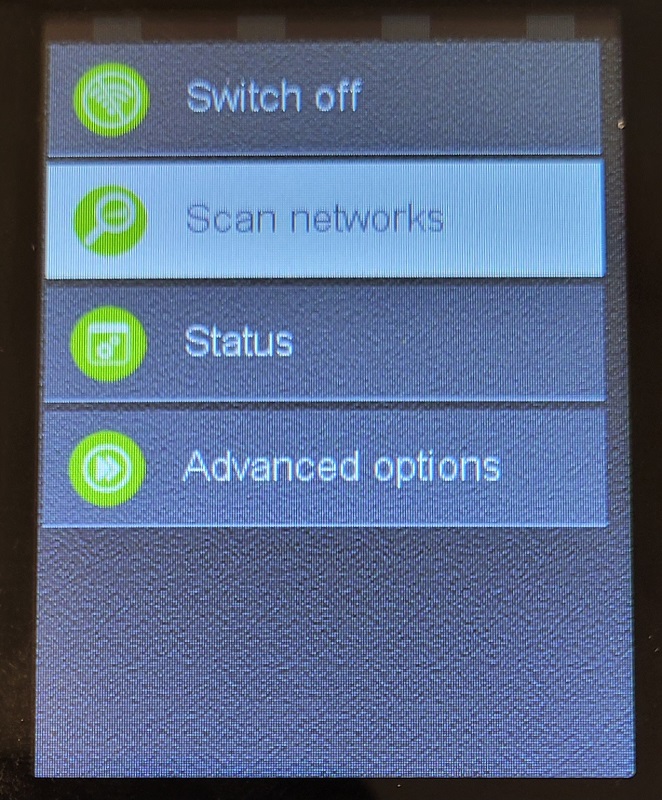
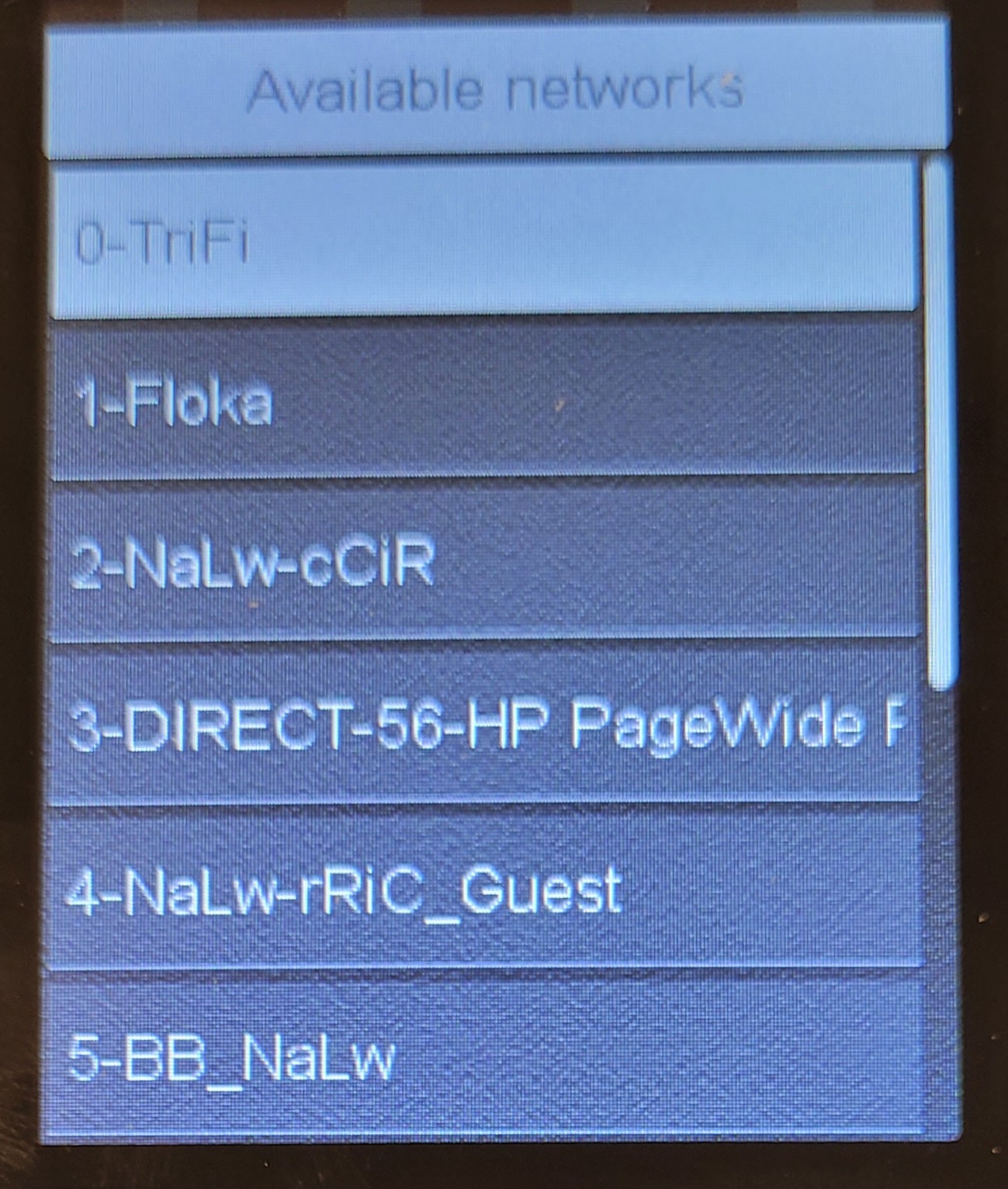
This article explains the steps required to connect a Move/3500 device to WiFi.
For info on Nets devices, check out Nets terminals.
Connect to WiFi
|
 |
|
 |
|
 |
|
 |
|
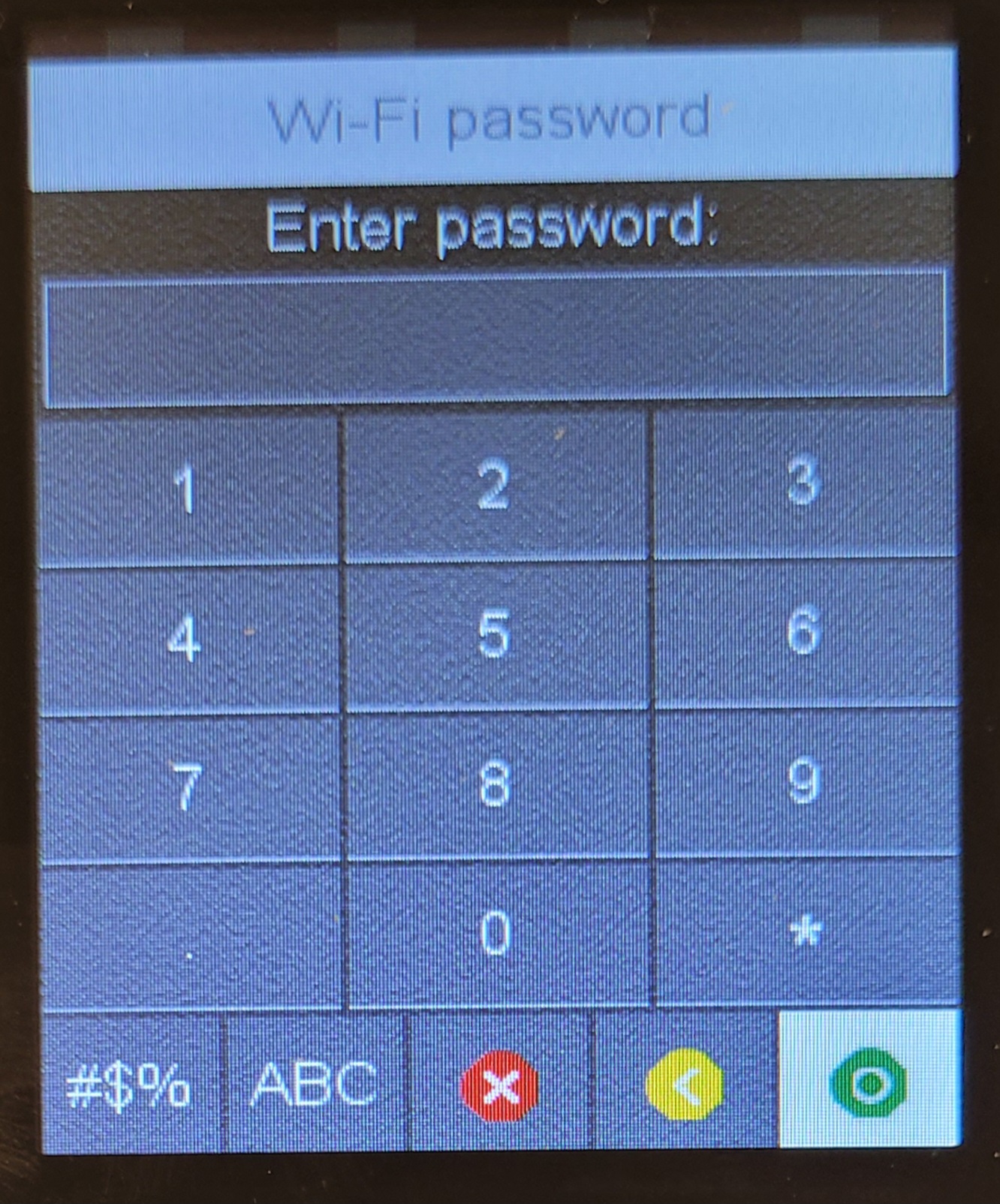 |
|
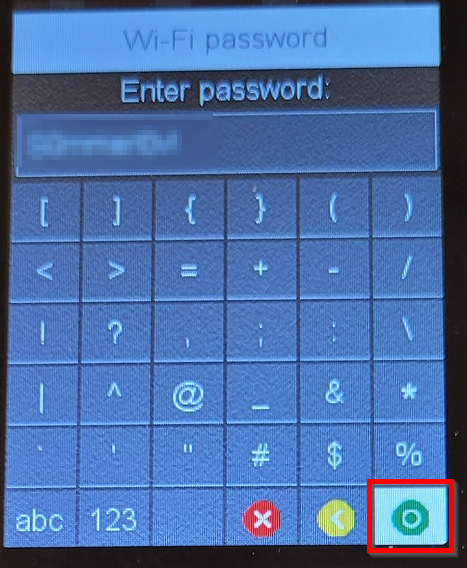 |
|
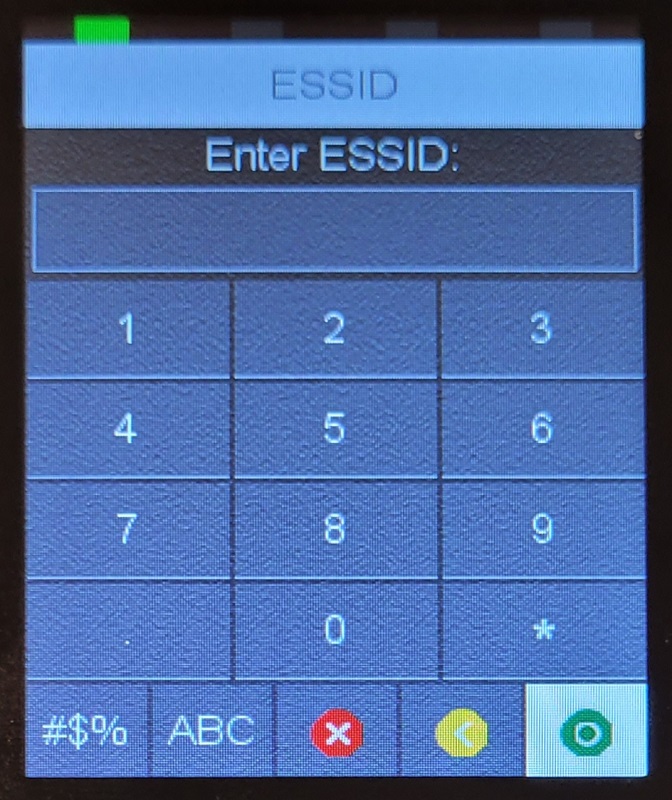
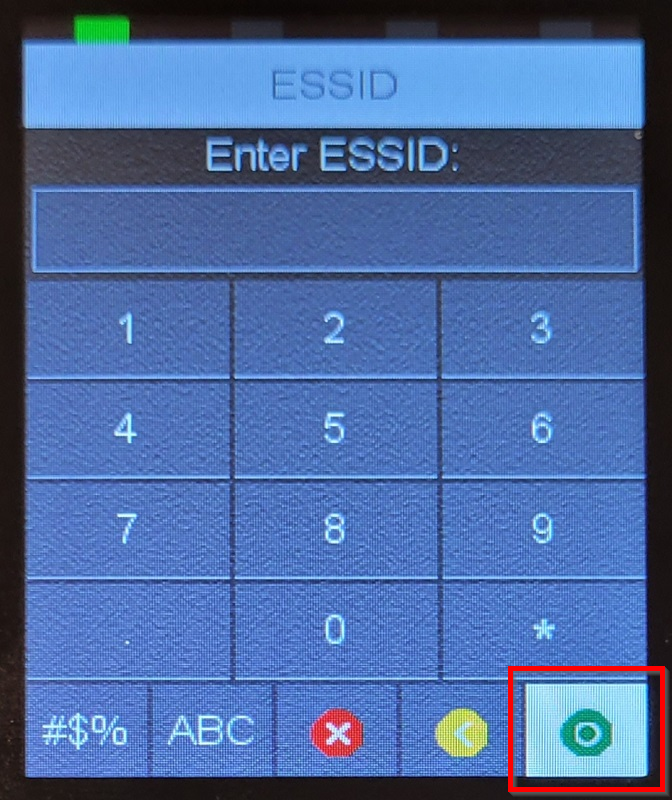
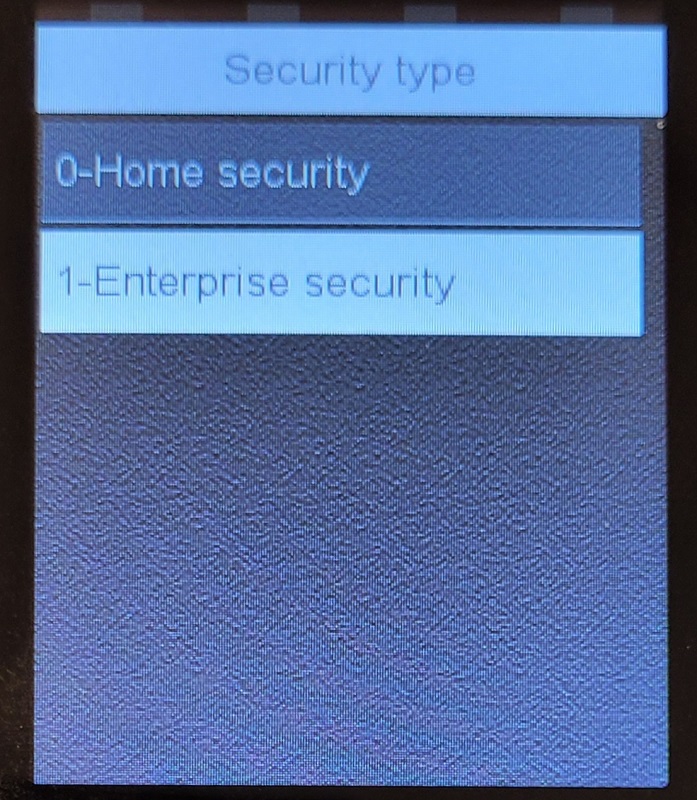
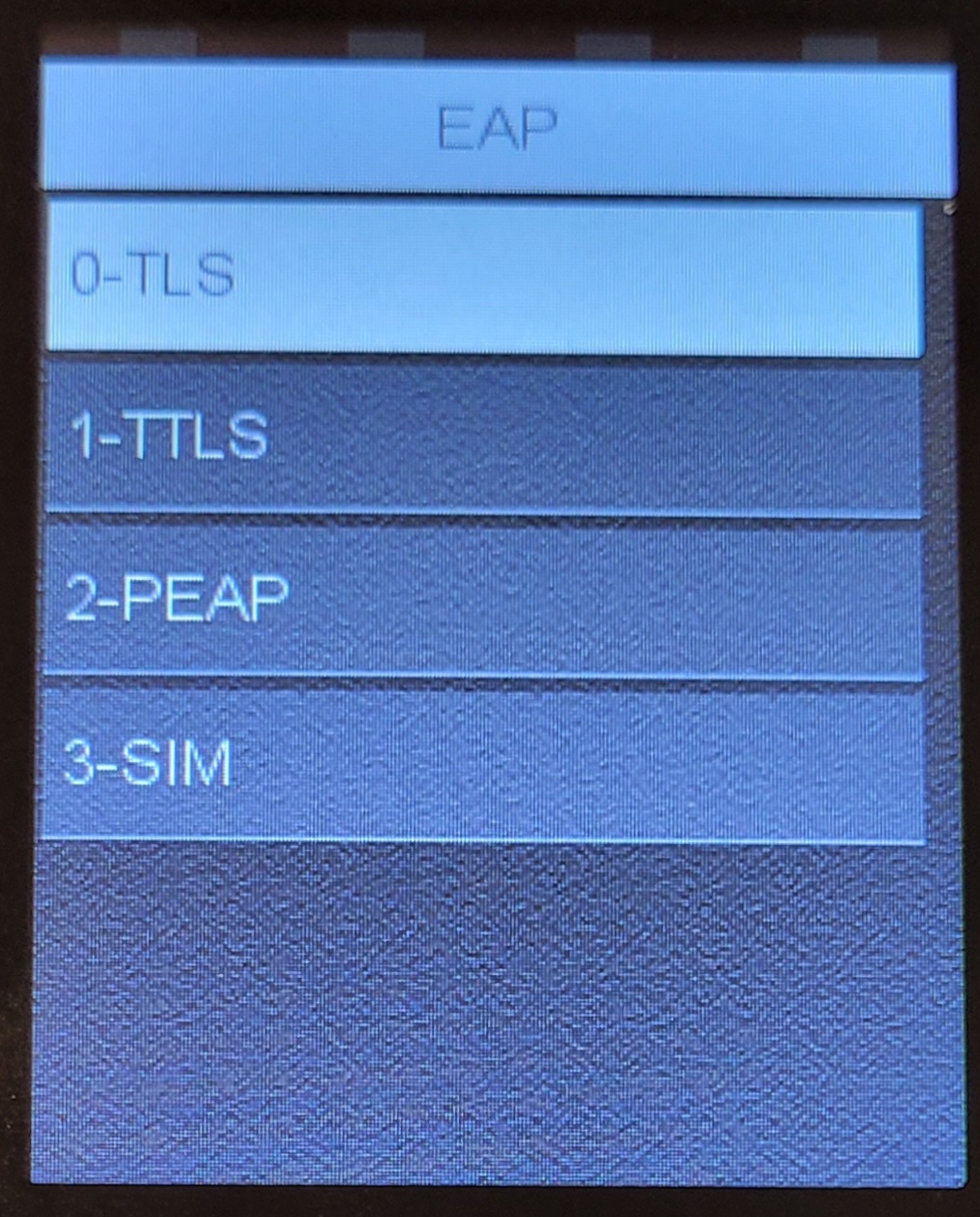
Connect to Hidden network
|
|
|
|
|
|
|
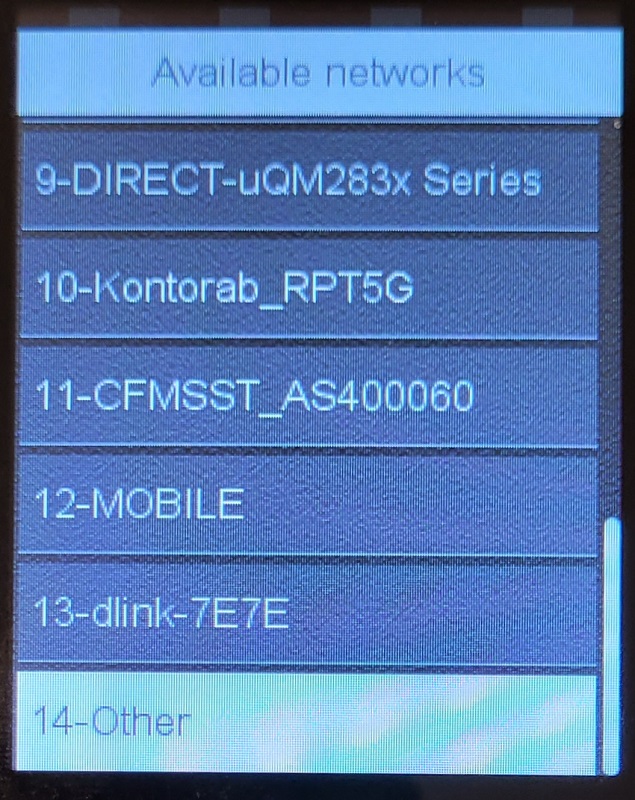 |
|
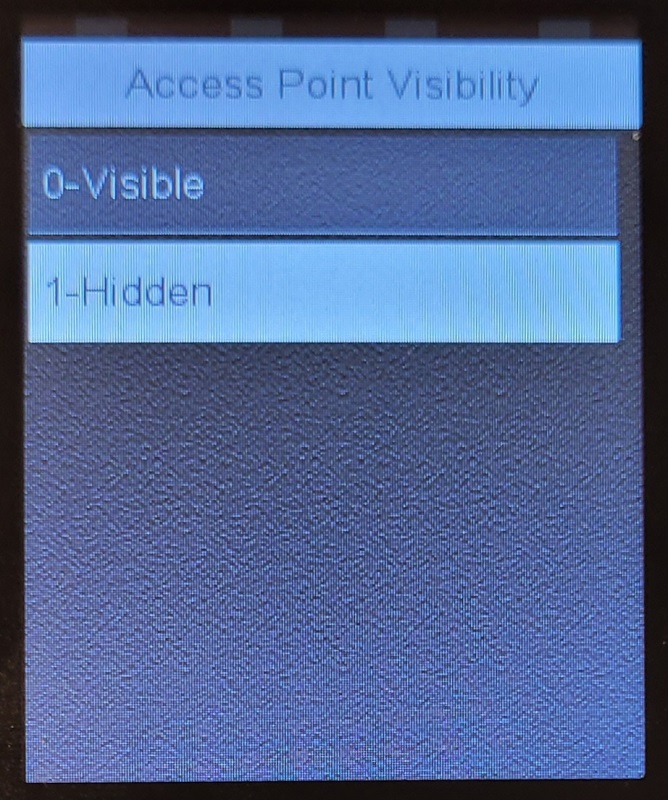 |
|
 |
|
 |
|
 |
|
 |
|
|
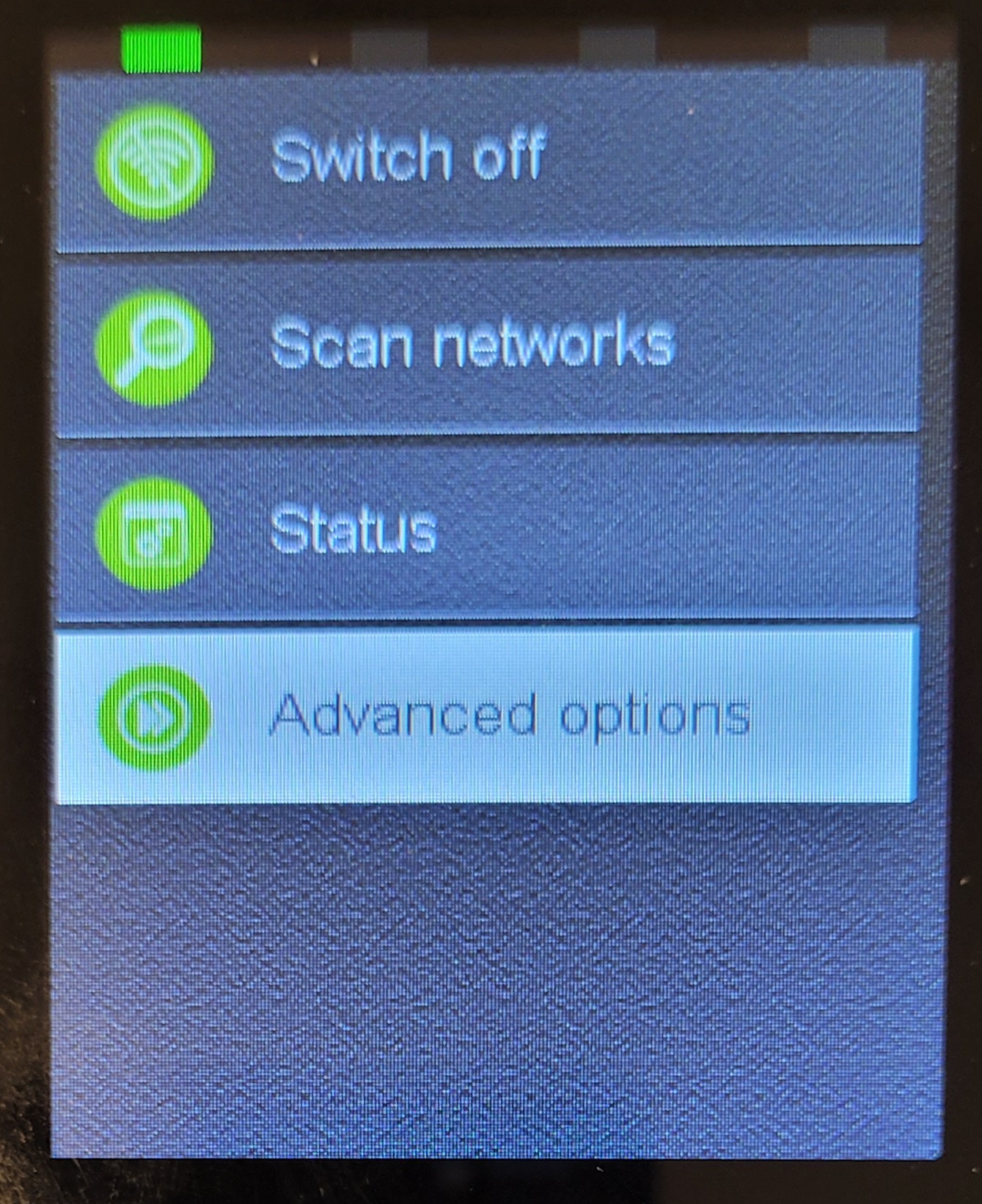
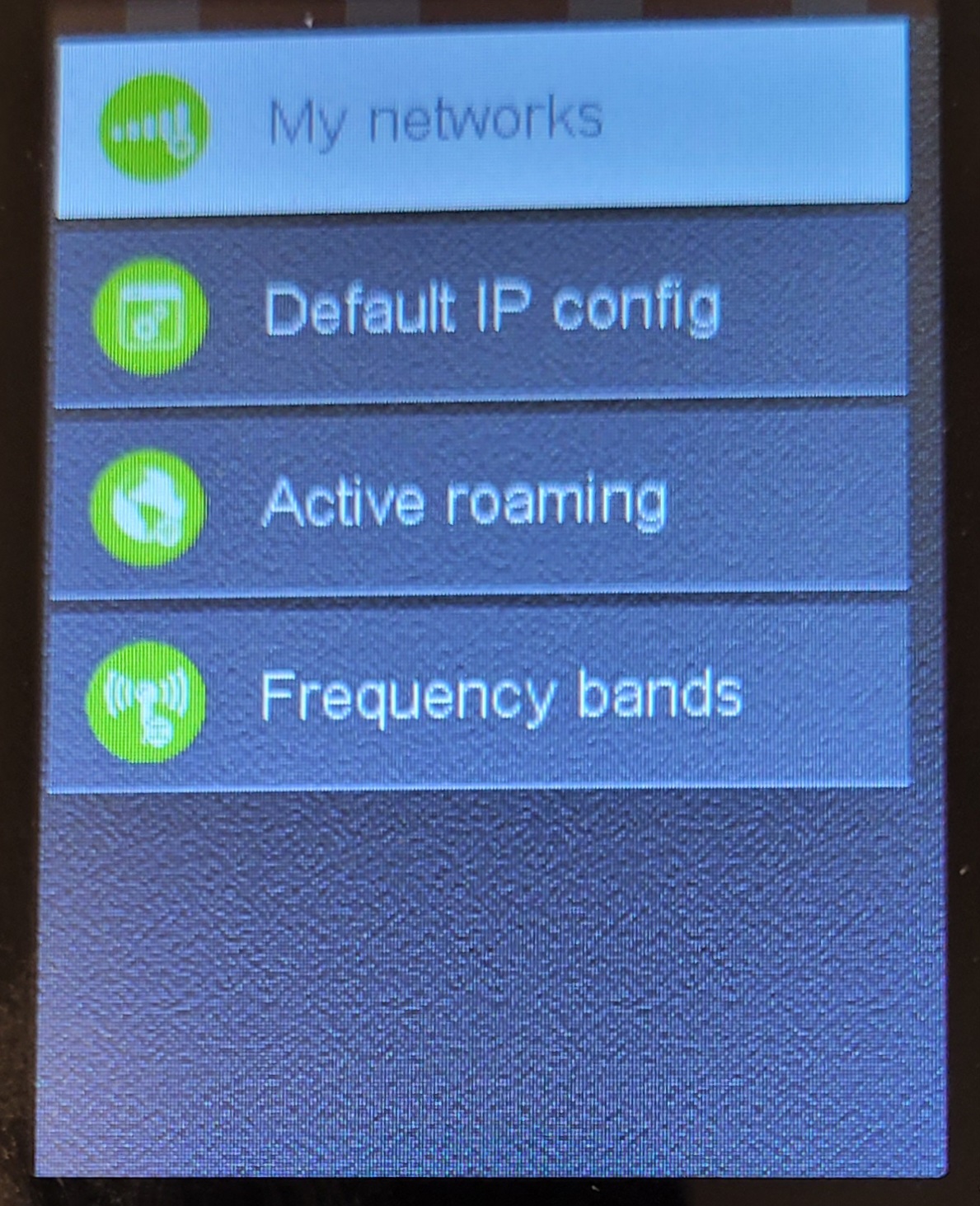
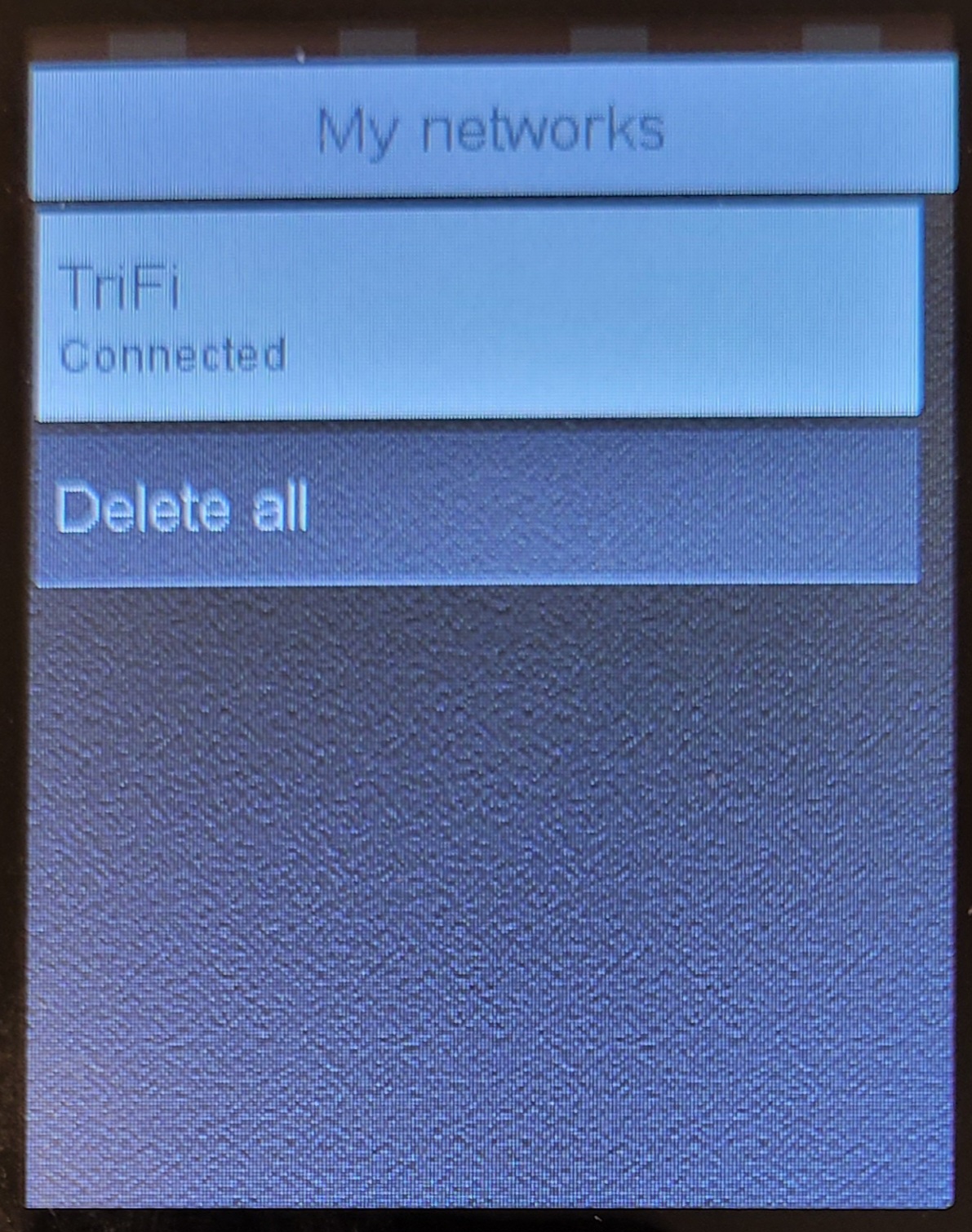
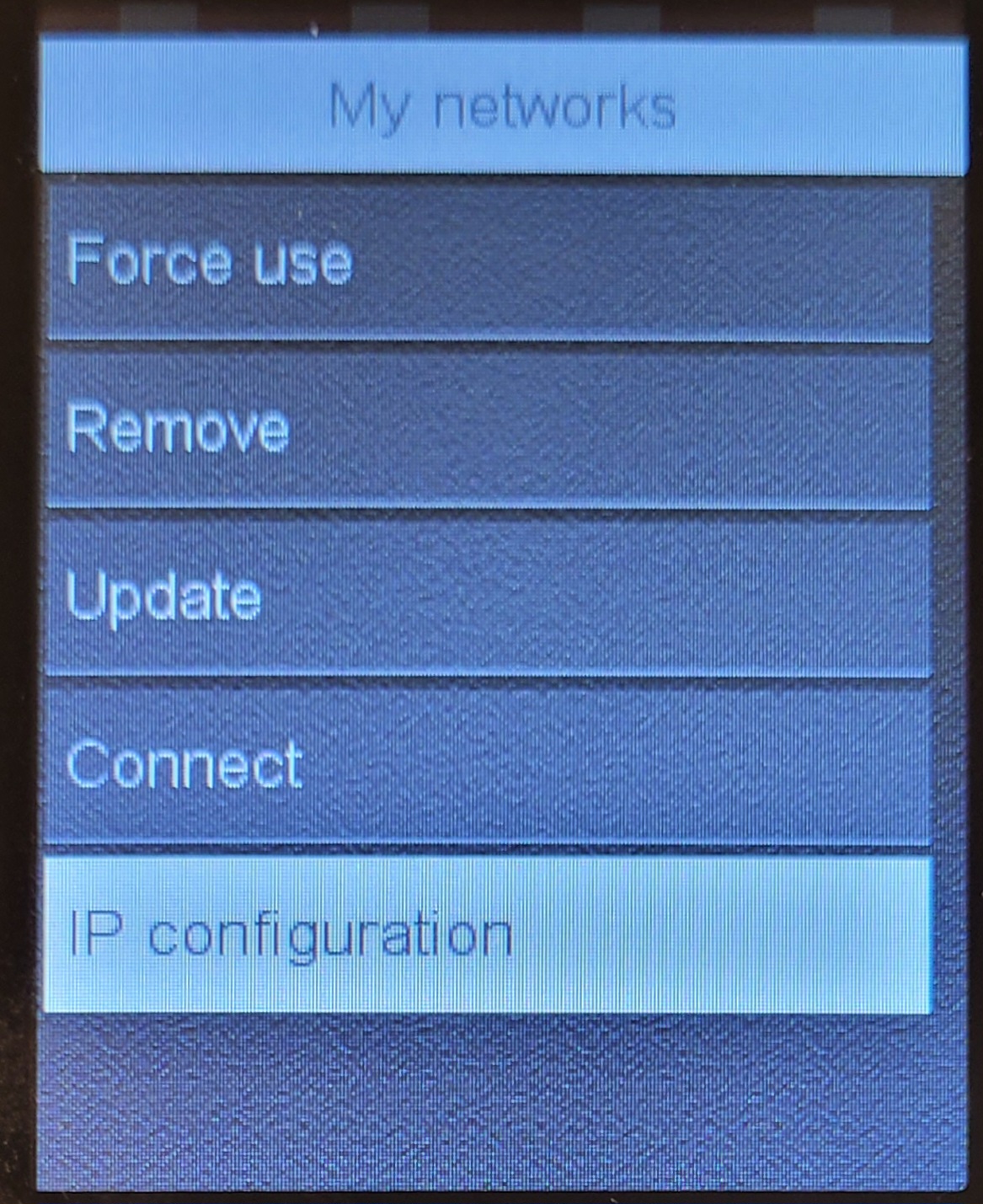
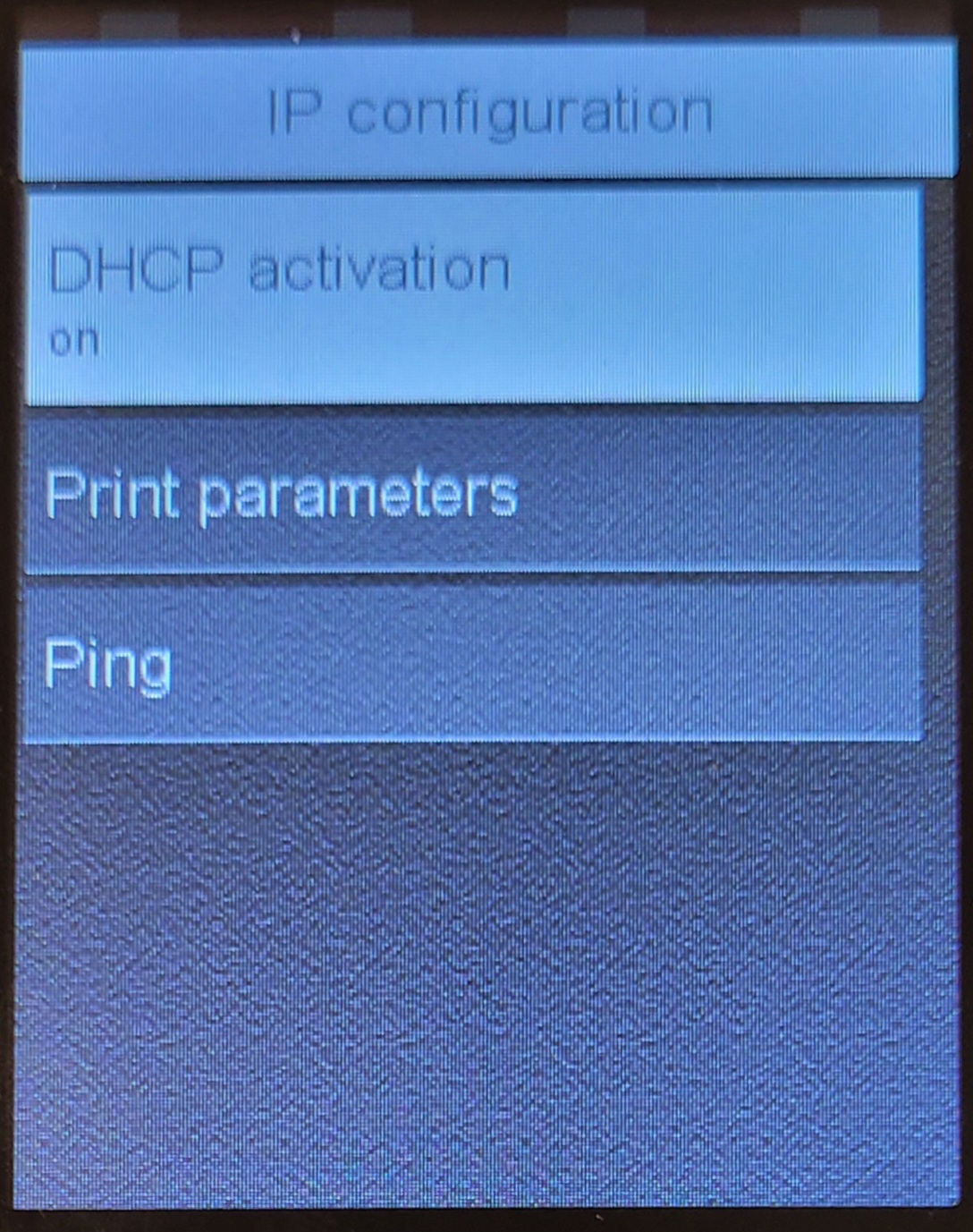
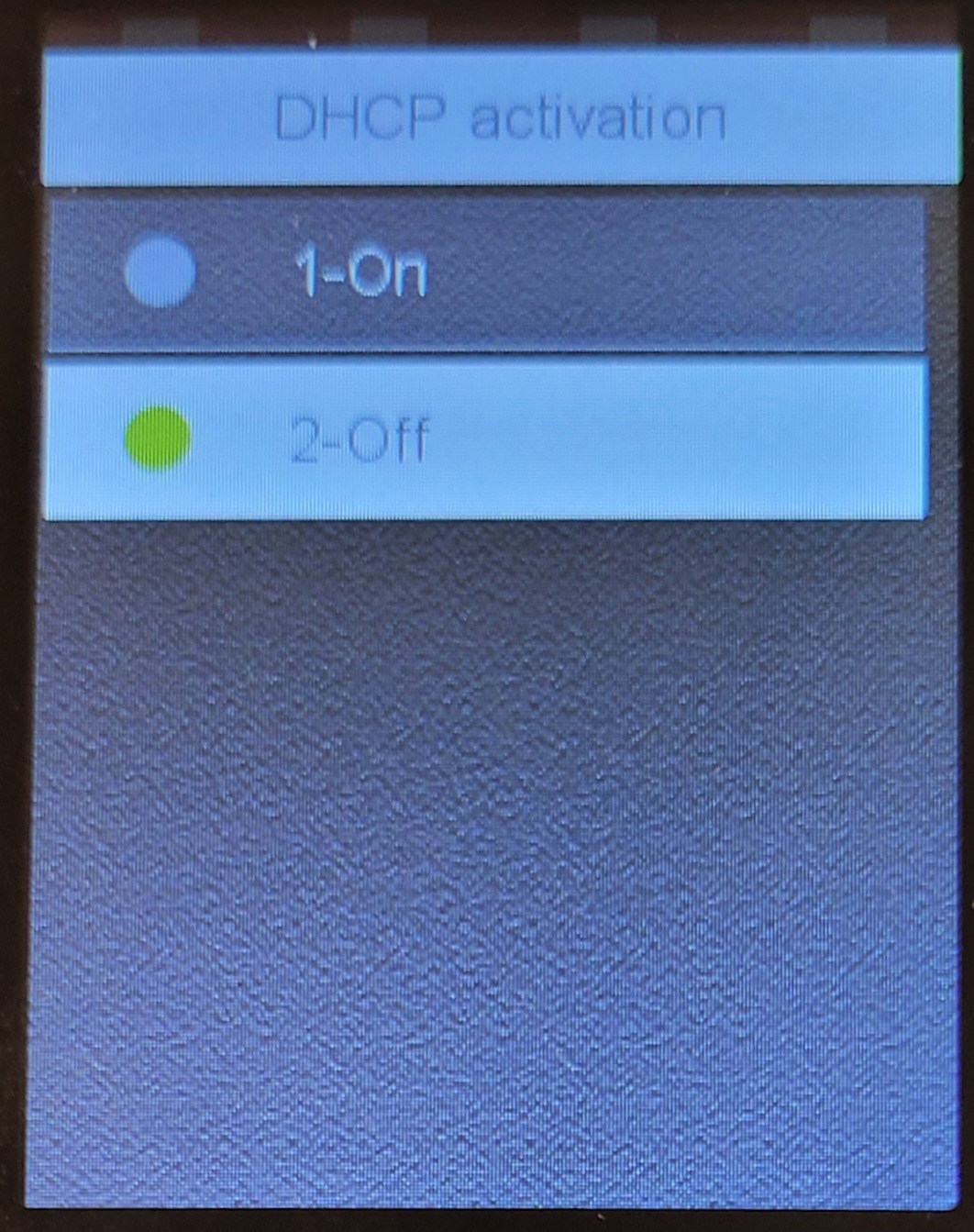
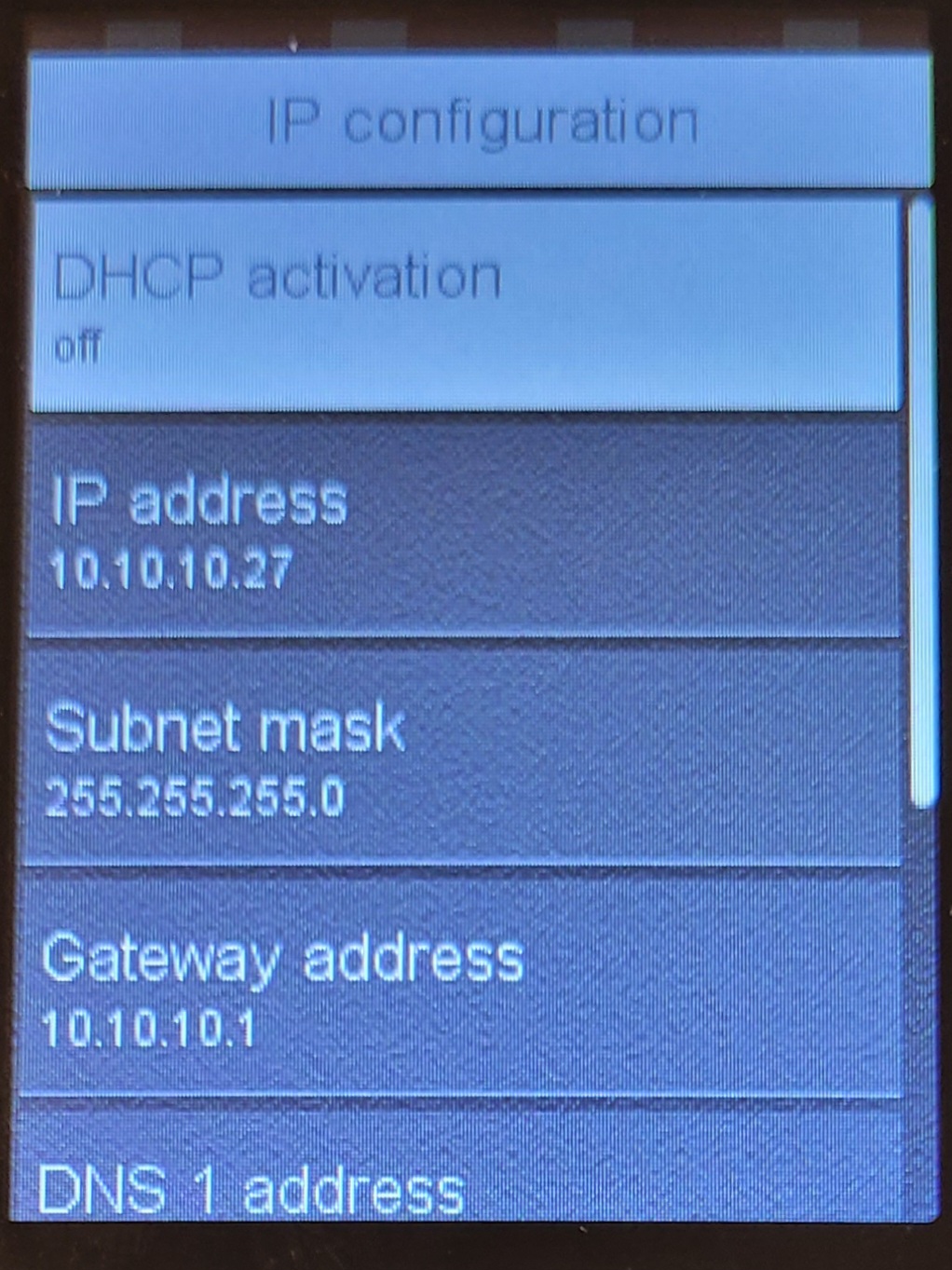
Set device to static IP (OPTIONAL)
|
|
 |
|
 |
|
 |
|
 |
|
 |
|
 |
|
 |
|
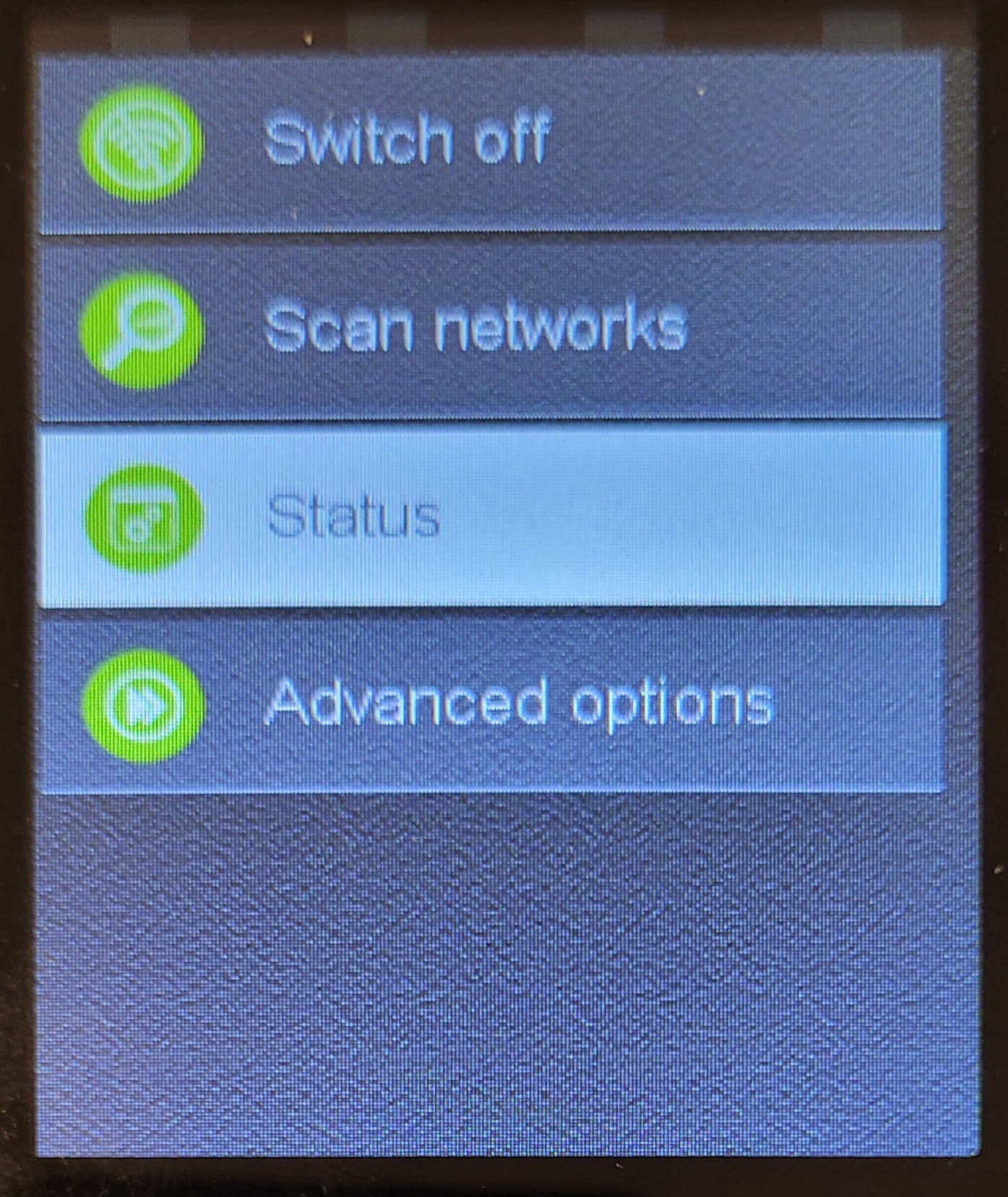
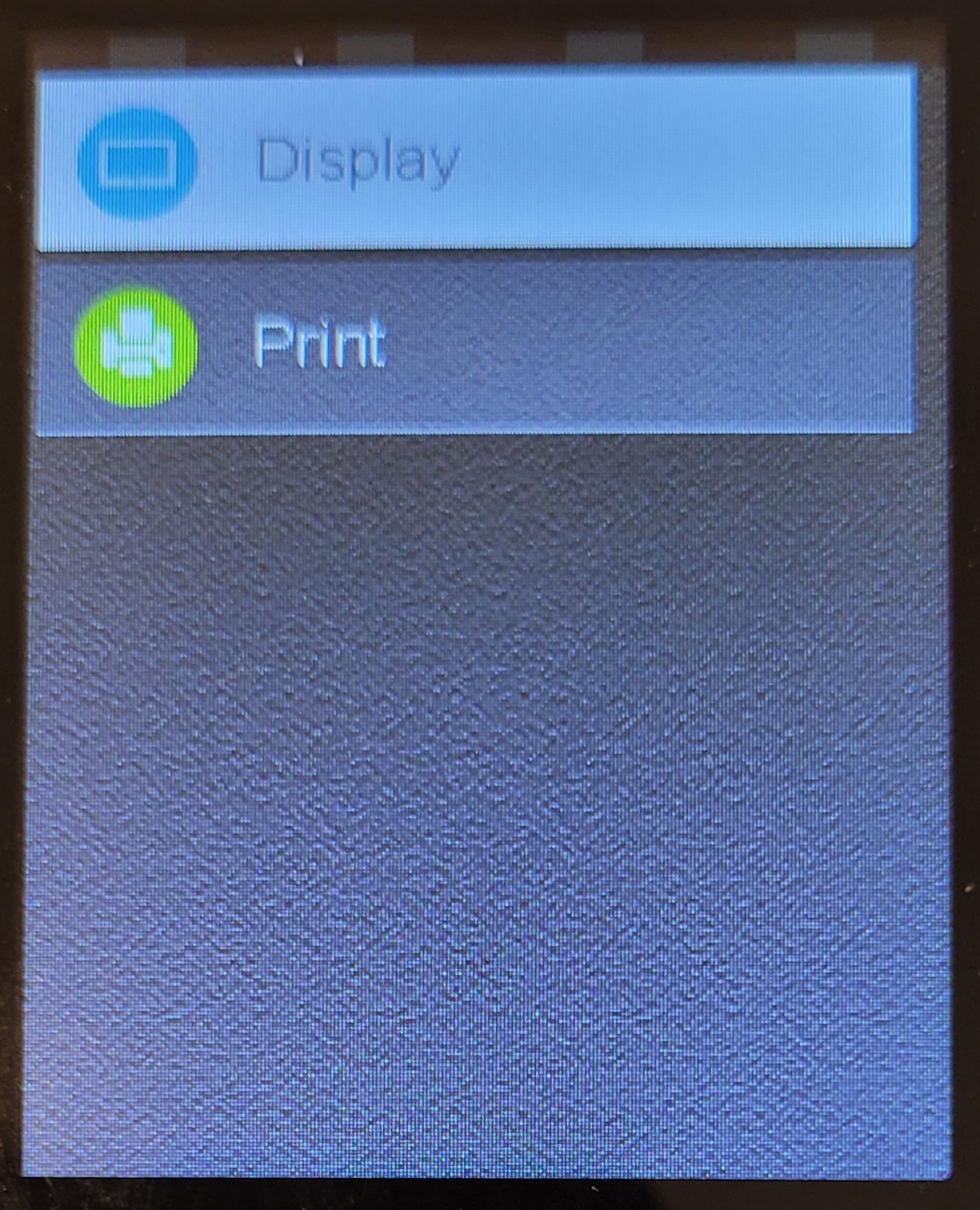
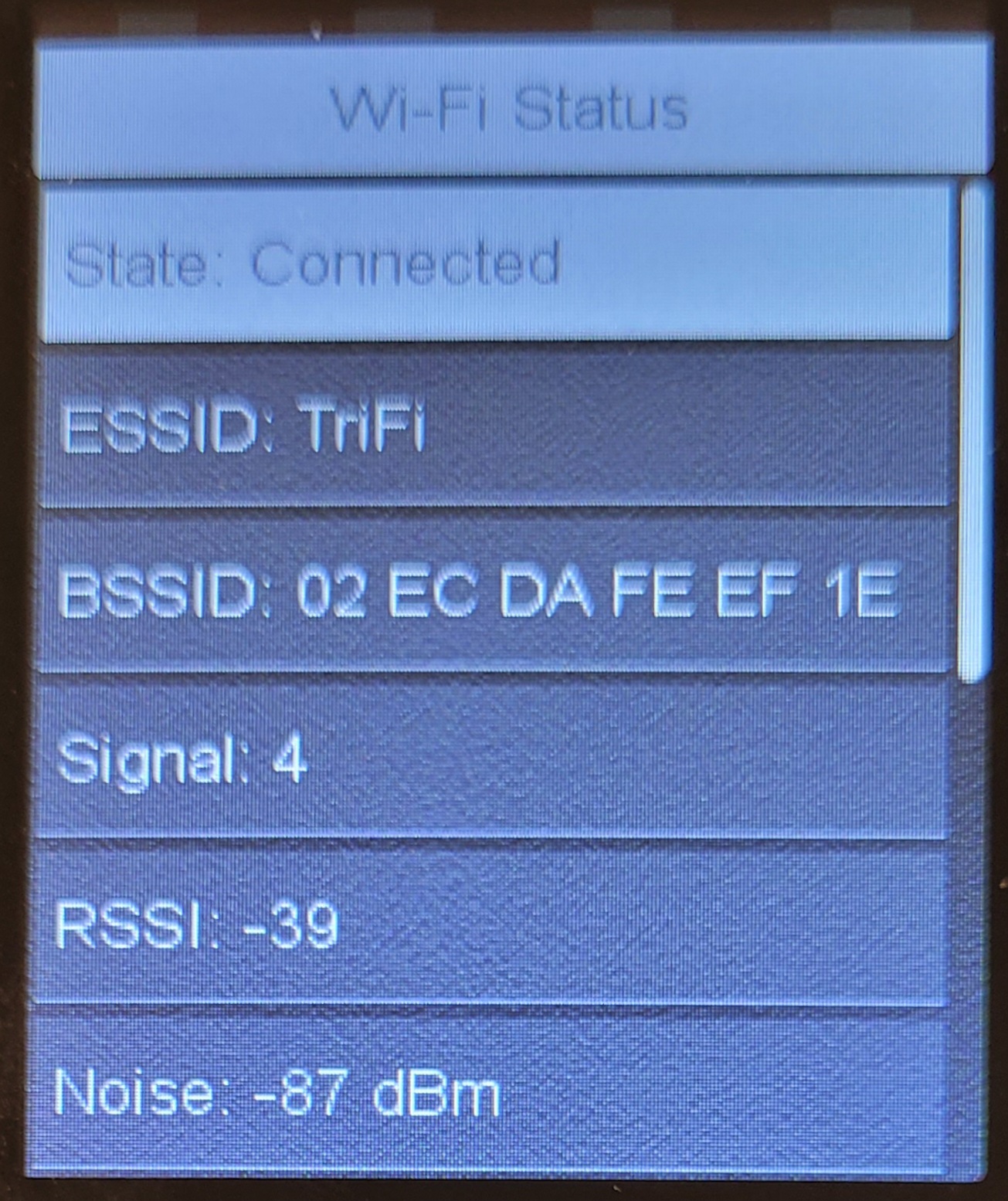
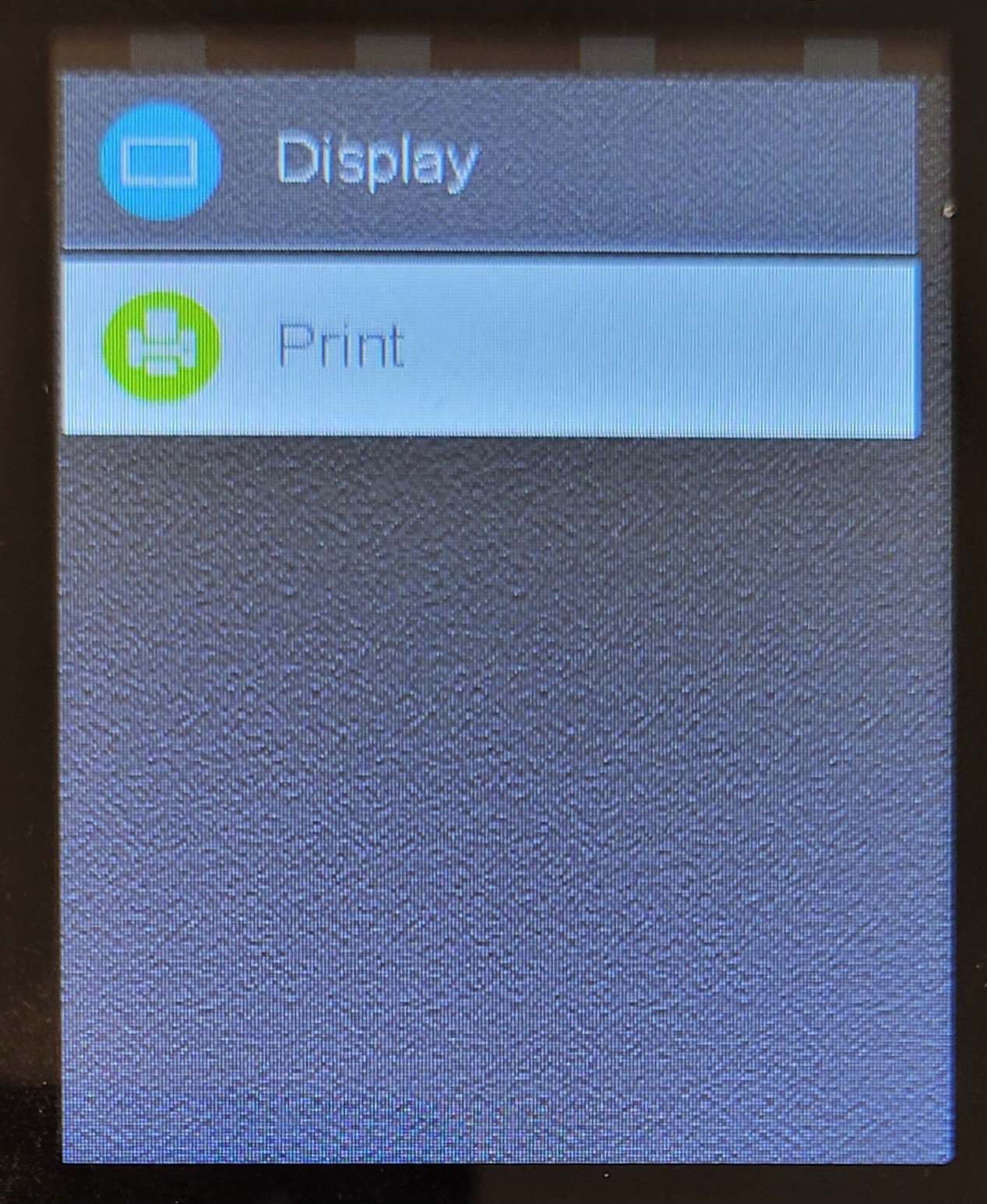
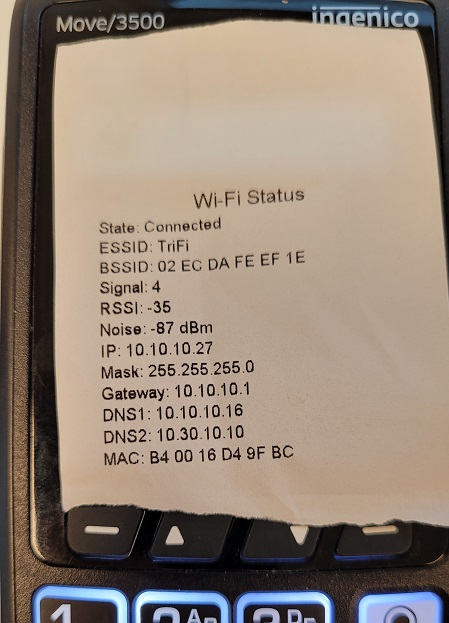
Display network status
|
|
|
|
|
 |
|
 |
|
 |
|
 |
|
 |
Was this article helpful?
That’s Great!
Thank you for your feedback
Sorry! We couldn't be helpful
Thank you for your feedback
Feedback sent
We appreciate your effort and will try to fix the article