This guide explains how to to complete the payment process by dividing the payments by amount or number of customers.
Dividing payments
- Select a table (for info on how to select a table, check out Selecting a table).
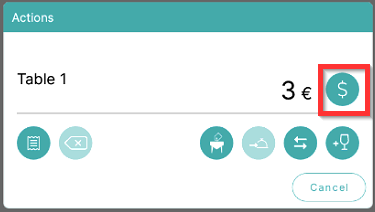
- To open the payment menu, select the Cash symbol on the table menu:
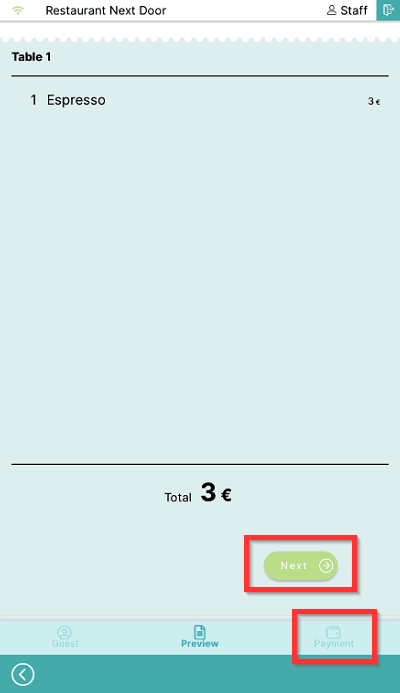
- Review the order and select Next or Payment symbols:
- To divide by amount or the number of customers, select Divide:
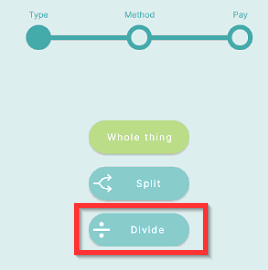
- You can divide by:
- amount, or
- number of guests
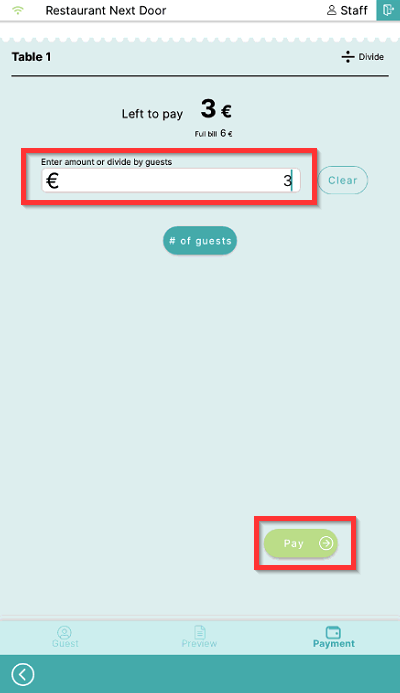
- To split by amount enter amount and select Pay:
- To split by number of guests, select # of guests:
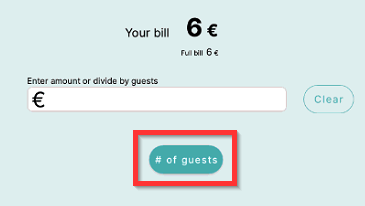
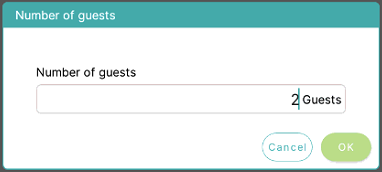
- Enter the number of guests to divide total amount to and select OK:
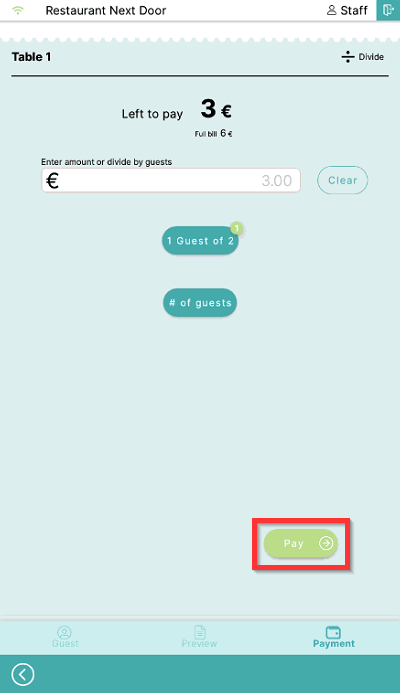
- Select Pay to complete payment for the first customer:
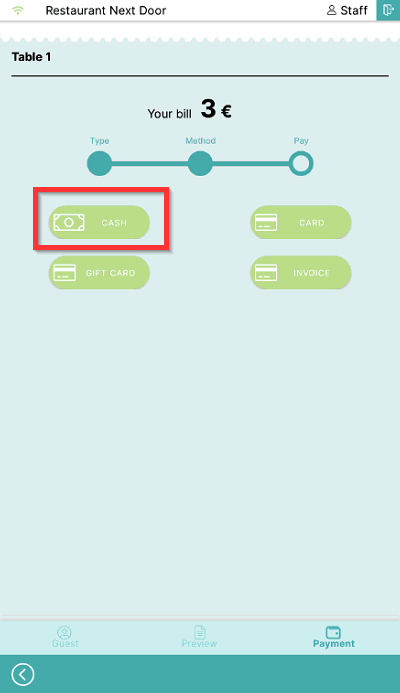
- Select a payment method to finalize the payment:
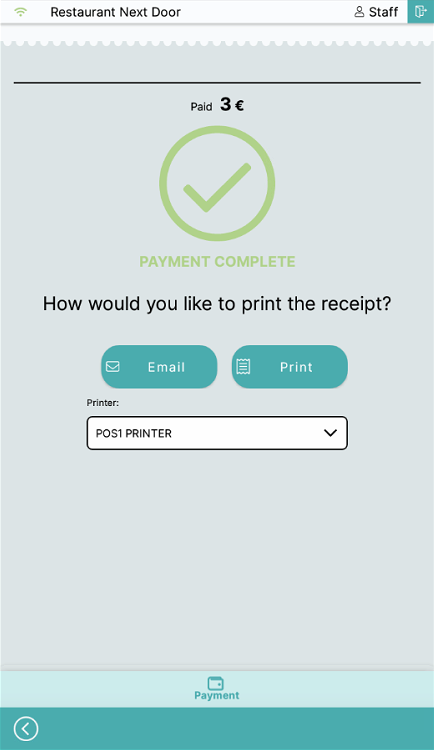
- Now choose how you want to print the receipt, either Email or Print:
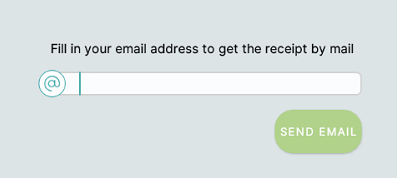
- If you select email, you will be prompted to enter an email address:
-
- If you select Printer, the receipt will be printed on the chosen printer. To change the printer used select the printer to open the drop-down menu.
- To continue with payments for other customers, select the Split symbol and repeat the payment process for each remaining customer.
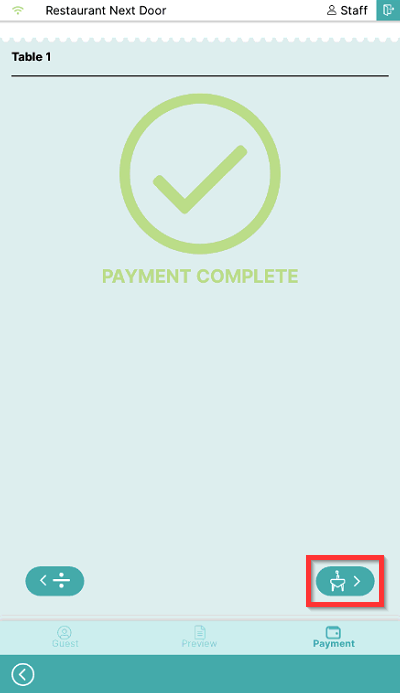
- To return to the table page, select the Table symbol:
What's next?
To complete payment of a whole table, check out Payment.
To split orders by products, check out Split payments by the products.
Was this article helpful?
That’s Great!
Thank you for your feedback
Sorry! We couldn't be helpful
Thank you for your feedback
Feedback sent
We appreciate your effort and will try to fix the article