This article explains how the electronic receipts and electronic receipt bin work in Domino and Handy.
Requirements
As stated in Chapter 6, Section 2 of SKVFS 2021:17, a cash register must be designed to ensure that it automatically prints a paper receipt or generates and sends an electronic receipt whenever a sale is registered.
Therefore, it is not acceptable to ask, "Do you want a receipt?" Instead, the question should always be, "How would you like your receipt?"
An electronic cash register receipt must clearly indicate that it was issued electronically (Chapter 7, Section 1 of SKVFS 2021:17).
If the guest, when asked how they would like their receipt, responds that they do not want one at all—neither electronically nor on paper—the receipt can be discarded electronically in a virtual trash bin.
This functionality is available in both Domino and Handy.
Limitations
API integrations and Buddy (for example Jamezz, Karma, BokaBord) will always print a receipt. These devices will always print on the printer that is set as Default printer for the device, or on the server printer.
Pay@Table transactions will always print the receipt.
Electronic receipts In Domino
Usual workflow
- If using a device with electronic receipts enabled, once the ticket payment is complete, the User offers the Guest a printed receipt.
- Once Guest has decided whether they want the receipt printed or refuses the receipt, User can select the appropriate action on the screen:
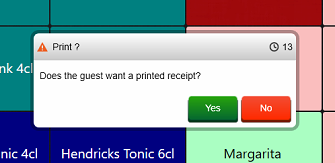
Alternative workflow (Swedish Domino only)
NOTE: This workflow is only available for Customers using the blackbox and _SE version of Domino.
- This workflow enables the Guest to choose an email as an alternative.
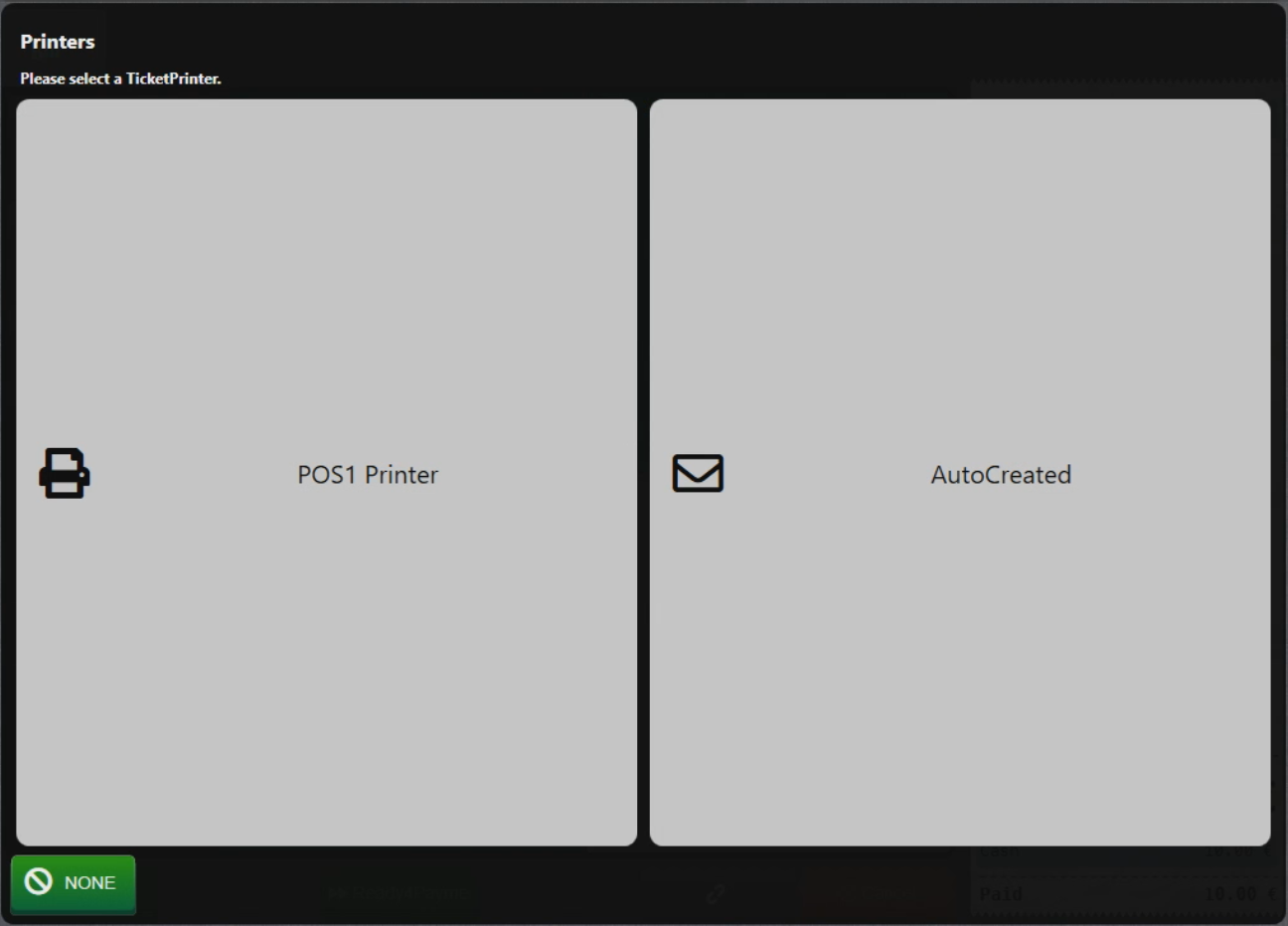
- By selecting NONE, receipt is stored in the electronic receipt bin without being printed.
Electronic receipts In Handy
When orders are paid in Handy, email and print symbols is always displayed. If electronic receipts are enabled for the device, Handy will also display the X option, which is selected when Guest refuses the receipt.
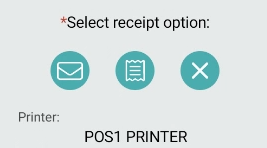
Other two symbols are used for sending the receipt via email and printing the receipt.
Was this article helpful?
That’s Great!
Thank you for your feedback
Sorry! We couldn't be helpful
Thank you for your feedback
Feedback sent
We appreciate your effort and will try to fix the article