This guide explains how to make a sale without placing it on a table (direct sale).
Working without a table - direct sales
Add a single product to order
- Log into Domino (for info on how to log in, check out Logging into Domino).
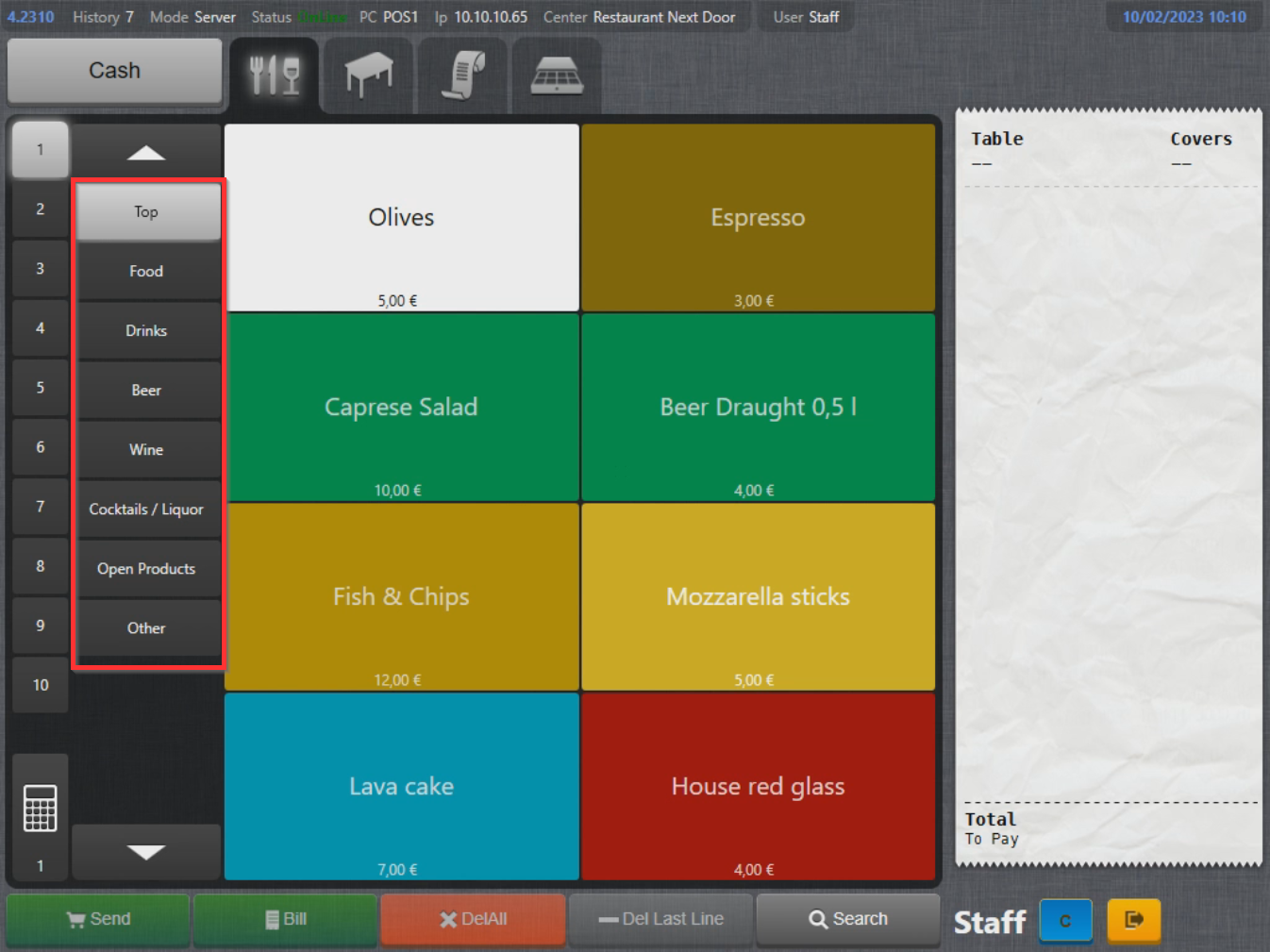
- Switch between different product pages using the tabs on the left side of the screen:
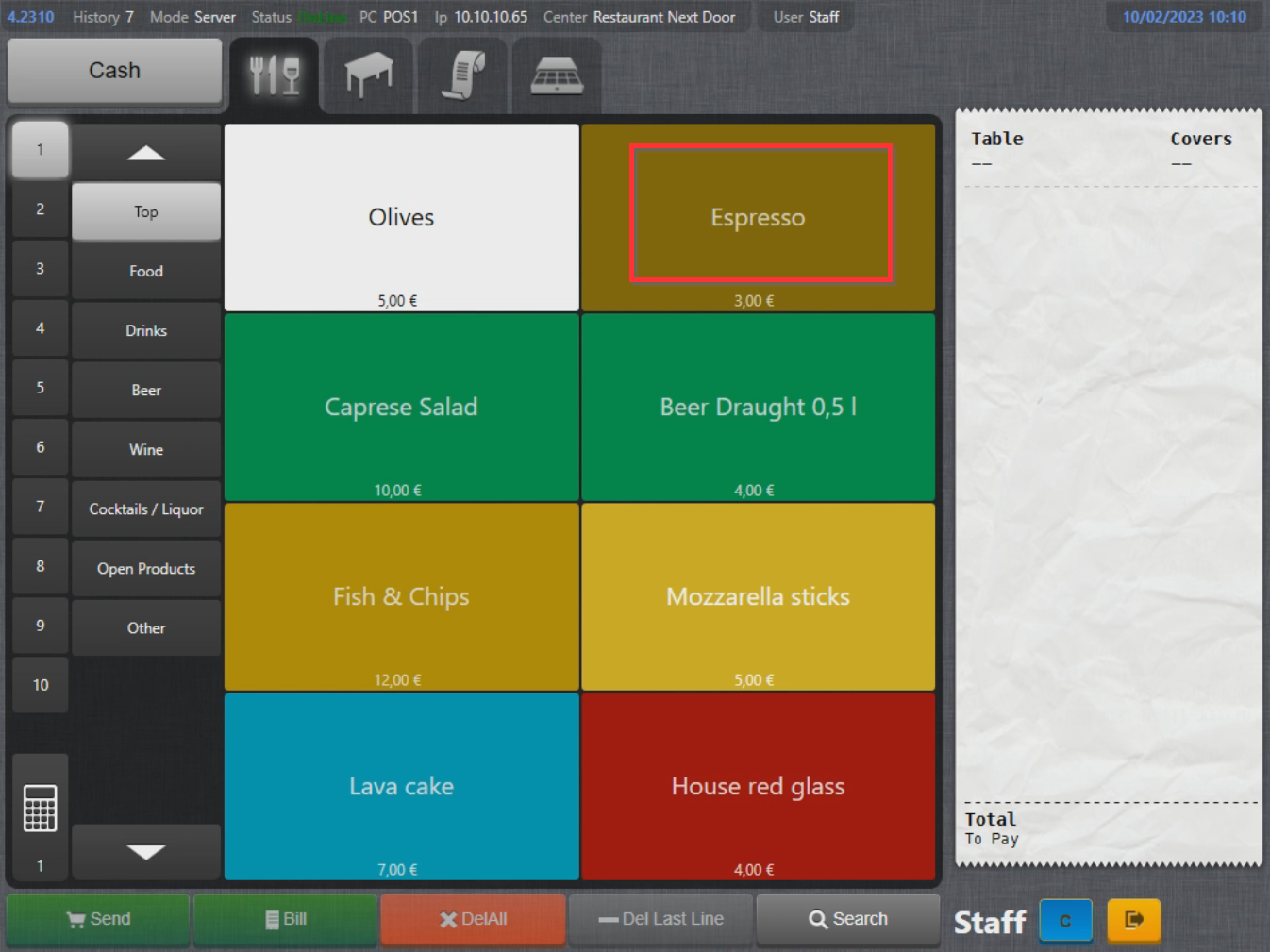
- Select a product icon to add it to the order:
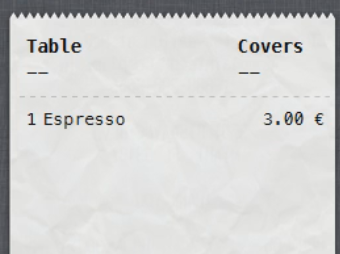
- Product has now been added to the order list:
Close the order
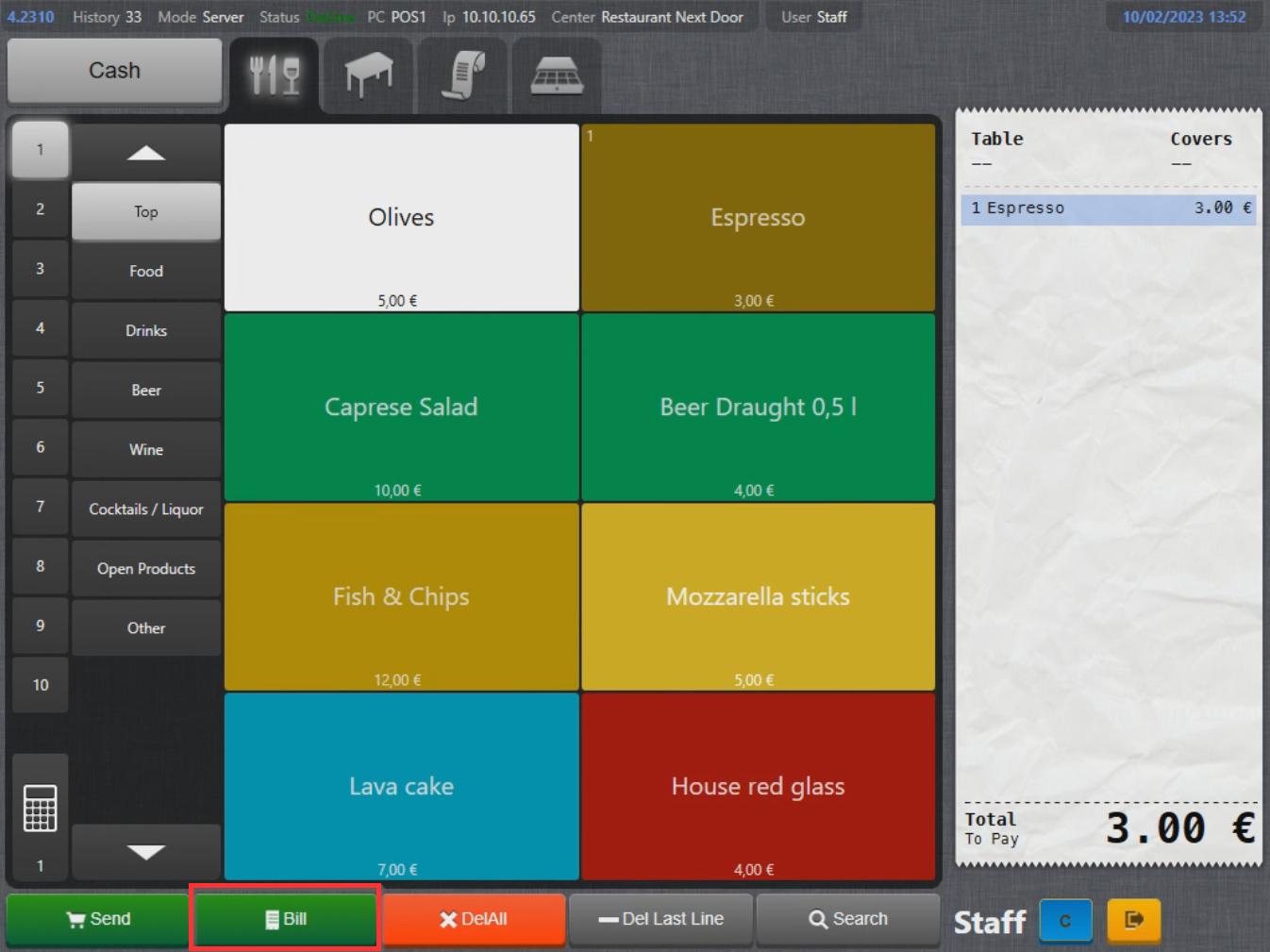
- To close the order select Bill on the bottom of the screen:
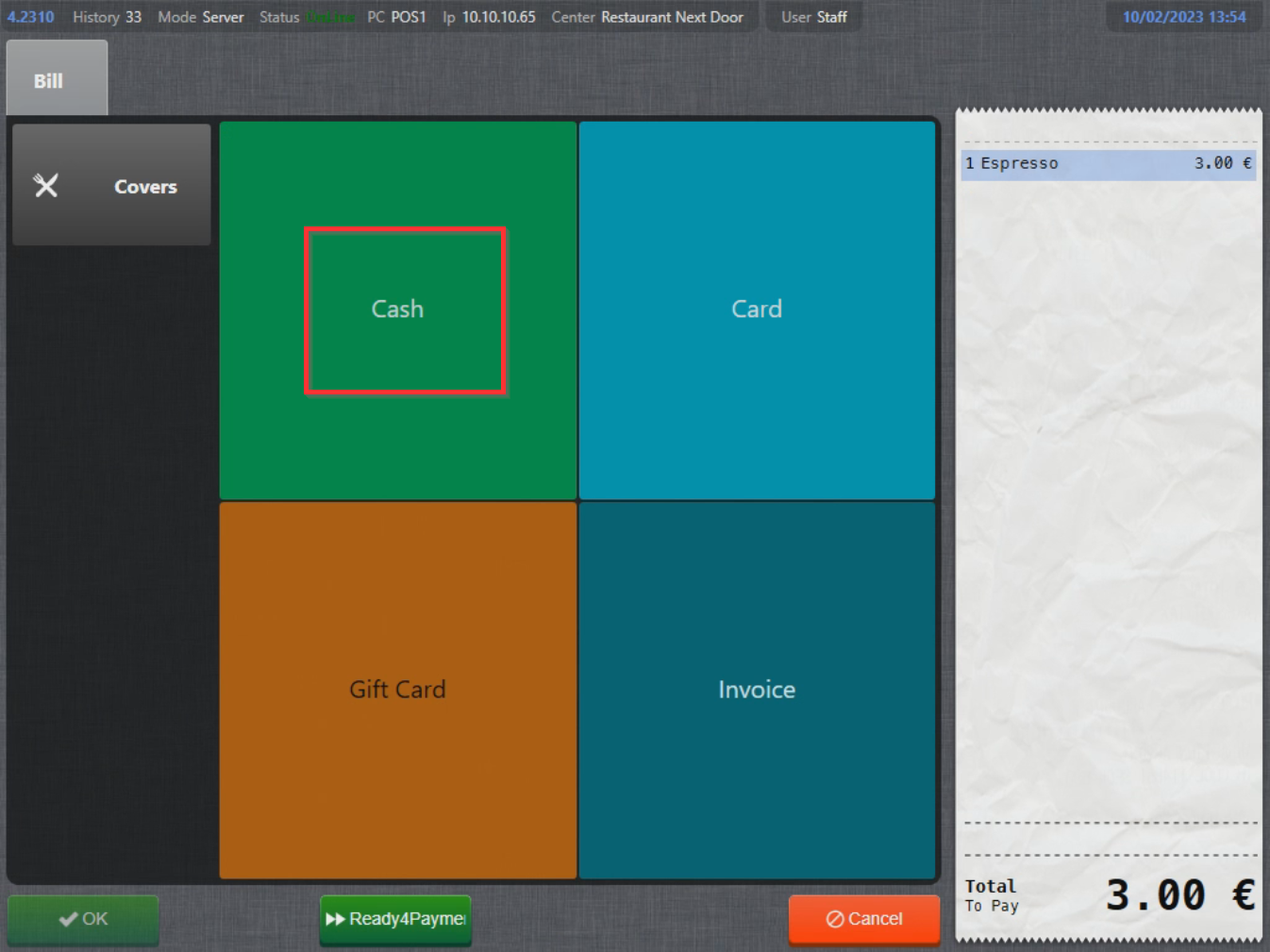
- Payment menu will be displayed, select a payment method to close the order with:
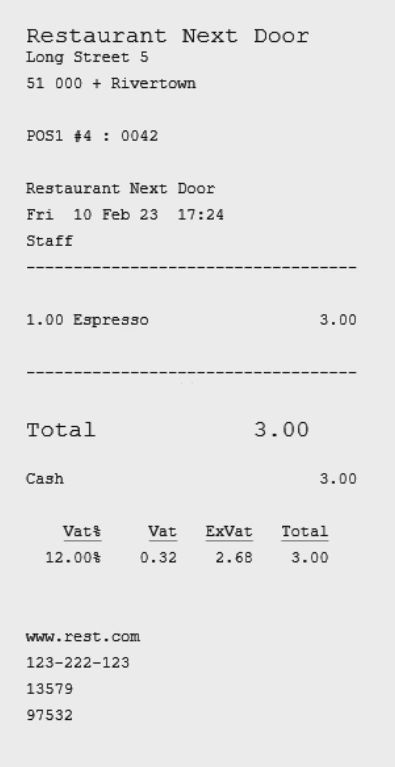
- A receipt will be printed and the order closed:
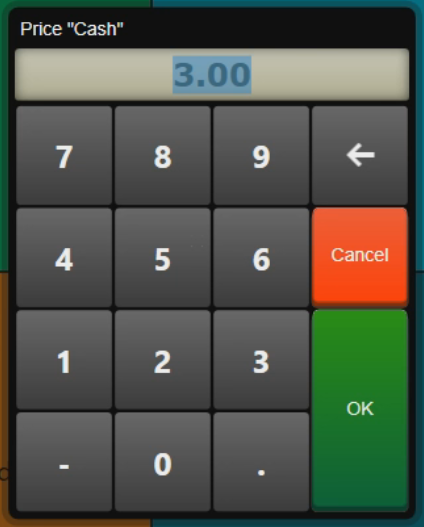
- In case payment method is set up to prompt for total amount, Amount window will display. Enter the total amount and select OK:
What's next?
To add multiple products to table, check out Adding multiple produts to order.
Was this article helpful?
That’s Great!
Thank you for your feedback
Sorry! We couldn't be helpful
Thank you for your feedback
Feedback sent
We appreciate your effort and will try to fix the article