This guide explains how to review orders and increase or decrease number of products.
Reviewing the order
- Add products to order (for info on how to add products to the order, check out Direct sales - working without a table).
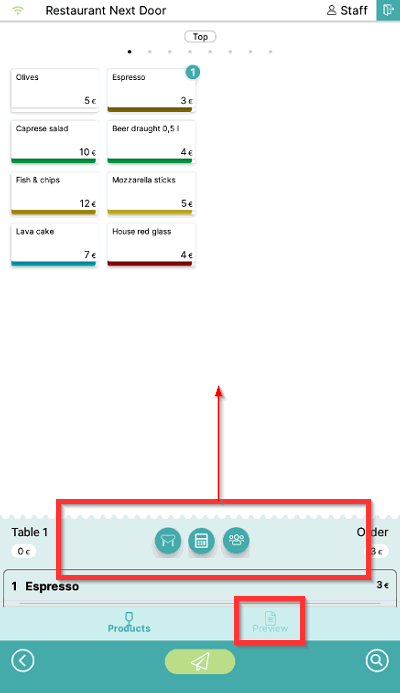
- To review the order, swipe up the order part of the screen or select the Preview symbol:
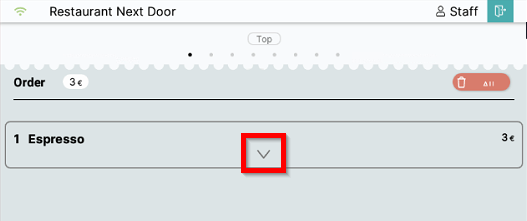
- To modify a product on the order, select the arrow down symbol to display the product menu:
Changing the number of products
Decreasing the number of products
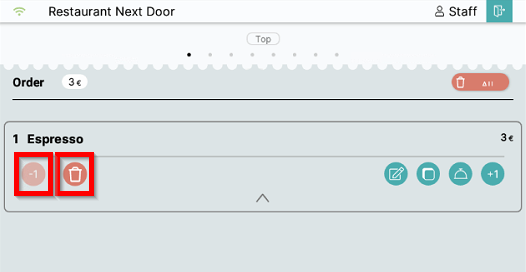
- To decrease the number of products by 1, select the -1 symbol on the left side of the product menu. To remove a product from the order completely select the Remove symbol:
Increasing the number of products
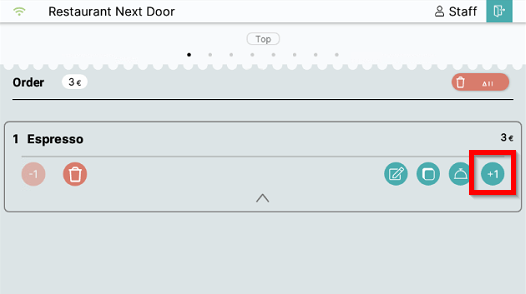
- To increase the number of products on the order, select the +1 symbol:
Removing all products from the order
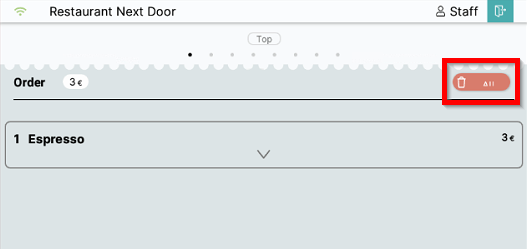
- Select Delete All in the upper right corner to remove all products from the order:
What's next?
To place an order on a table, check out Placing an order.
Was this article helpful?
That’s Great!
Thank you for your feedback
Sorry! We couldn't be helpful
Thank you for your feedback
Feedback sent
We appreciate your effort and will try to fix the article